# Creating servers (/dashboard/servers)
A **server** is the central object in Manufact Cloud: it bundles your deployments, environments, URL, analytics, and publish workflow. Create one from **Servers → New Server**. There are four ways to get a server onto the platform.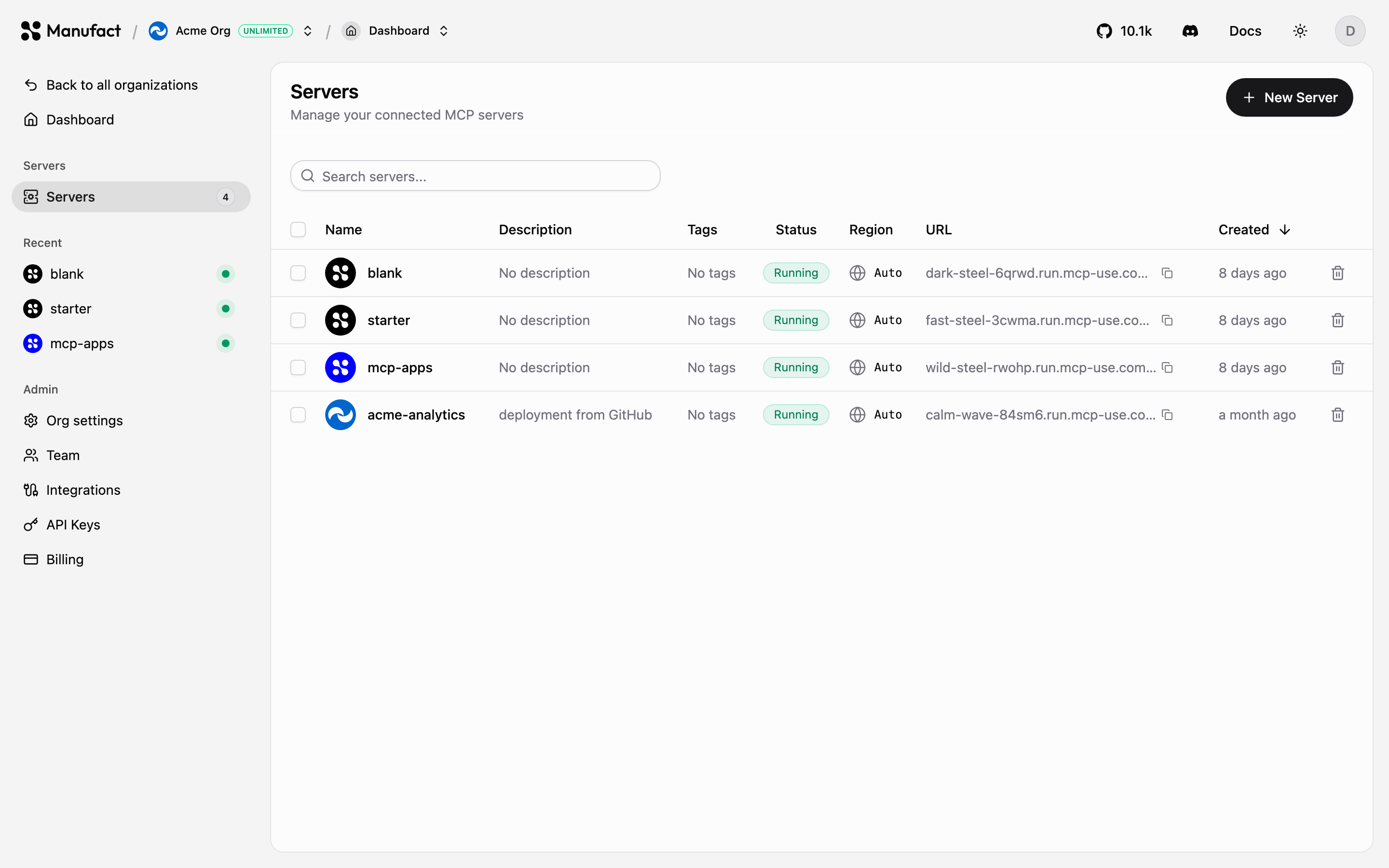## Import from GitHub [#import-from-github]The most common path. Pick a repository through the Manufact GitHub App and configure the deployment, branch, region, environment variables, and optional advanced settings (root directory, watch paths, Dockerfile, framework preset).Manufact detects common MCP frameworks automatically, mcp-use (TypeScript and Python), FastMCP, tmcp, xmcp, Skybridge, and more. If your project doesn't match a preset, point the build at a Dockerfile instead.After the first deploy, every push to the production branch deploys automatically. See [Deployments](/dashboard/deployments).
Deploying from a GitHub organization repository (rather than a personal
account) requires the Hobby plan or higher. See [Billing &
plans](/dashboard/billing).
## Start from a template [#start-from-a-template]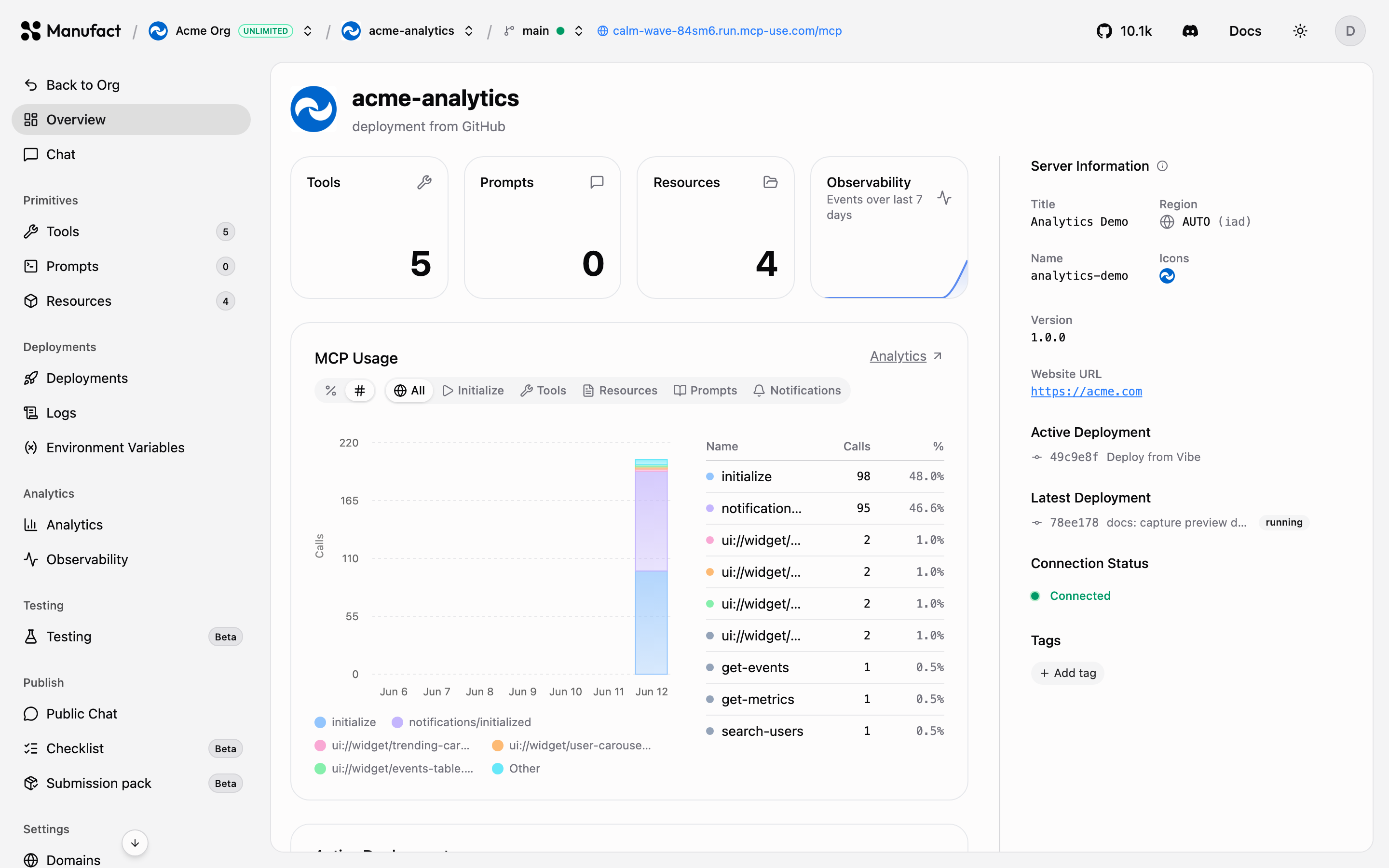The **Templates** library offers ready-made MCP server scaffolds — starter and MCP Apps scaffolds, OAuth provider templates, example apps, and reference servers for other MCP frameworks (FastMCP, tmcp, xmcp, Skybridge, and the official TypeScript and Python SDKs). Browse them all in the [templates gallery](https://manufact.com/templates).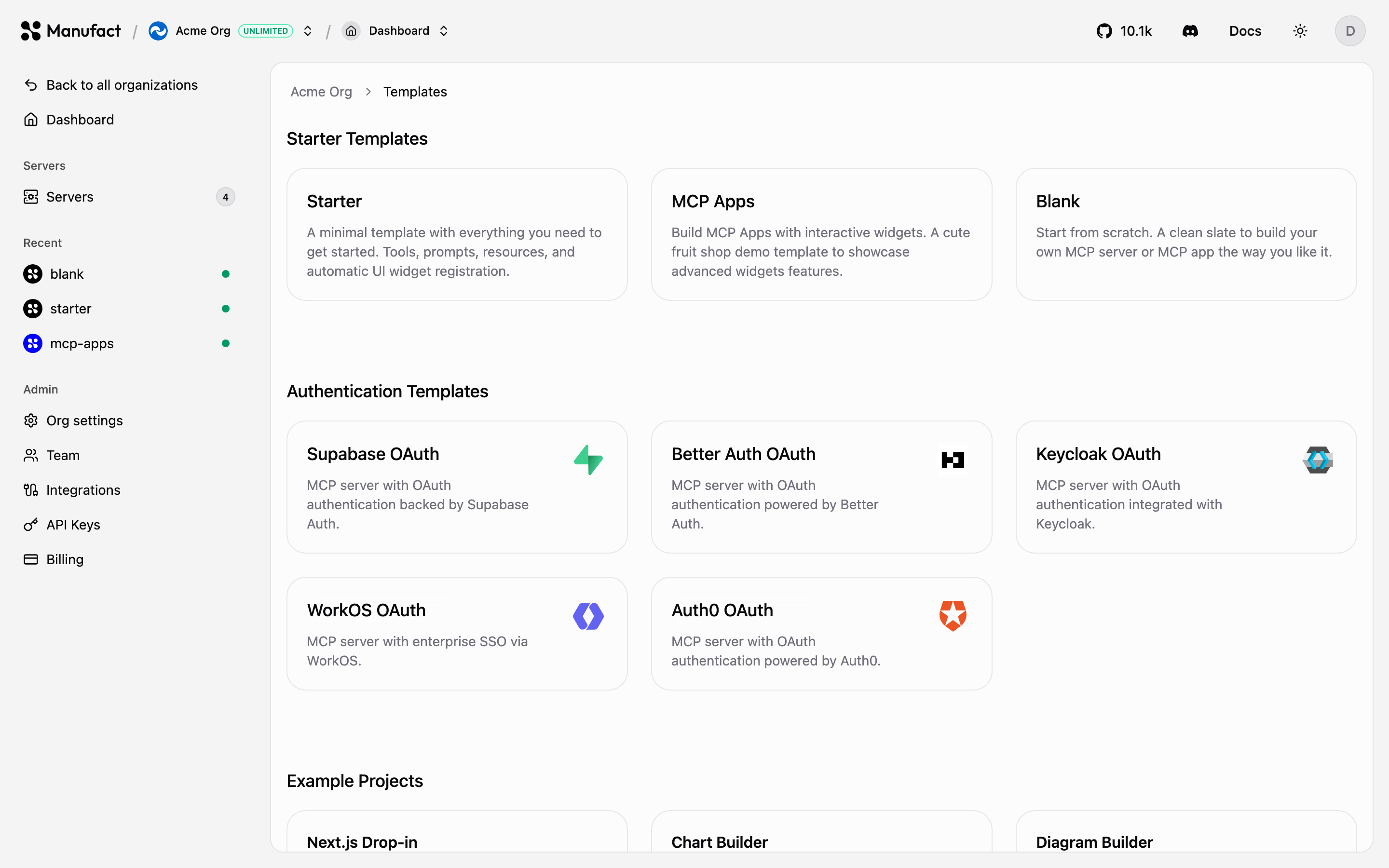Selecting a template creates a new repository from the template in your connected GitHub account or organization and deploys it, so you get a working server you can iterate on immediately.## Build with an agent [#build-with-an-agent]Paste the onboarding prompt into Cursor, Claude Code, Codex, or another coding agent. It walks the agent through scaffolding, deploying via the CLI, and returning your MCP URL and dashboard link.Install the skill directly: ## Connect an existing server [#connect-an-existing-server]Already hosting an MCP server elsewhere? On **New Server**, scroll to **Connect an existing server** and paste your MCP URL. No deploy required: Manufact connects directly for Chat, testing, and the publish workflow. Enable the optional Manufact proxy later if you want a gateway URL, analytics, Public Chat, and domains.See [Connect an existing server](/dashboard/connect-existing-server) for the step-by-step flow, OAuth, and which features are available on external servers.## Server pages [#server-pages]Every server has the following sections in its sidebar:| Section | What it does |
| ------------------------------- | ---------------------------------------------------------------------------------- |
| **Overview** | Connection status, capability counts, active deployment, recent tool-call activity |
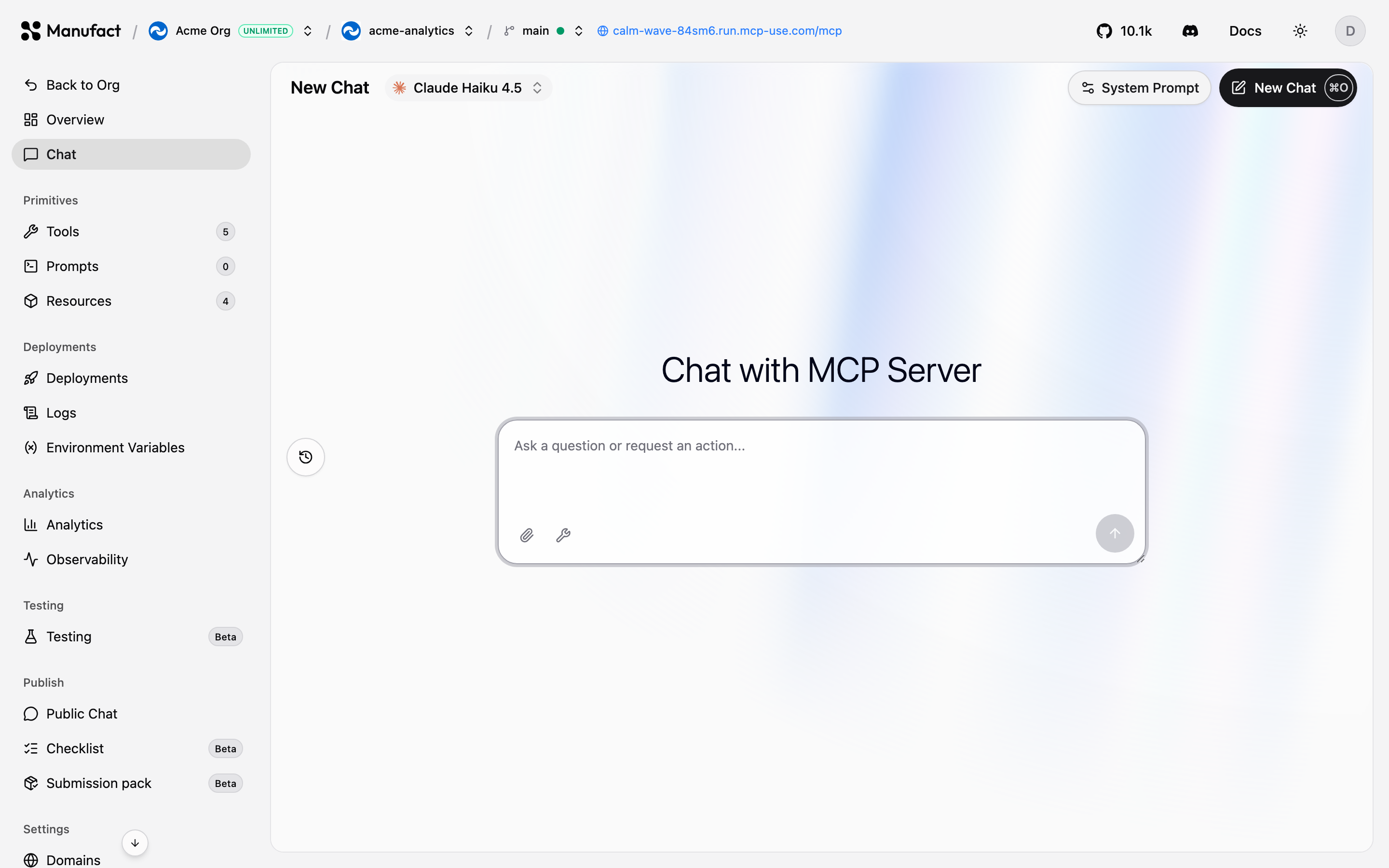
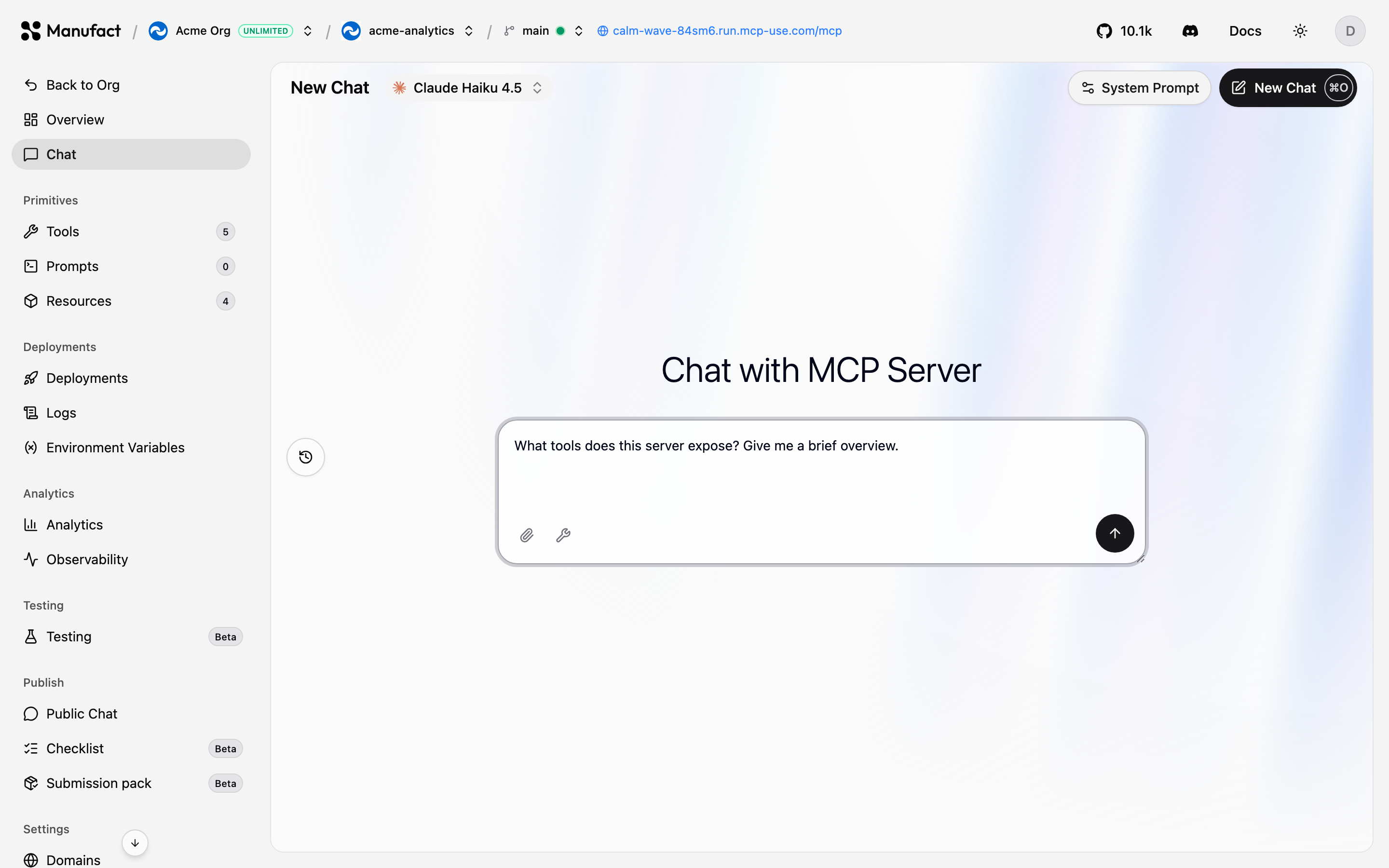
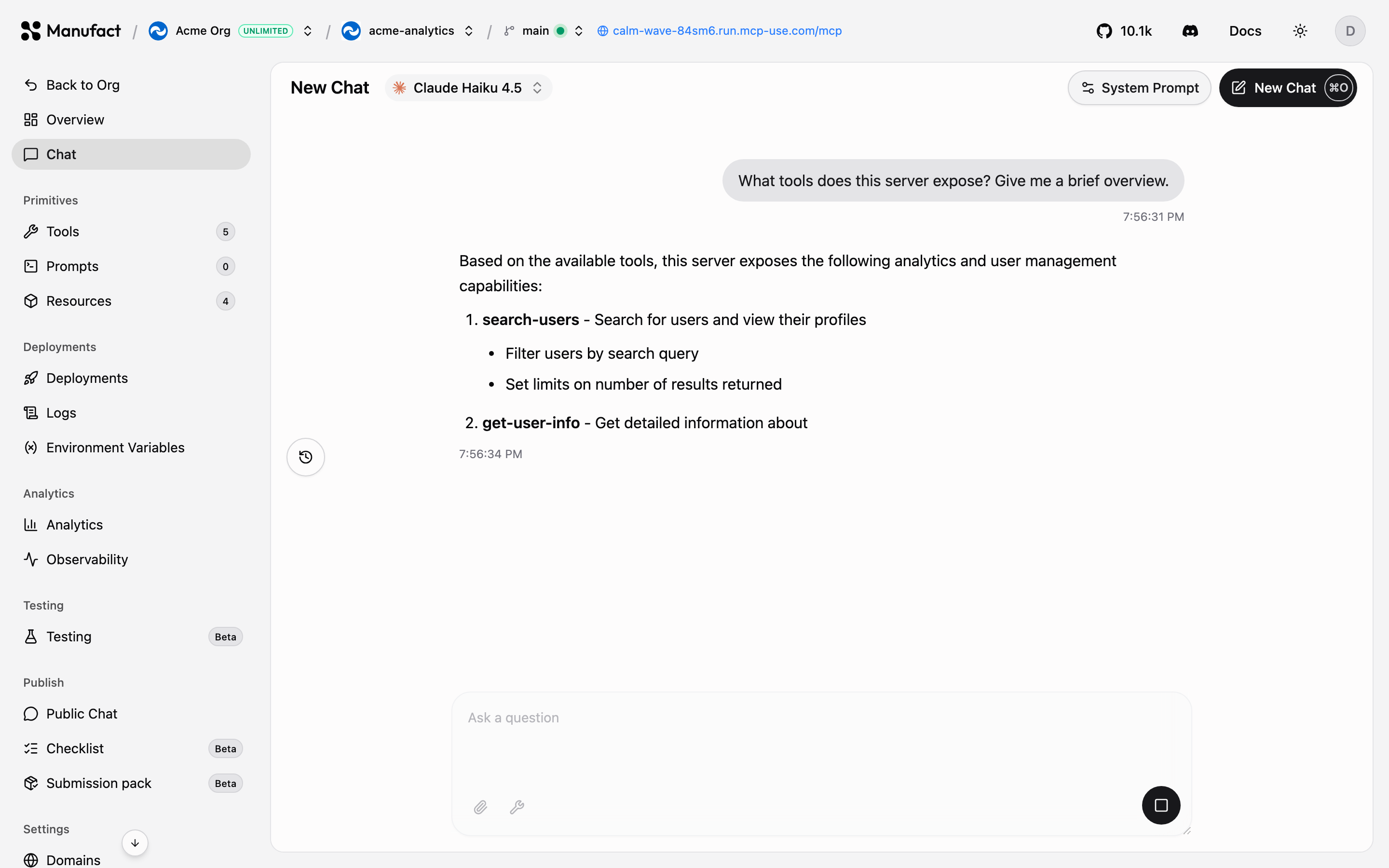
| **Chat** | Talk to your server with an agent, directly in the dashboard |
| **Tools / Prompts / Resources** | Inspect the MCP primitives your server exposes |
| **Deployments** | History, manual triggers, build logs, redeploy |
| **Runtime logs** | Runtime logs from the active deployment |
| **Gateway Requests** | Live gateway event stream and optional payload capture |
| **Environment Variables** | Per-environment configuration |
| **Analytics** | Usage & traffic, health tables, goals, and output tokens |
| **Sessions** | Browse, filter, and replay MCP interactions |
| **Issues** | Grouped errors and AI-detected failures |
| **Testing** | Automated test suites (Beta) |
| **Public Chat** | Hosted, shareable chat for visitors — see [Public Chat](/dashboard/public-chat) |
| **Checklist / Submission pack** | App-directory publish workflow |
| **Domains** | Slug and custom domains |
| **Settings** | Repository, region, build, analytics capture, and danger zone |## Chat [#chat]Use the **Chat** tab to send prompts and verify tool calls against your server without leaving the dashboard.