

Welcome to Manufact Cloud
Deploy, monitor, and distribute MCP servers and apps on Manufact Cloud.
Manufact Cloud is an all-in-one platform for MCP servers: deploy from GitHub in minutes, watch every tool call with MCP-native analytics, and ship your server to any AI client, Cursor, Claude, ChatGPT, and more.
Manufact Developer Resources
For API docs, OpenAPI, authentication, webhooks, MCP server access, CLI docs, SDK docs, and brand assets, start at the official Manufact developer resources page or its markdown version. Agents can also fetch the shared agent deploy prompt directly.
Manufact API docs
REST API reference for programmatic access to Manufact Cloud.
Manufact OpenAPI spec
Machine-readable OpenAPI schema for the Manufact Cloud API.
Manufact auth docs
API keys, bearer tokens, CLI login, and MCP OAuth access patterns.
Manufact webhooks
GitHub App setup, push webhooks, automatic deploys, and CI-gated deployments.
For Agents
Build an MCP server, ChatGPT App, or Claude Connector
Paste this prompt into Cursor, Claude Code, Codex, or another coding agent — or fetch the same instructions from manufact.com/prompt.md.
Install the skill directly:
Manage a server deployed on Manufact
Connect the official Manufact MCP server (https://mcp.manufact.com/mcp) to deploy, debug, and monitor servers from your agent. Cursor and VS Code open in one click; other clients copy a ready-made command.





See the MCP server reference for all 20 tools.
For Humans
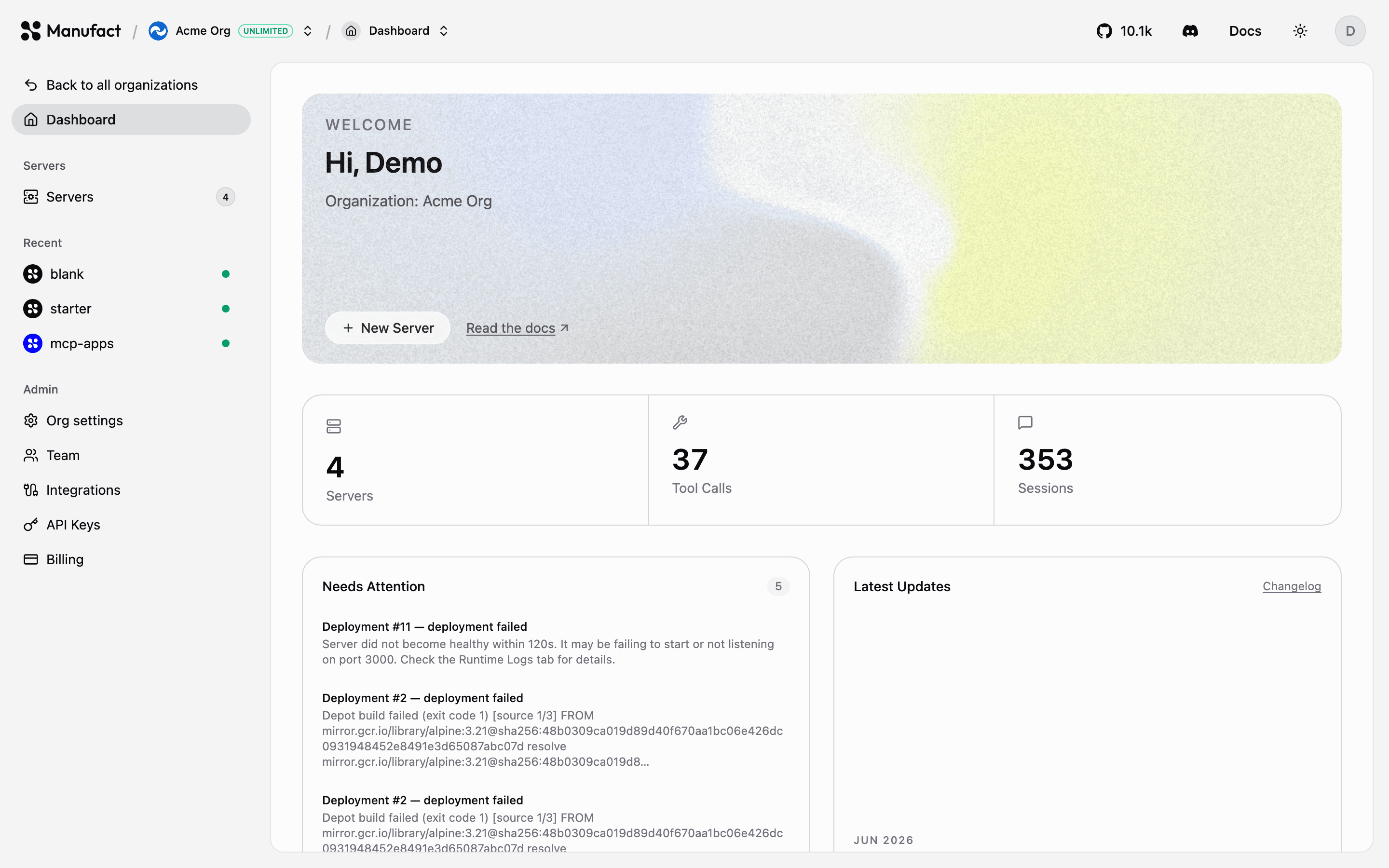
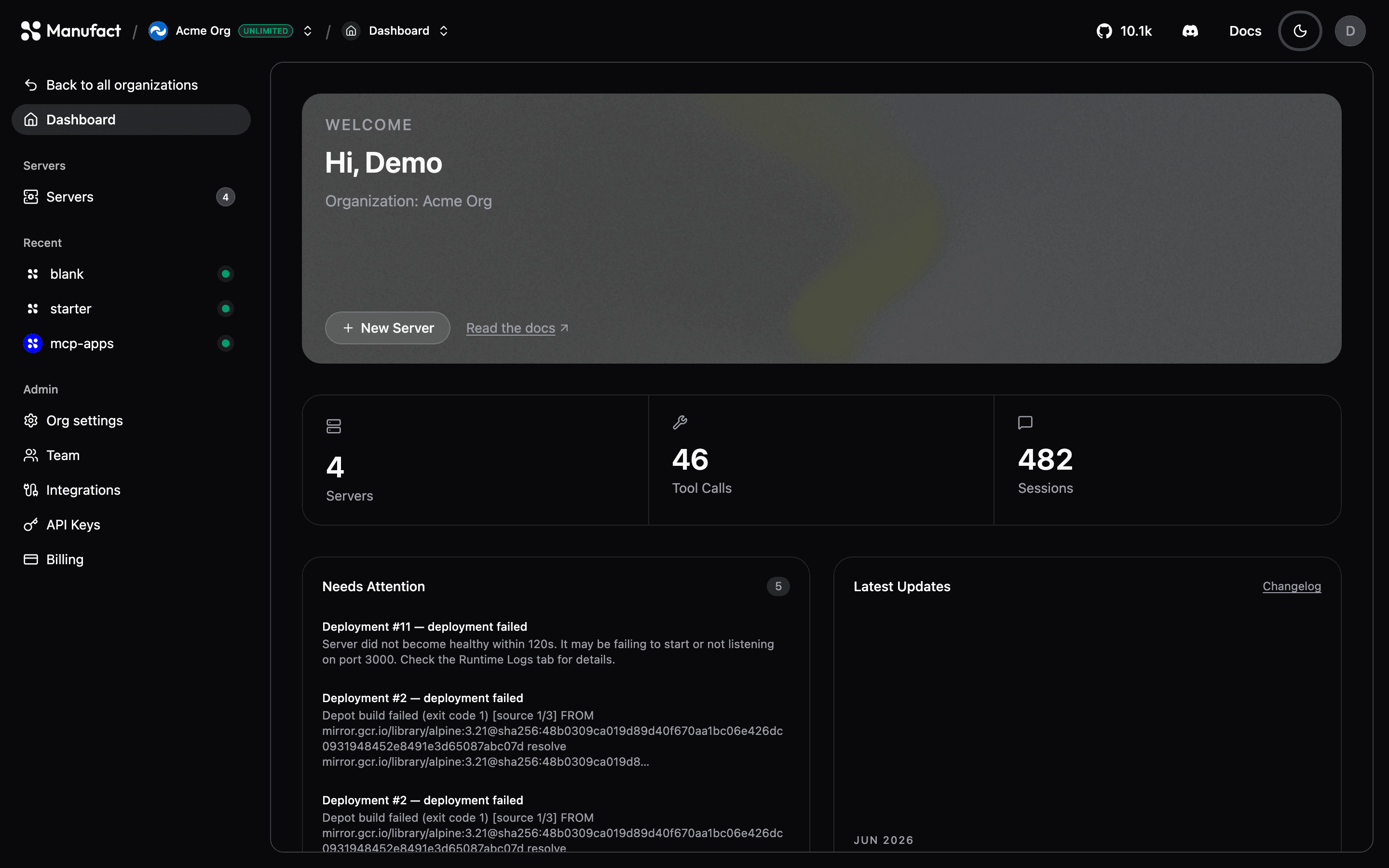
Getting started
Get your MCP server up and running in minutes.
Press ⌘K (macOS) or Ctrl+K (Windows/Linux), or click the search icon in the header, to open the dashboard palette. Search jumps to organization pages and settings, your servers, and matching topics from docs.manufact.com and docs.mcp-use.com.
Onboarding
First-run wizard — create your org and pick Deploy, Connect, or Create.
Quickstart
Deploy your first MCP server from GitHub, step by step.
Connect an existing server
Paste your MCP URL for evals, publish checks, and Chat without hosting.
Create a server
Import from GitHub, start from a template, build with an agent, or connect by URL.
Build & Deploy
Deployments
Production and preview environments, automatic deploys on push, and manual triggers.
Environment variables
Configure per-environment secrets and settings for your server.
Domains
Use a free slug-based URL or bring your own custom domain.
Server settings
Regions, build commands, deploy triggers, scaling, and access control.
Monitoring
Usage & traffic
KPI counters, issues, tool and client health, goals, output tokens, and geography.
Sessions
Browse, filter, and replay MCP interactions.
Gateway Requests
Live gateway events, column filters, and optional payload capture.
Runtime logs
Stream logs from your active deployment.
Distribution
Connect clients
One-click setup for Cursor, VS Code, Claude, Gemini CLI, Codex CLI, and SDKs.
Public Chat
Give your server a hosted, shareable chat interface.
Publish
Publish checks
Automated protocol compliance checklist before you distribute.
Submission pack
Generate app-directory listing copy and reviewer test cases.