

Publish checks
Validate protocol compliance before distributing your MCP server.
Before you distribute a server, to your users, the MCP registry, or an app directory, the Checklist tab in the Publish section helps you verify it's ready. It works for Manufact-hosted and external (URL-connected) servers.
Checklist
The Checklist tab runs an automated audit of your server for protocol compliance and platform readiness: initialization behavior, tool schemas, error handling, metadata quality, and more. The basic checklist is available on every plan and starts at $0.10 per run, with graduated volume discounts.
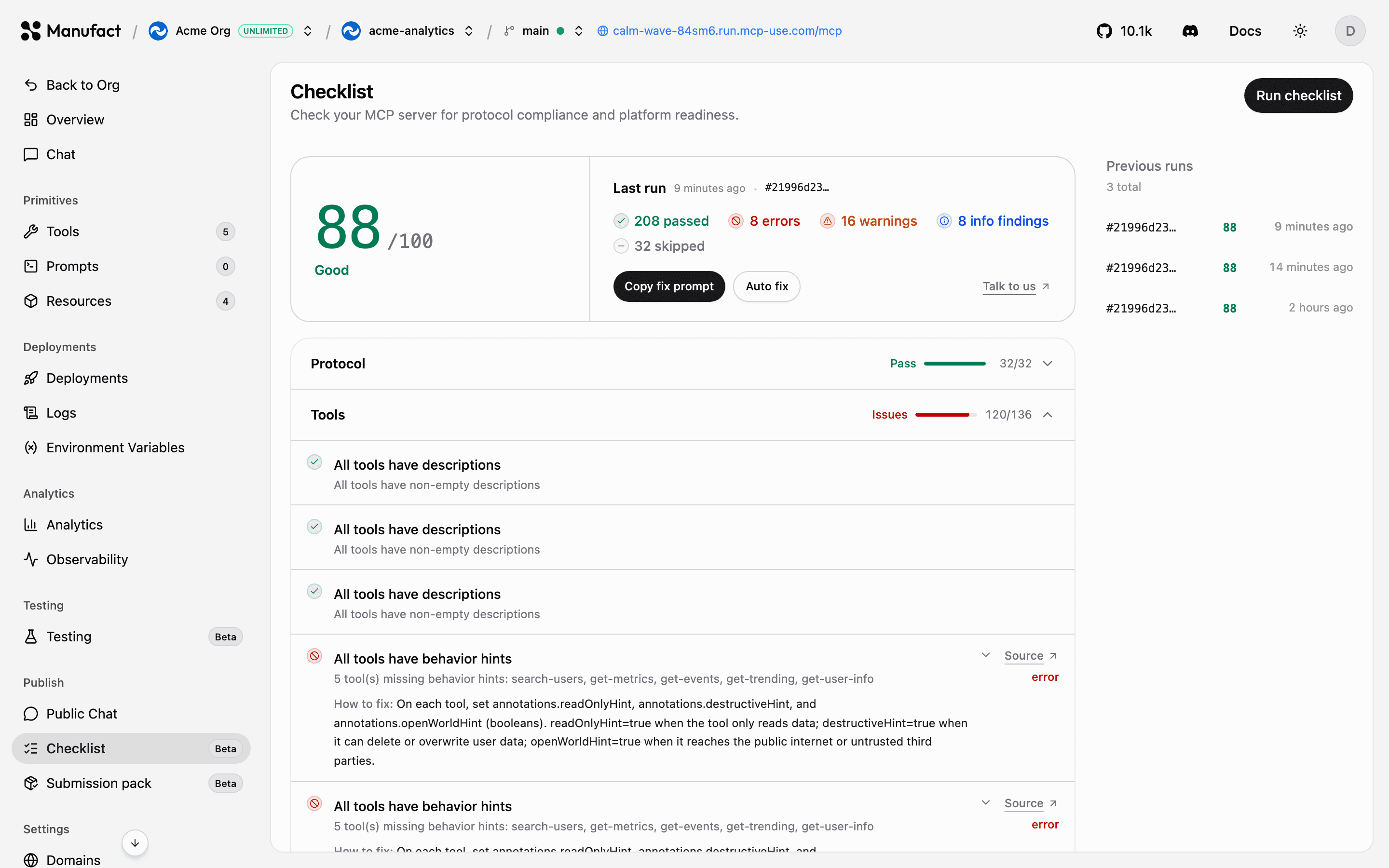
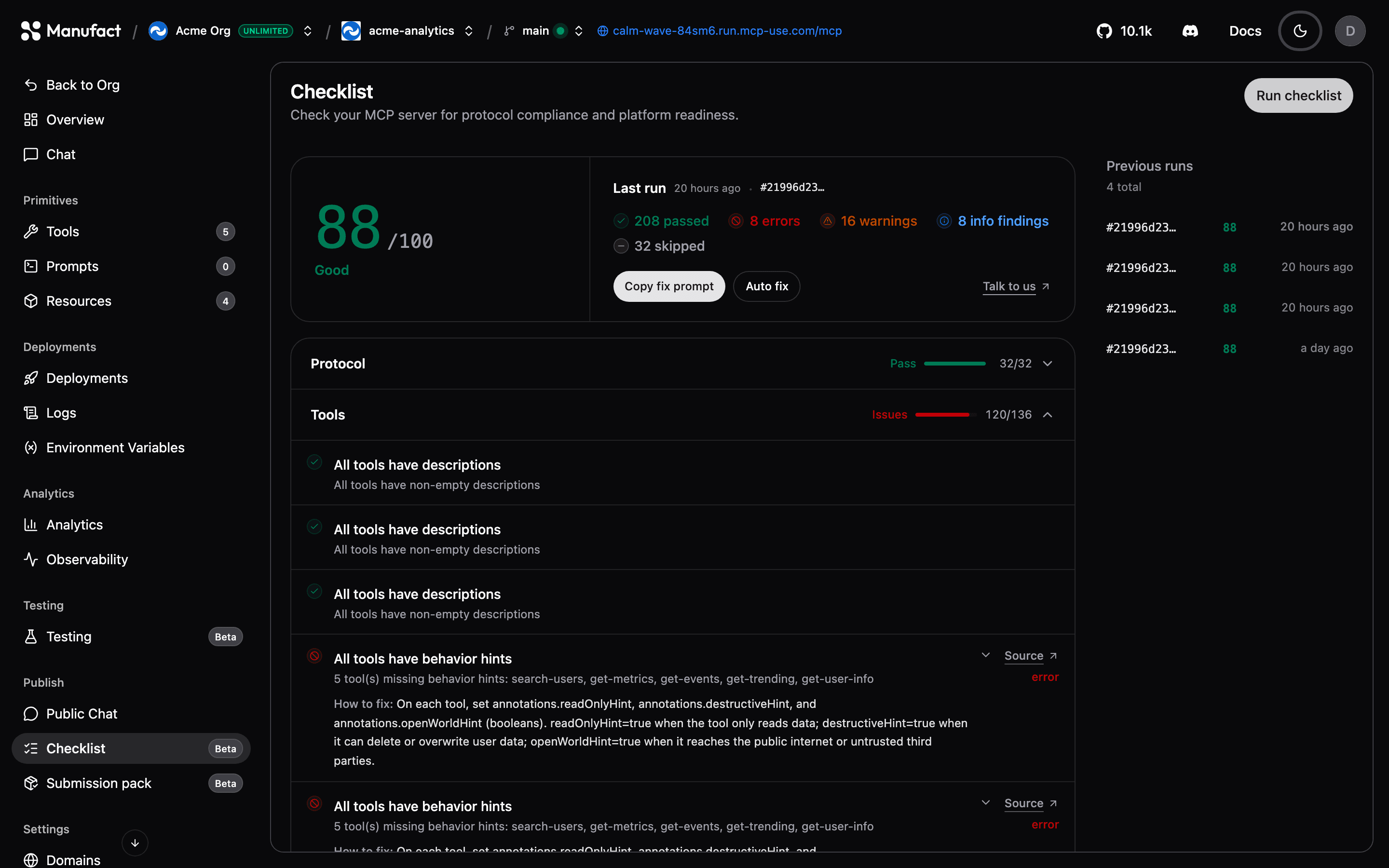
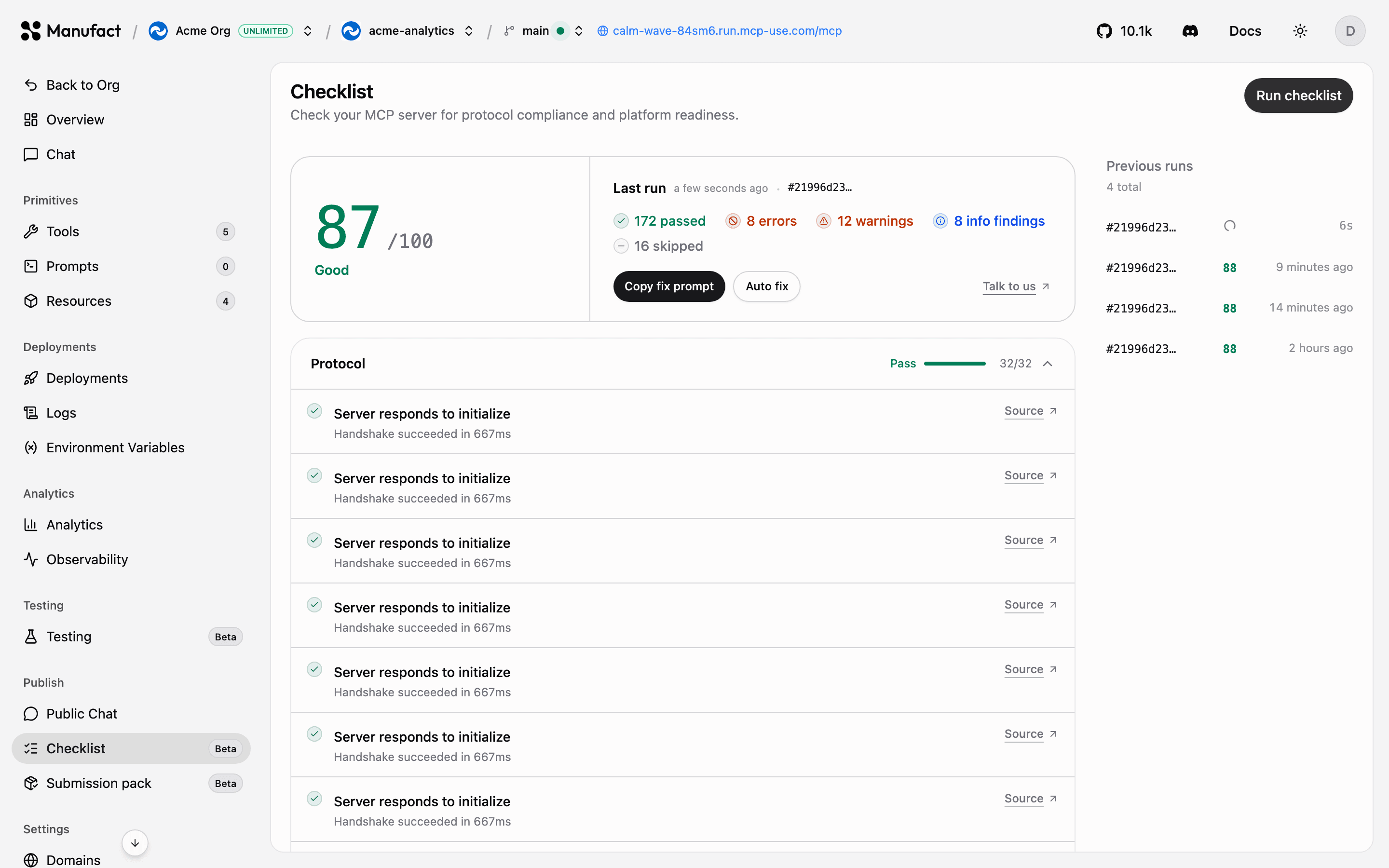
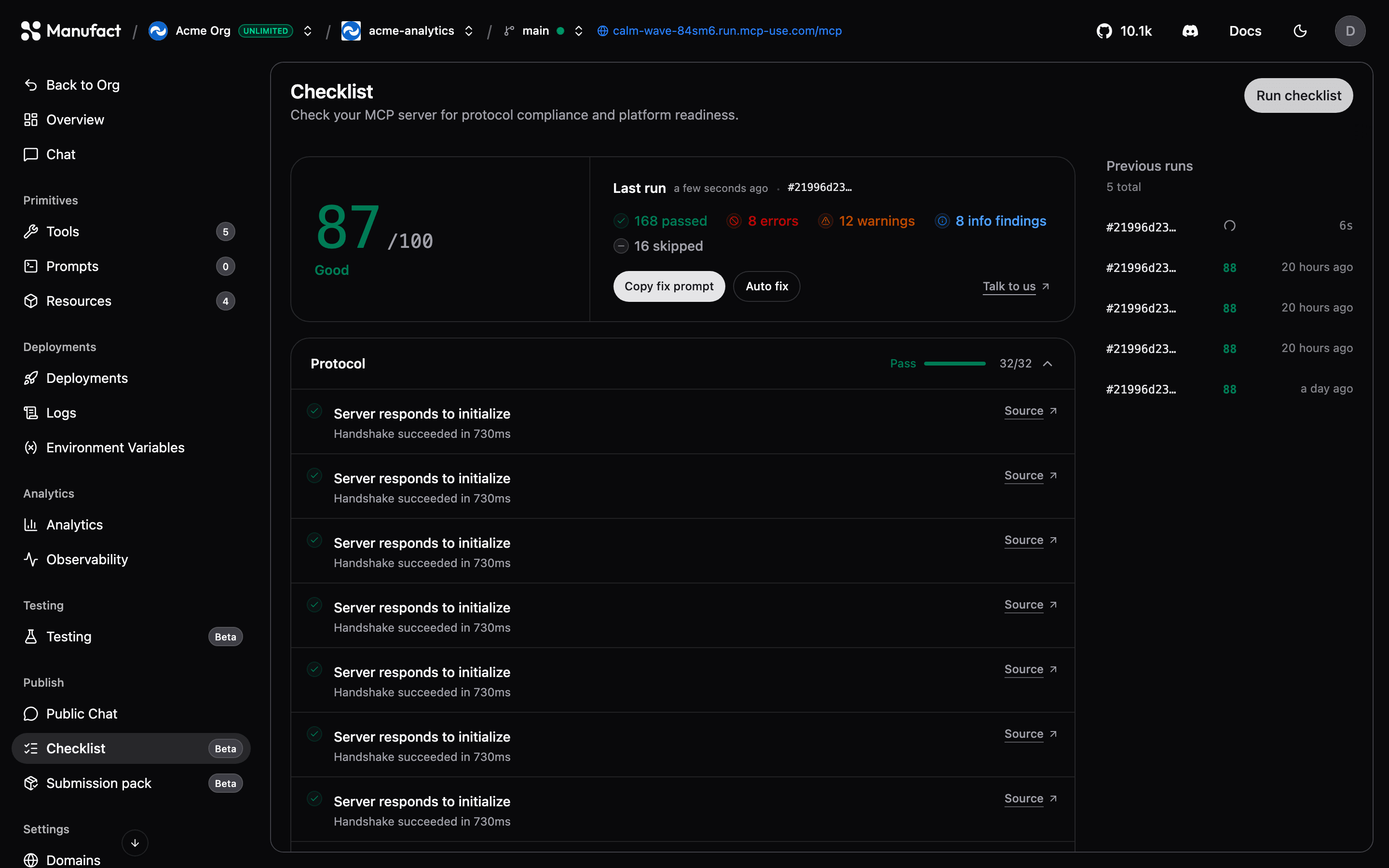
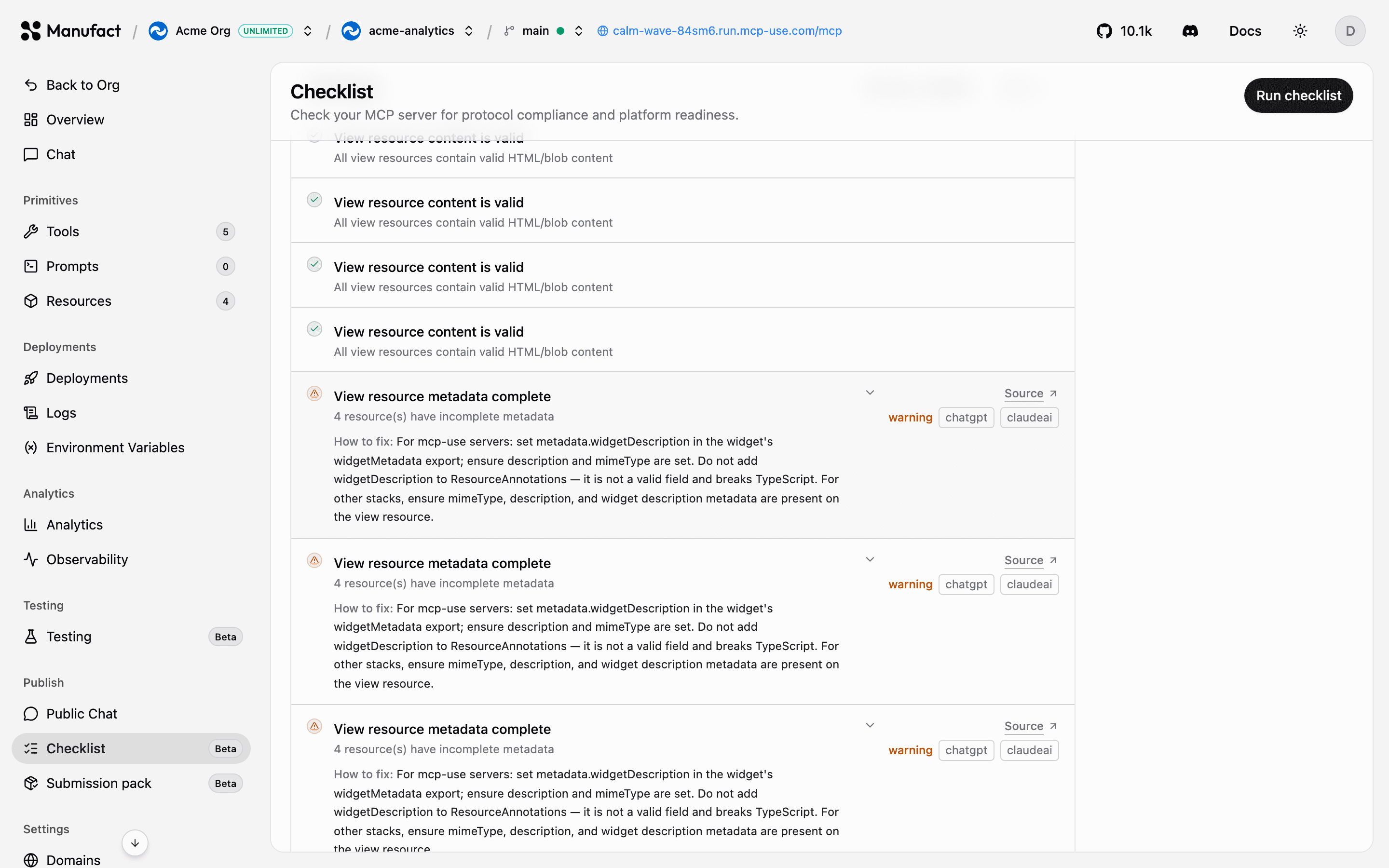
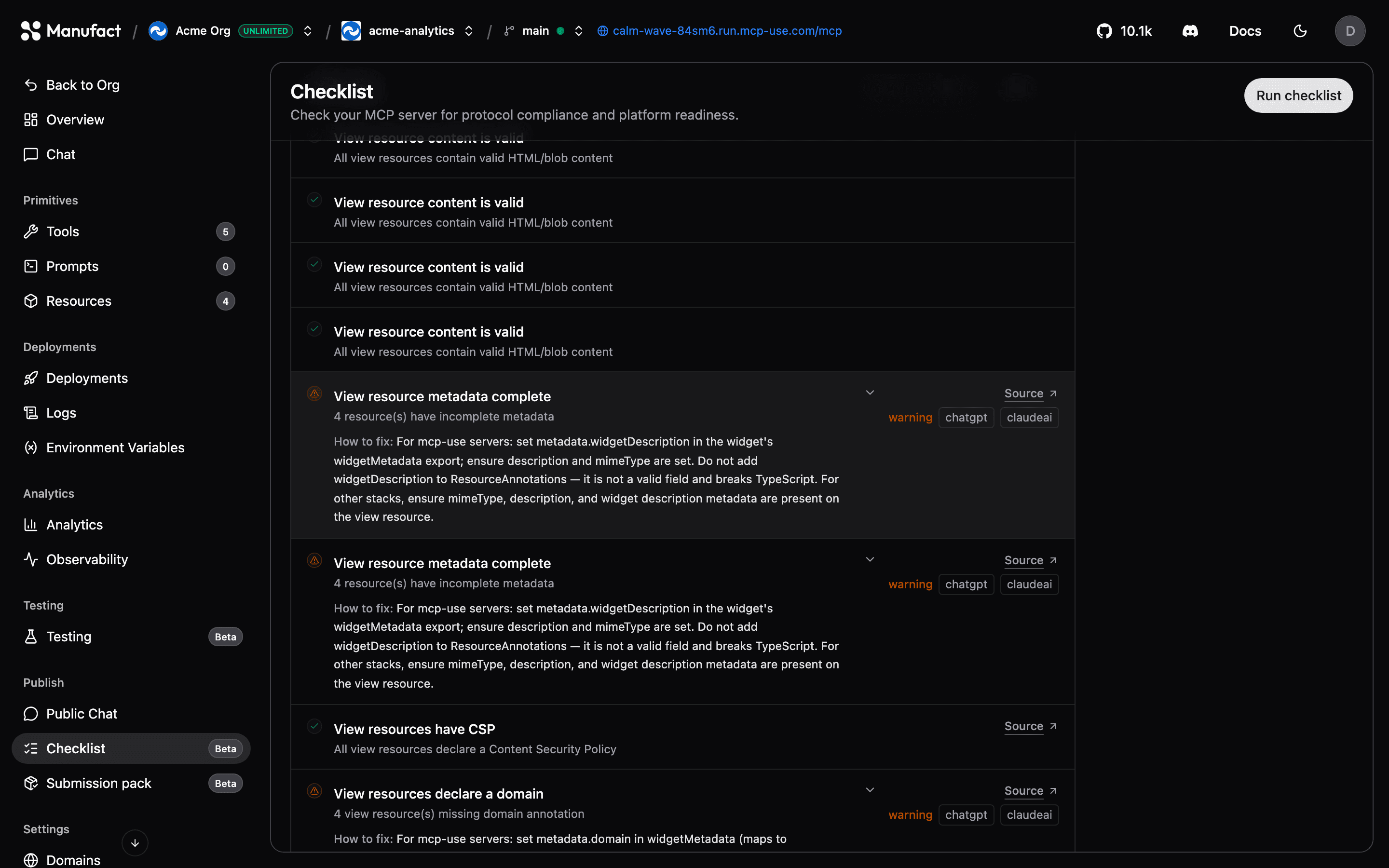
- Open your server, go to Publish → Checklist, and click Run checklist.
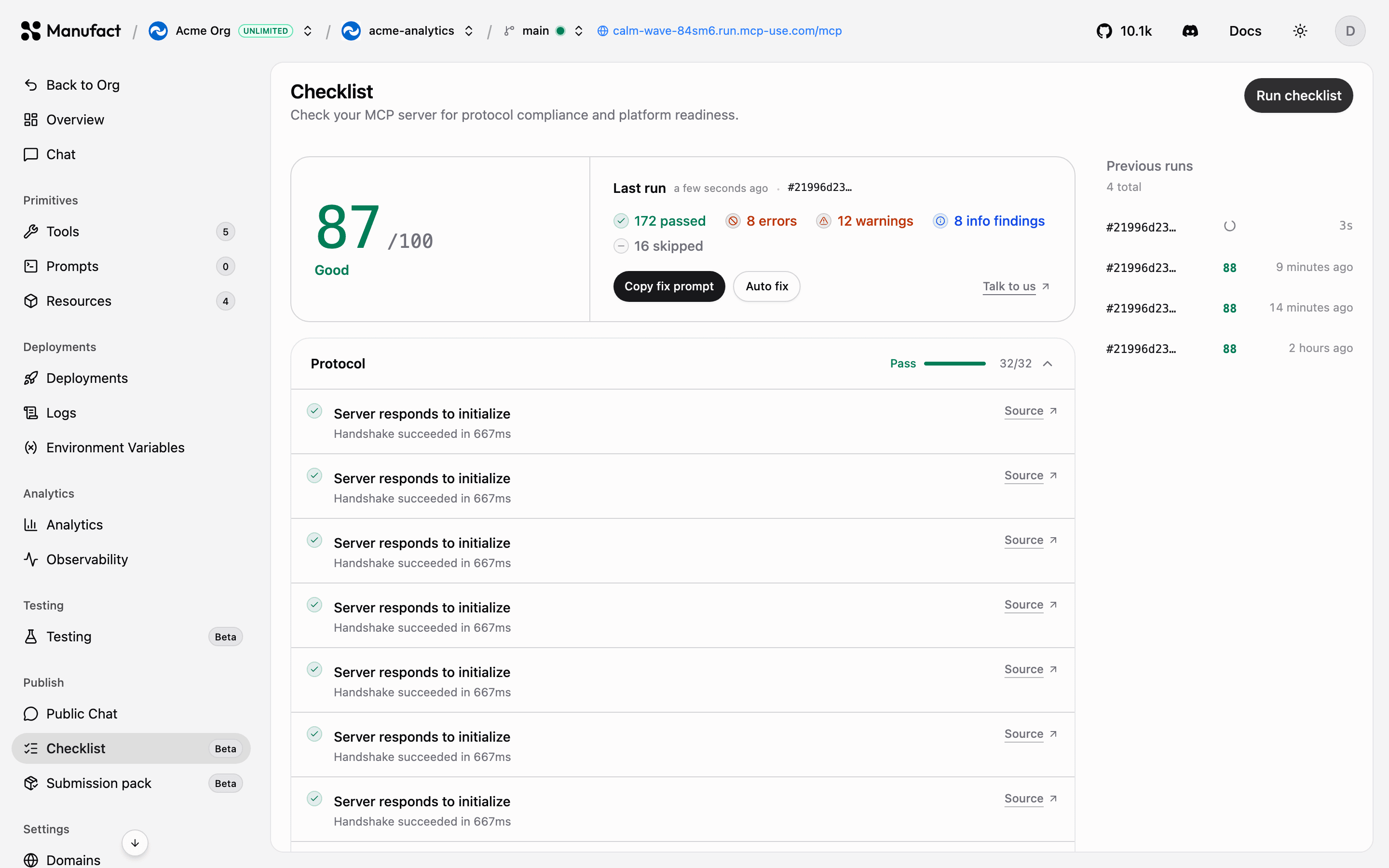
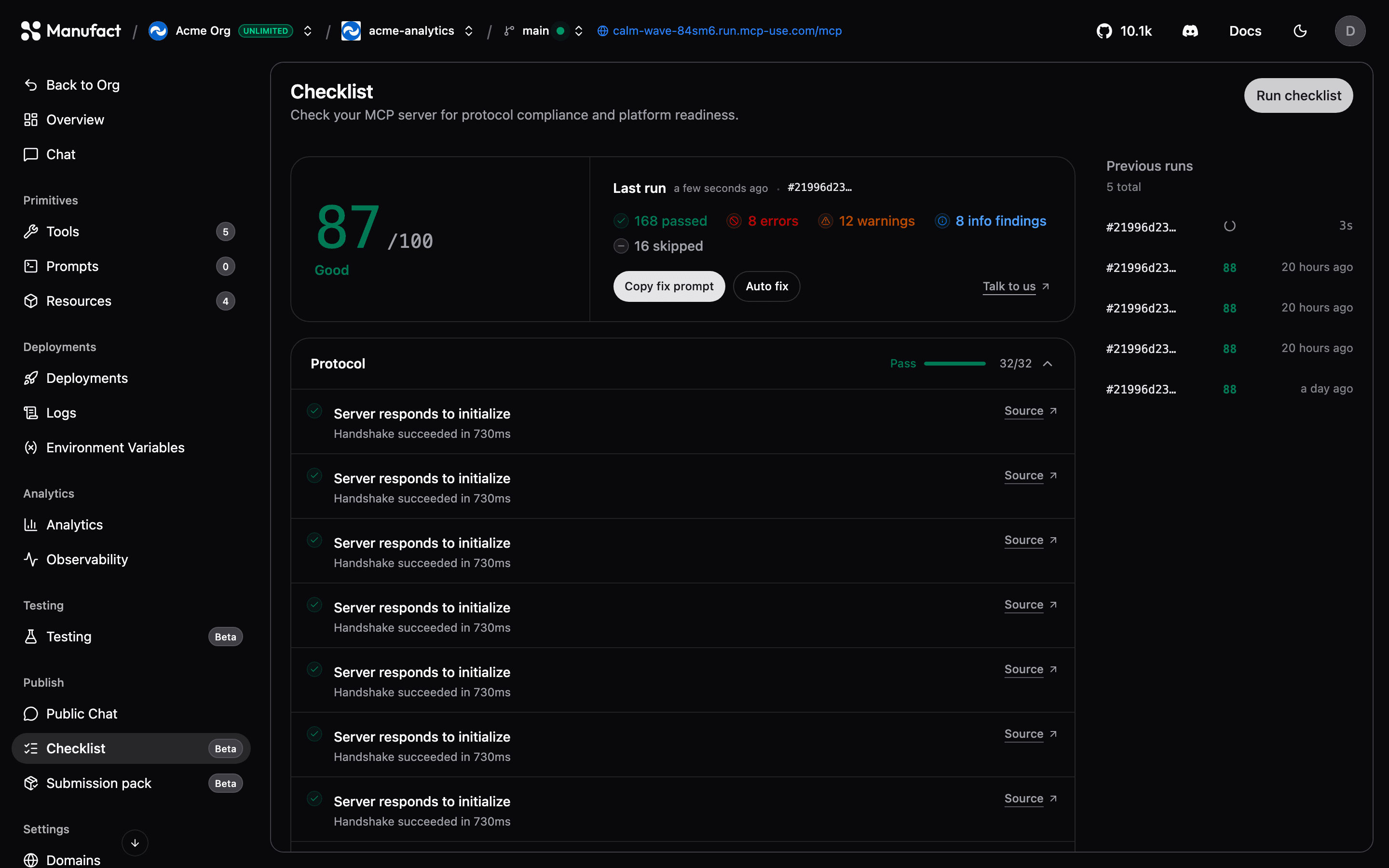
- Each check reports as passed, a warning, an error, or skipped, with an explanation. The summary card shows your score and counts by status.
While a run is in progress, use Stop to cancel it. Partial results streamed so far are kept.
End-to-end checks (ChatGPT & Claude)
On all current plans, including Free, Premium publishing checks can exercise your server live in ChatGPT and Claude and run policy review. End-to-end checks verify tool calls and widget rendering in real clients. A qualifying run adds one $2 premium extension charge to its basic checklist charge, whether policy review, E2E, or both ran.
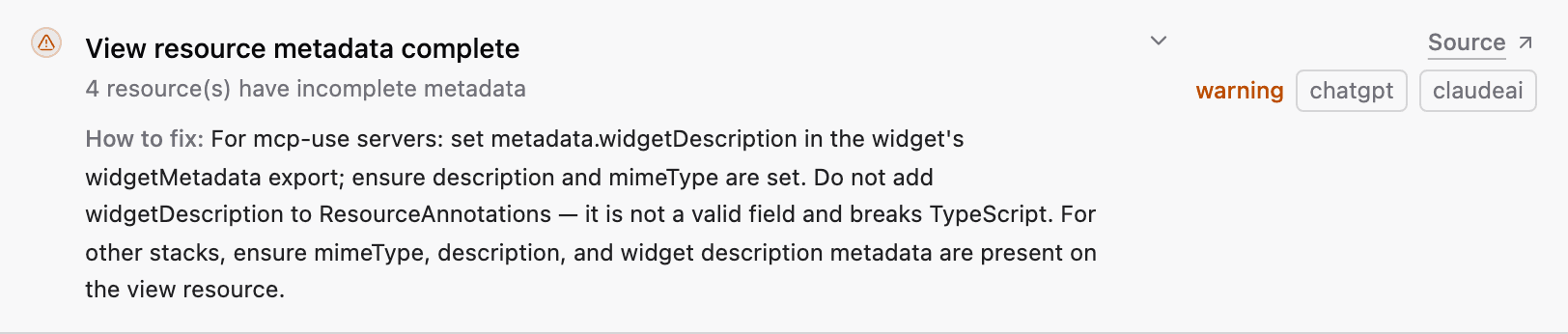
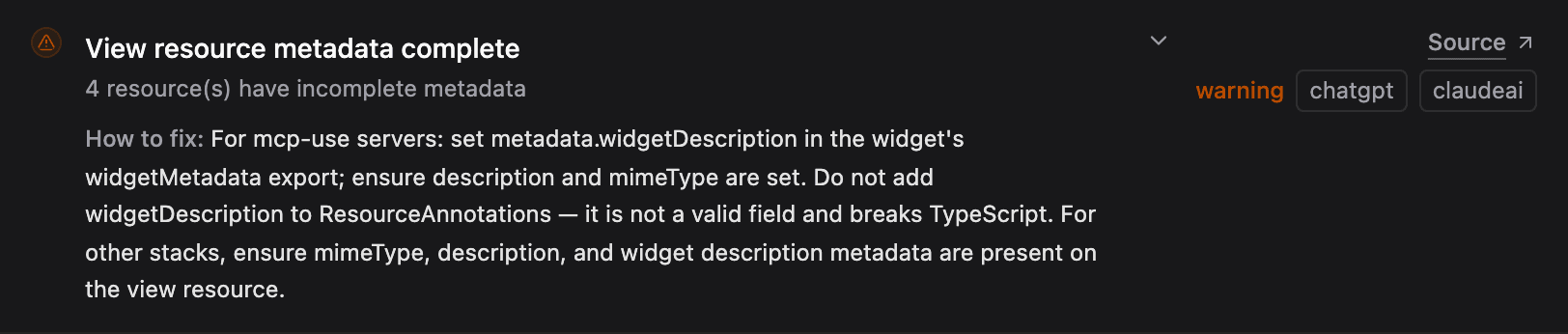
- Expand a category with issues to read How to fix guidance for each failed check.
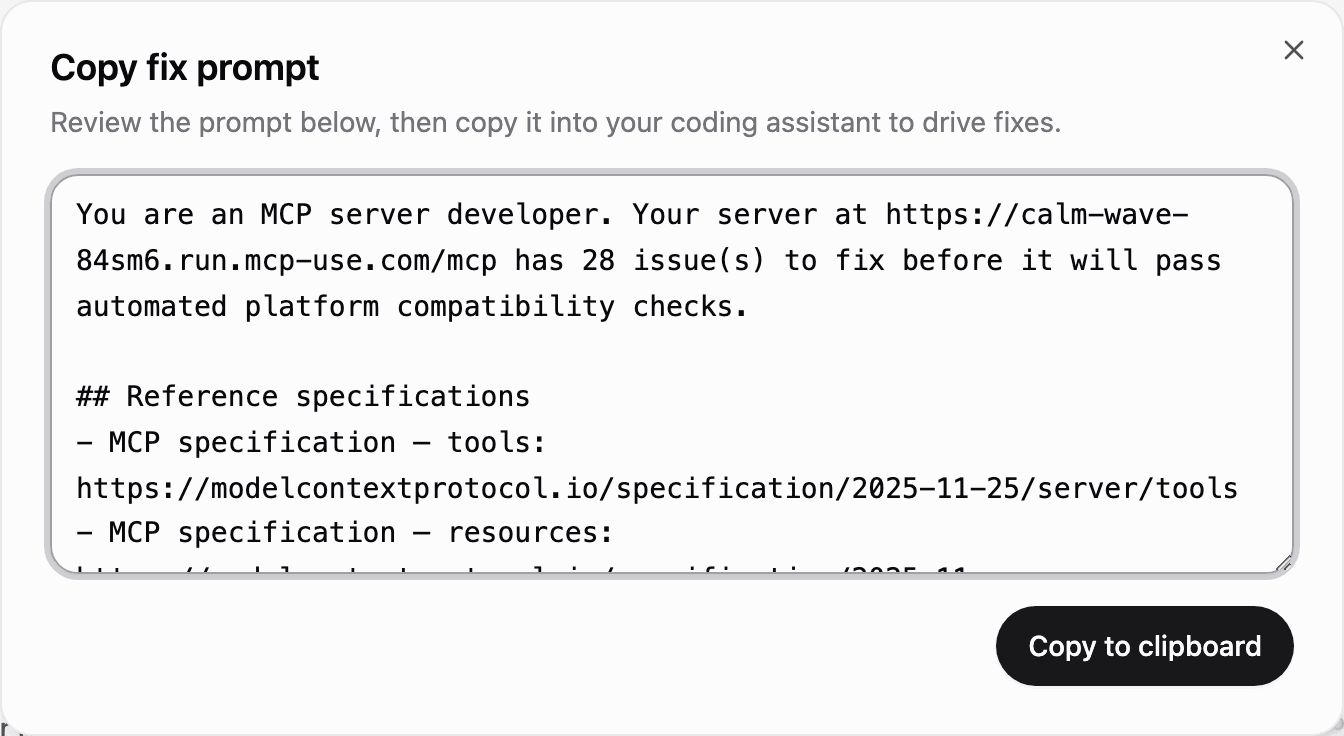
- For fixable issues you can copy a fix prompt into your own coding agent, or run the built-in autofix flow (requires a connected GitHub repository). In-flight autofix jobs can be stopped from the dashboard.
Run it again after deploying fixes; runs are kept so you can track progress over time.
Automatic runs after deployment
On Manufact-hosted servers, you can start a checklist automatically after each successful deployment is live and routed. Configure it from Settings → Checklist automation:
- Production branch only — run after production deployments (recommended).
- All deployed branches — run for production and every branch that finishes deploying.
- Selected branches — run only when the deployed branch matches one or more branch patterns.
Automatic runs use the same checklist and billing as manual runs. The Deployments tab shows the latest completed score for each deployment. A check that fails, cannot start, or is still running never changes a successful deployment into a failed one. Manual runs from Publish → Checklist are always available.
Report results to GitHub
For a Manufact-hosted server with a connected GitHub repository, turn on Run automatically and then Report publishing checks to GitHub. This reports only automatic runs in the branches you selected.
For each eligible deployment, Manufact:
- adds a Manufact - Publishing checks check to the exact deployed commit;
- creates or updates one Publishing checks comment on the open pull request when that deployment is still the PR's current head commit; and
- links both GitHub surfaces back to the deployment's checklist run.
The PR comment is updated in place on later deployments, so it stays as one current report instead of adding a comment for every run. It includes tables for required fixes, policy concerns, and recommendations, plus a link to the full checklist.
| GitHub result | What it means |
|---|---|
| Success | Required technical checks passed and policy review completed without policy concerns. Store approval still depends on the store's own review. |
| Failure | A required technical check failed for one or more affected clients. |
| Neutral | Checks are incomplete, or the policy review found a concern or could not complete. Review the checklist before submitting. |
Manual checklist runs do not create GitHub checks or PR comments. Reporting retries if GitHub is temporarily unavailable and does not interrupt the deployment or checklist run.
Free quality report without an account
Before signing in, score any public or OAuth-protected HTTPS MCP URL at manufact.com/leaderboard. Each public report includes an overall quality score, the same basic publishing checks available in the dashboard, per-tool documentation feedback, and a shareable scorecard. Browse curated servers on the leaderboard, ranked by quality score. The landing page also shows Statistics for reviewed servers, including average quality scores, tools-per-server distribution, and protocol feature adoption.
Anonymous reports do not include ChatGPT or Claude end-to-end checks, autofix, submission packs, or score history over time. Sign in and connect your server to run the full checklist in the dashboard, track runs over time, and access premium checks on all current plans, including Free.
Recommended publish flow
- Pass the Checklist with no failures.
- Validate behavior with test suites across clients and models.
- Try it end to end via Public Chat or your own client setup.
- Generate a submission pack and submit to the app directory.