
Creating servers
Import from GitHub, start from a template, build with an agent, or connect an existing MCP server.
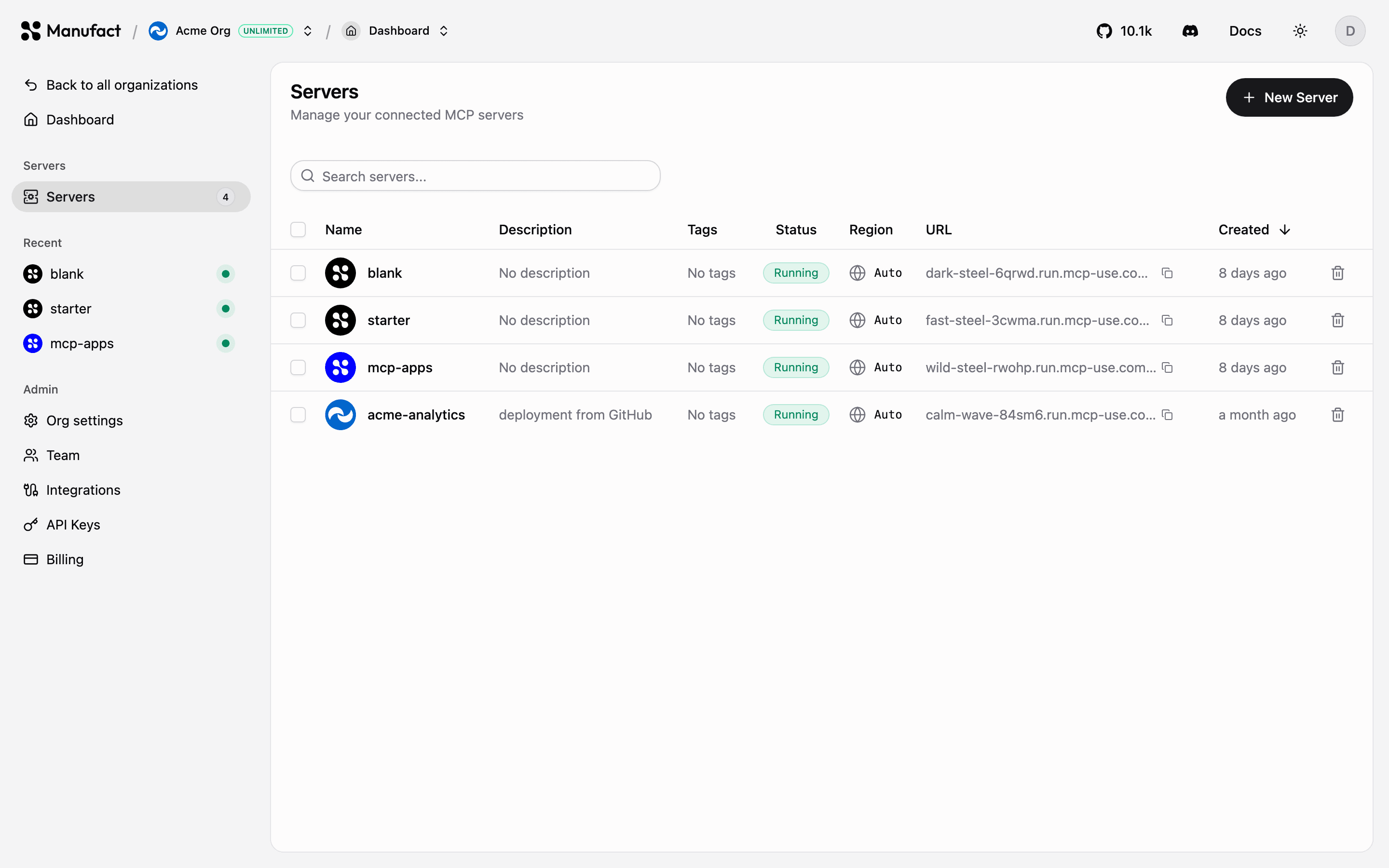
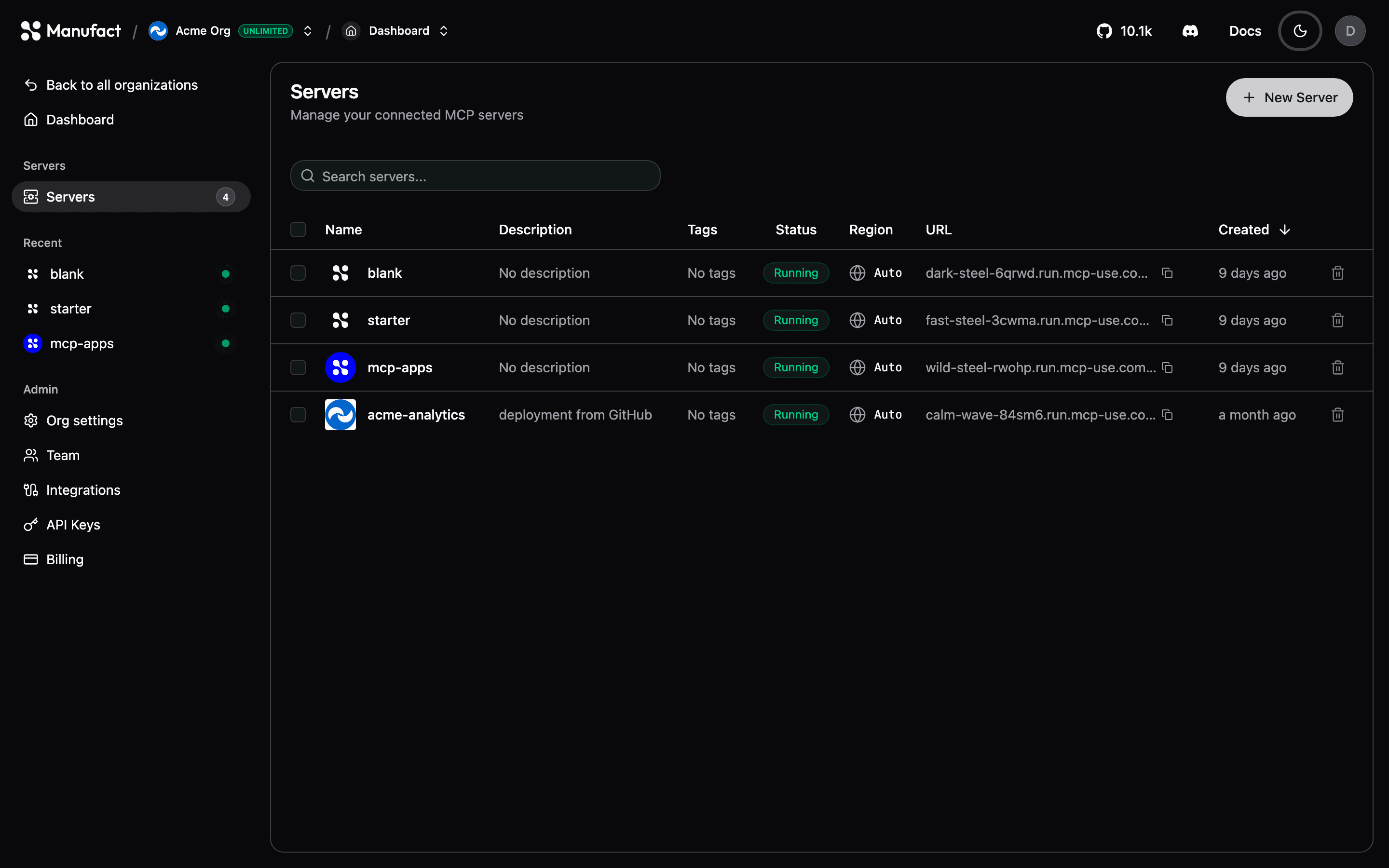
A server is the central object in Manufact Cloud: it bundles your deployments, environments, URL, analytics, and publish workflow. Create one from Servers → New Server. There are four ways to get a server onto the platform.
Import from GitHub
The most common path. Pick a repository through the Manufact GitHub App and configure the deployment, branch, region, environment variables, and optional advanced settings (root directory, watch paths, Dockerfile, framework preset).
Manufact detects common MCP frameworks automatically, mcp-use (TypeScript and Python), FastMCP, tmcp, xmcp, Skybridge, and more. If your project doesn't match a preset, point the build at a Dockerfile instead.
After the first deploy, every push to the production branch deploys automatically. See Deployments.
Personal vs organization repositories
Deploying from personal and GitHub organization repositories is included on all current plans, including Free. See Billing & plans.
Start from a template
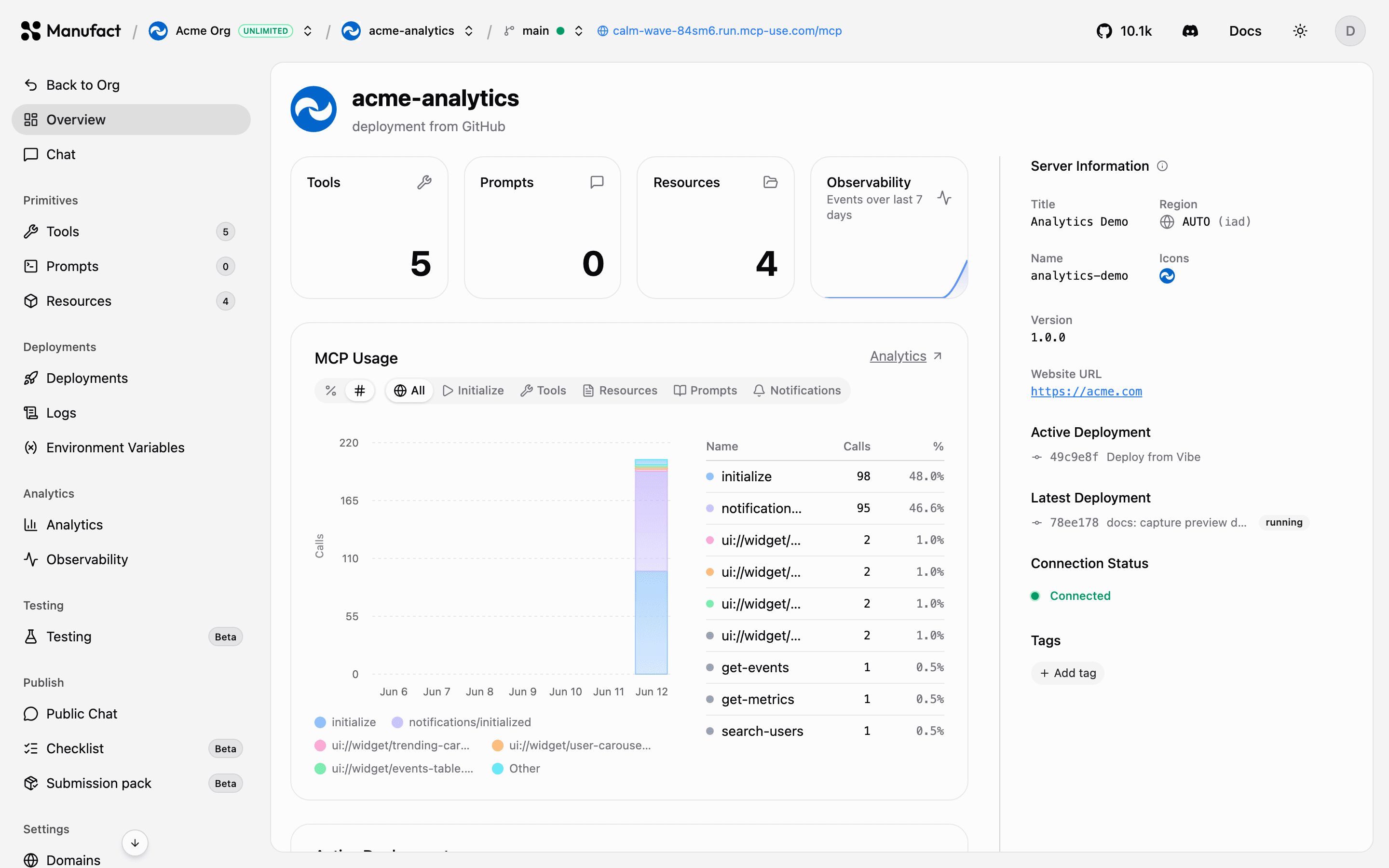
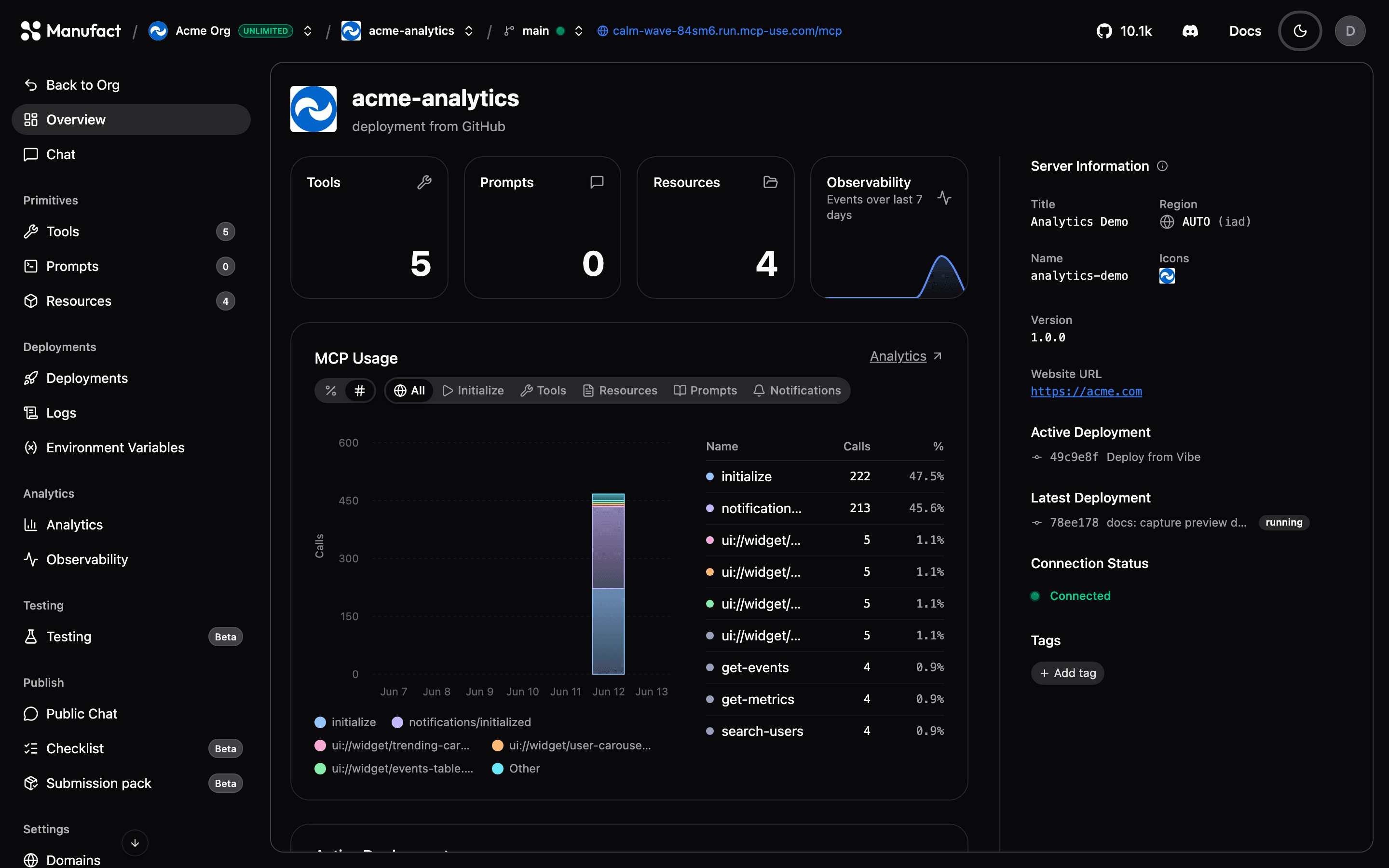
The Templates library offers ready-made MCP server scaffolds — starter and MCP Apps scaffolds, OAuth provider templates, example apps, and reference servers for other MCP frameworks (FastMCP, tmcp, xmcp, Skybridge, and the official TypeScript and Python SDKs). Browse them all in the templates gallery.
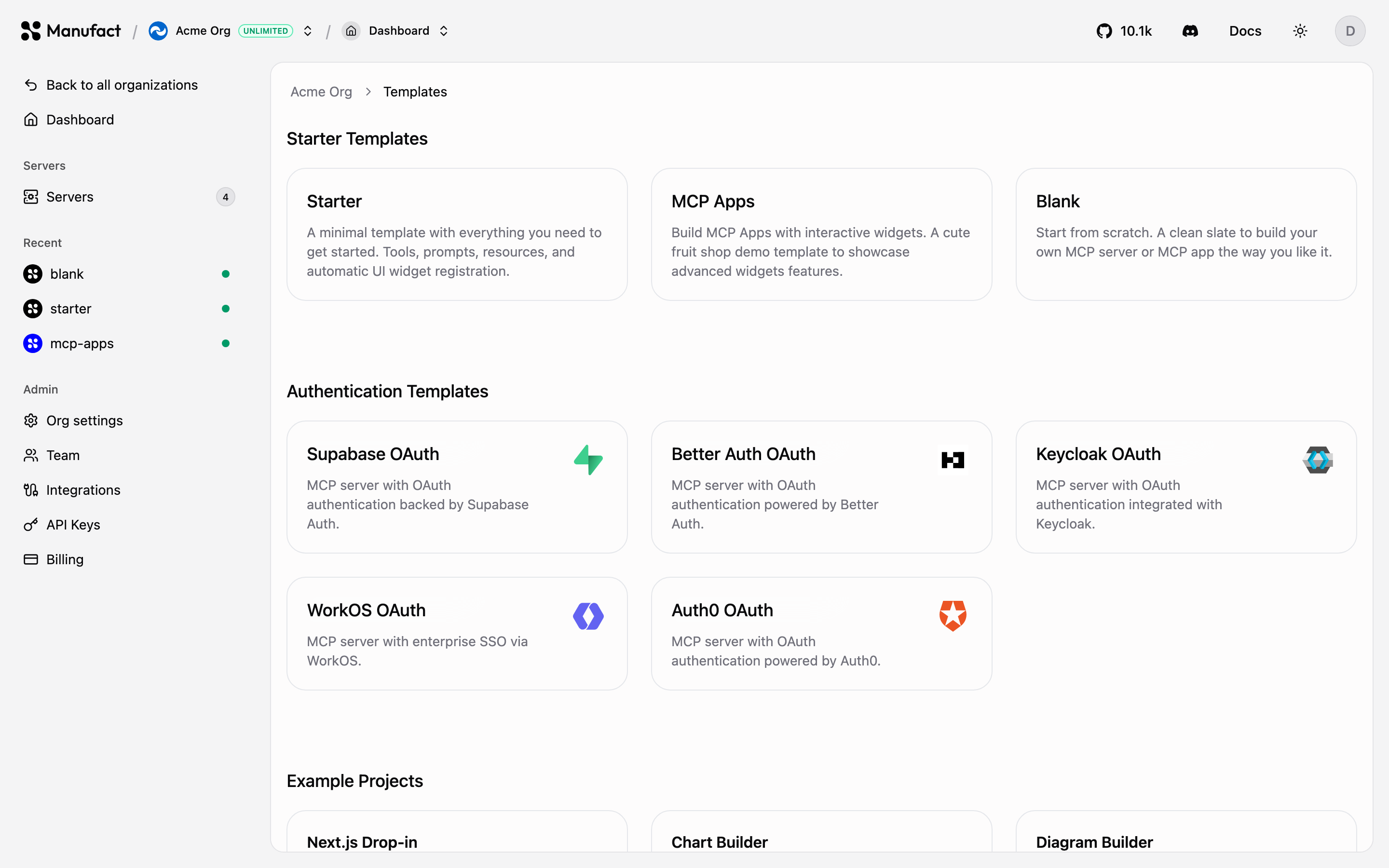
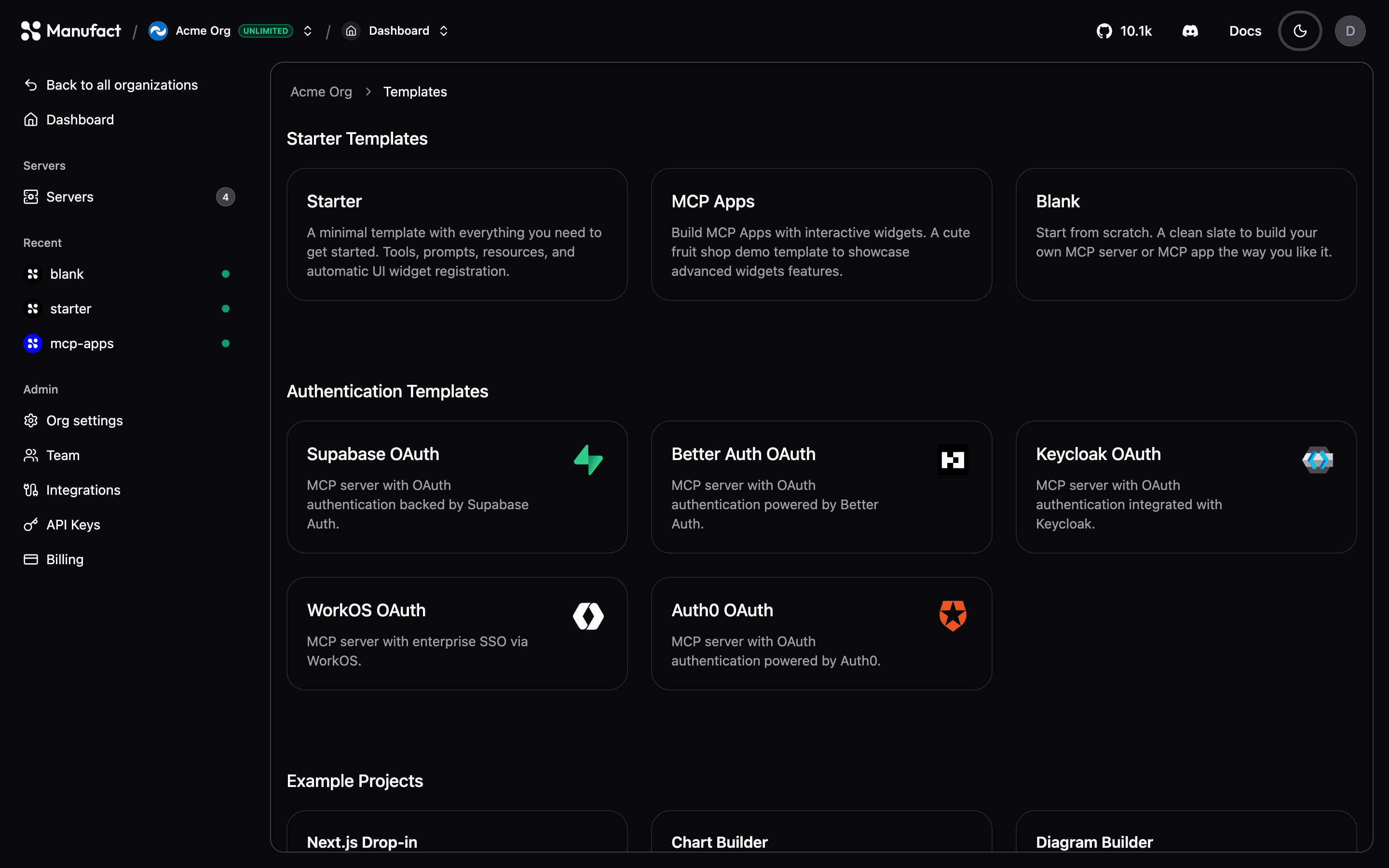
Selecting a template creates a new repository from the template in your connected GitHub account or organization and deploys it, so you get a working server you can iterate on immediately.
Build with an agent
Paste the onboarding prompt into Cursor, Claude Code, Codex, or another coding agent. It walks the agent through scaffolding, deploying via the CLI, and returning your MCP URL and dashboard link.
Install the skill directly:
Connect an existing server
Already hosting an MCP server elsewhere? On New Server, scroll to Connect an existing server and paste your MCP URL. No deploy required: Manufact connects directly for Chat, testing, and the publish workflow. Enable the optional Manufact proxy later if you want a gateway URL, analytics, Public Chat, and domains.
See Connect an existing server for the step-by-step flow, OAuth, and which features are available on external servers.
Server pages
Every server has the following sections in its sidebar:
| Section | What it does |
|---|---|
| Overview | Connection status, capability counts, active deployment, recent activity, and the Production checklist |
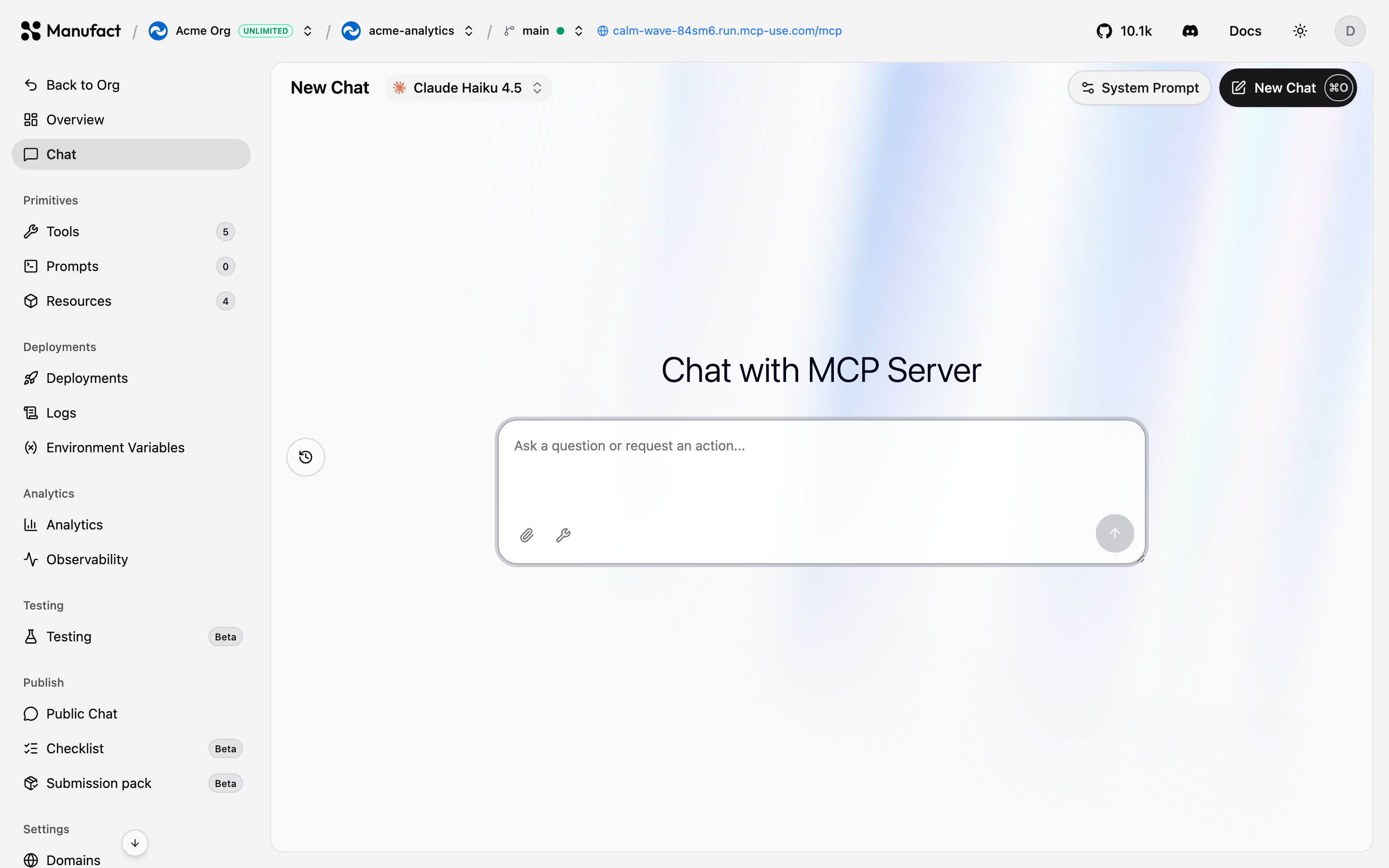
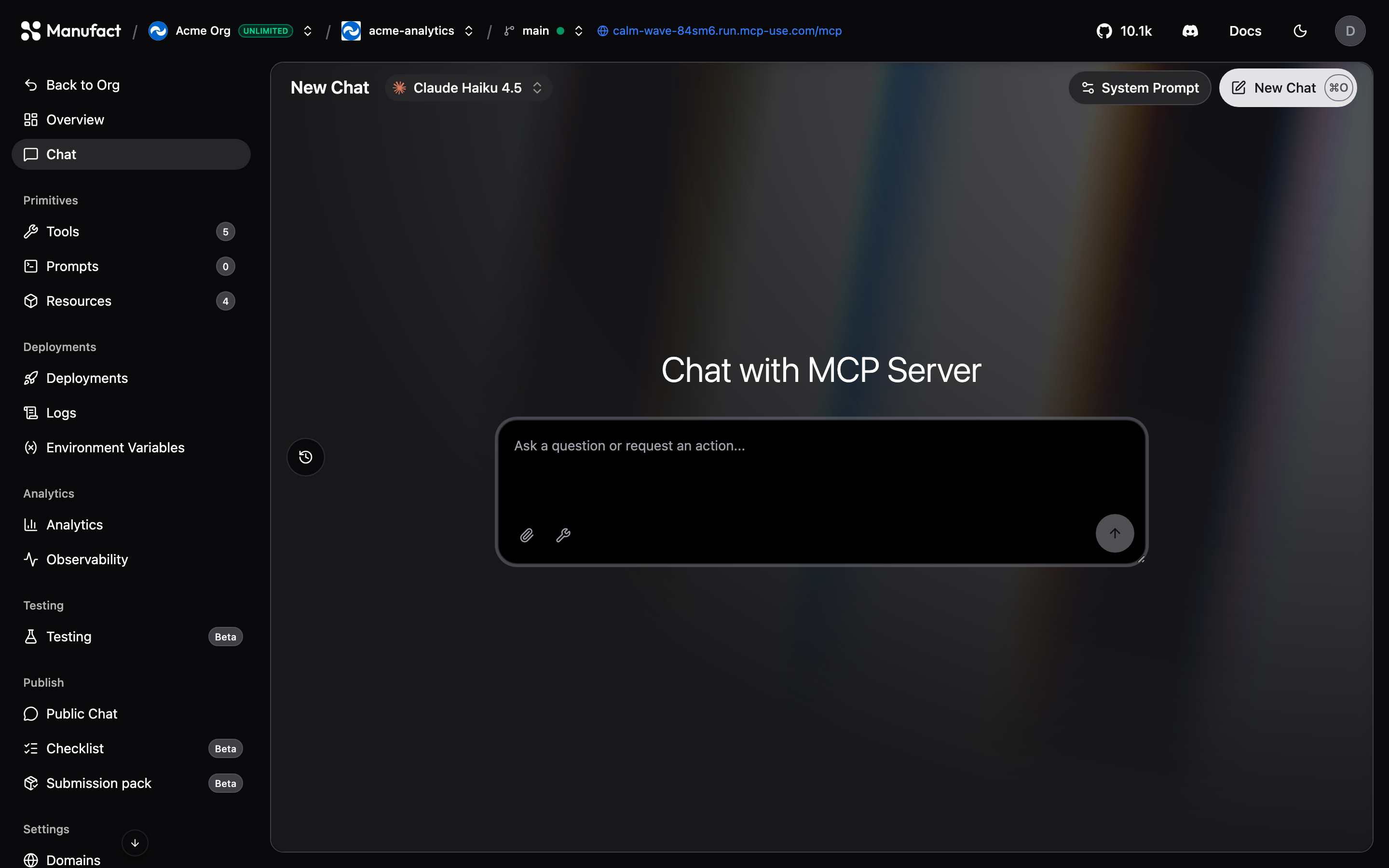
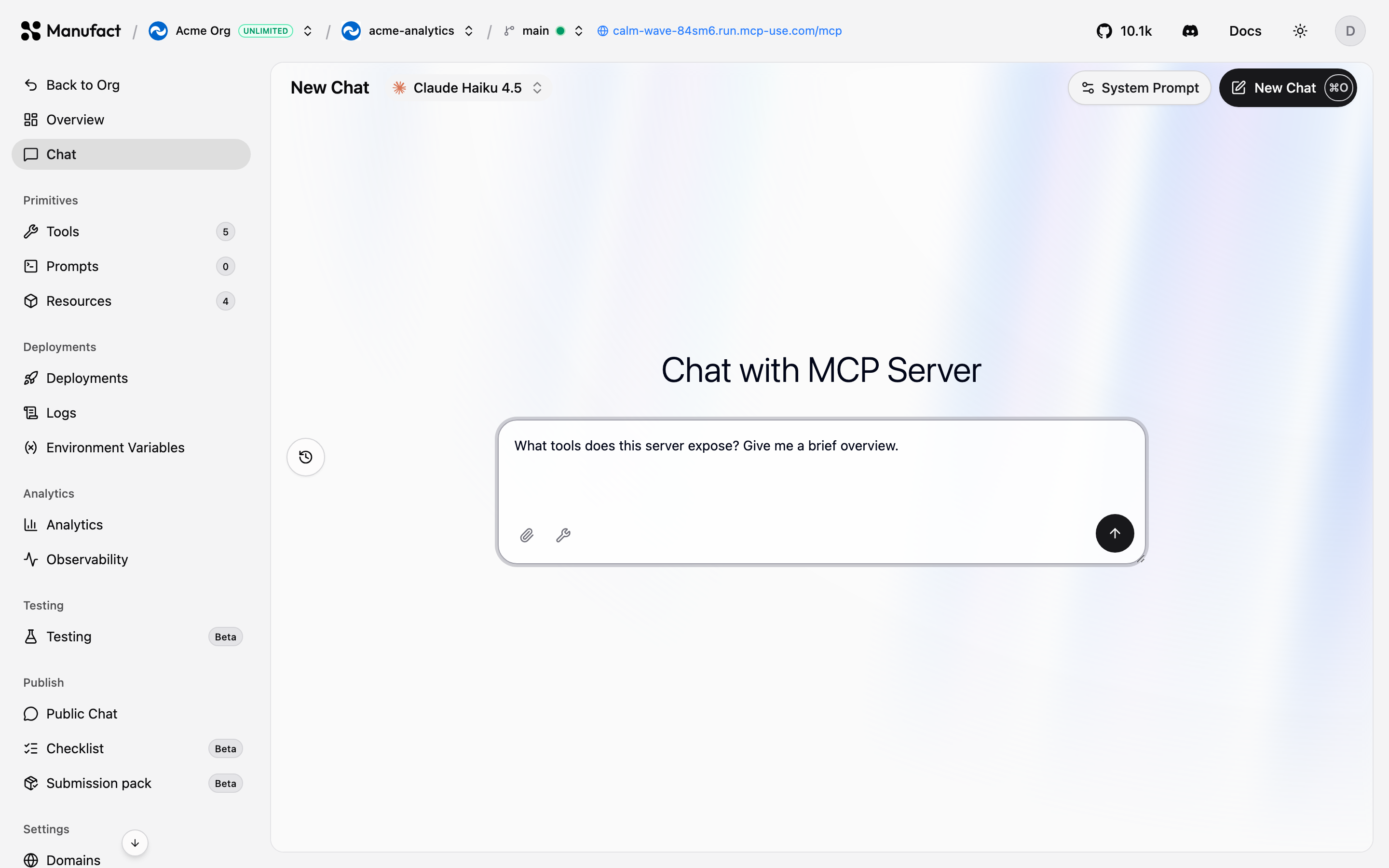
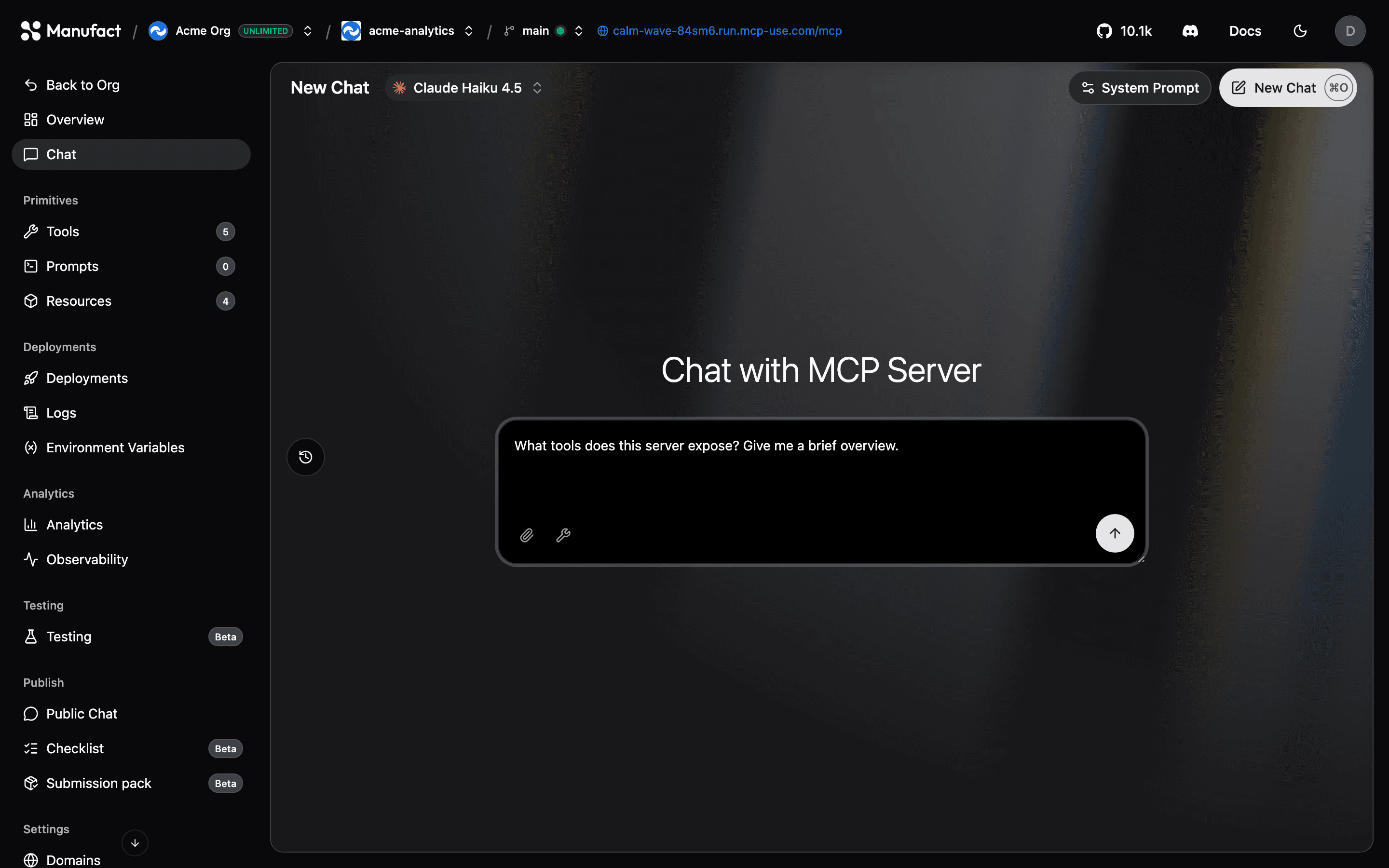
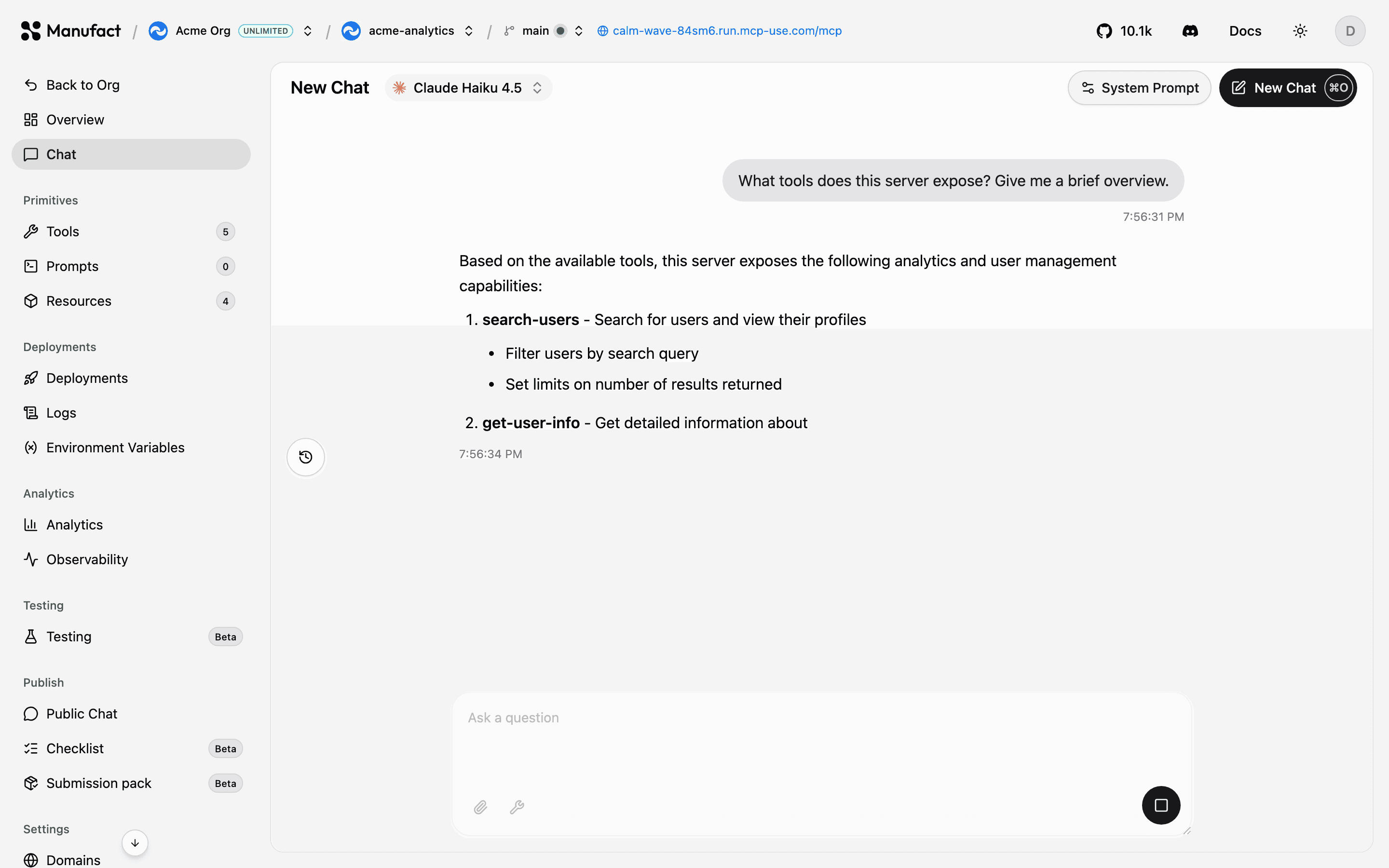
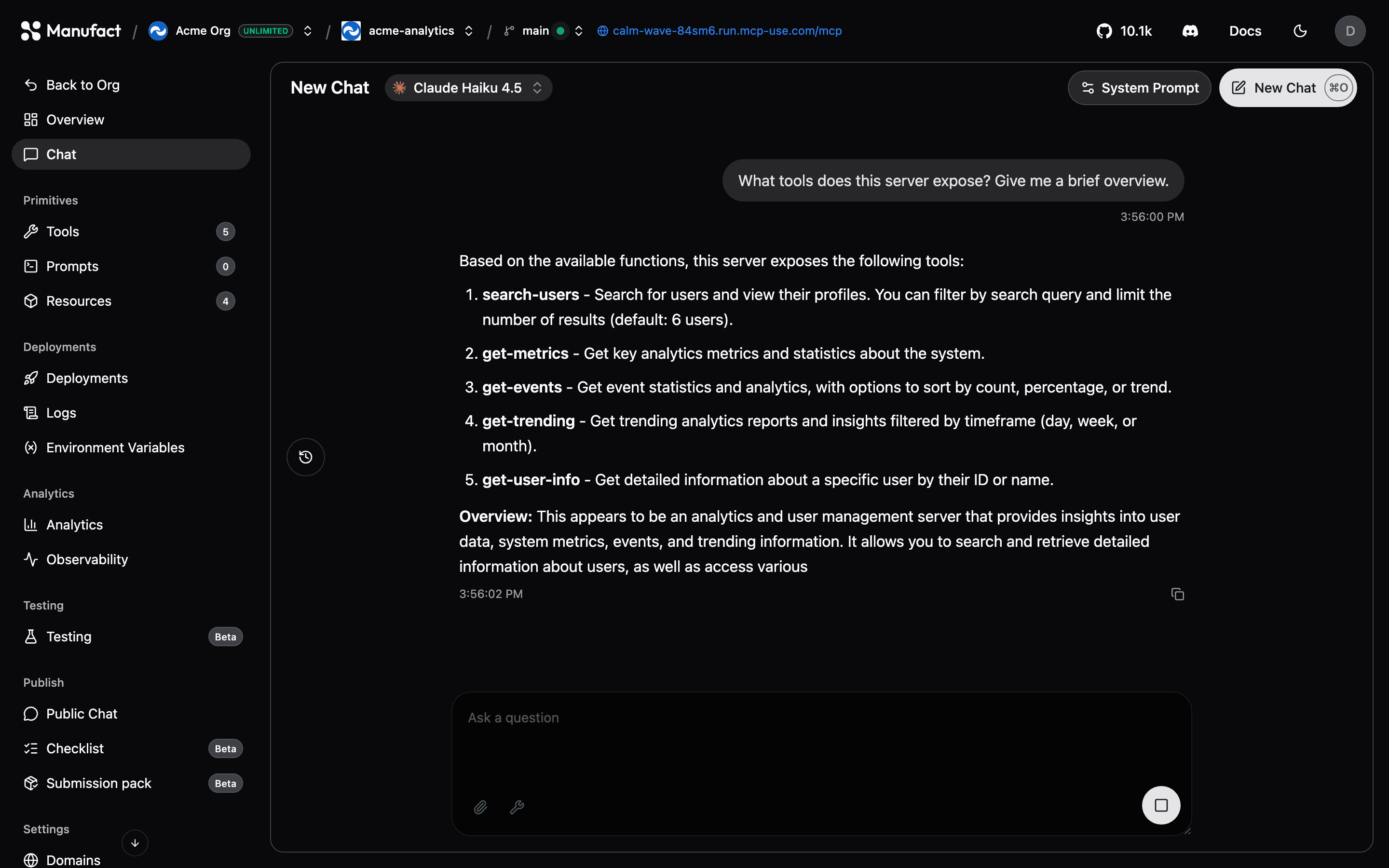
| Chat | Talk to your server with an agent, directly in the dashboard |
| Tools / Prompts / Resources | Inspect the MCP primitives your server exposes |
| Deployments | History, manual triggers, build logs, redeploy |
| Runtime logs | Runtime logs from the active deployment |
| Gateway Requests | Live gateway event stream and optional payload capture |
| Environment Variables | Per-environment configuration |
| Analytics | Usage & traffic, health tables, goals, and output tokens |
| Sessions | Browse, filter, and replay MCP interactions |
| Issues | Grouped tool, protocol, and transport errors |
| Testing | Automated test suites (Beta) |
| Public Chat | Hosted, shareable chat for visitors — see Public Chat |
| Checklist / Submission pack | App-directory publish workflow |
| Domains | Slug and custom domains |
| Settings | Repository, region, build, analytics capture, and danger zone |
Production checklist
The Production checklist on Overview tracks the steps Manufact recommends before you ship a server to production. It also appears in the sidebar (with a progress ring when the sidebar is collapsed) until every step is complete.
Manufact derives progress from your server’s current state — domains, deployments, publishing checks, submission pack, and production evals — and updates it as you work. Steps can include:
- Add a custom domain — for Manufact-hosted servers with a gateway URL (not shown for URL-connected external servers).
- Create a preview deployment — when your repository supports branch previews.
- Run publishing checks — production checklist runs; see Publish checks.
- Prepare a submission pack — app details and demo video for directory submissions; see Submission pack.
- Run an eval — an MCP Eval against your production server; see Testing.
Each step links to the right tab and shows Pending, Running, or complete status. While a publishing check or eval is running, the checklist refreshes automatically.
You can remove a step you do not plan to complete from the sidebar checklist card. Dismissals apply only to your account for that server; other teammates still see the step. Use Undo in the toast if you change your mind.
When every step is complete, the checklist card and sidebar entry hide on their own.
Chat
Use the Chat tab to send prompts and verify tool calls against your server without leaving the dashboard.