

Domains
Use a free slug-based URL or bring your own custom domain for your MCP server.
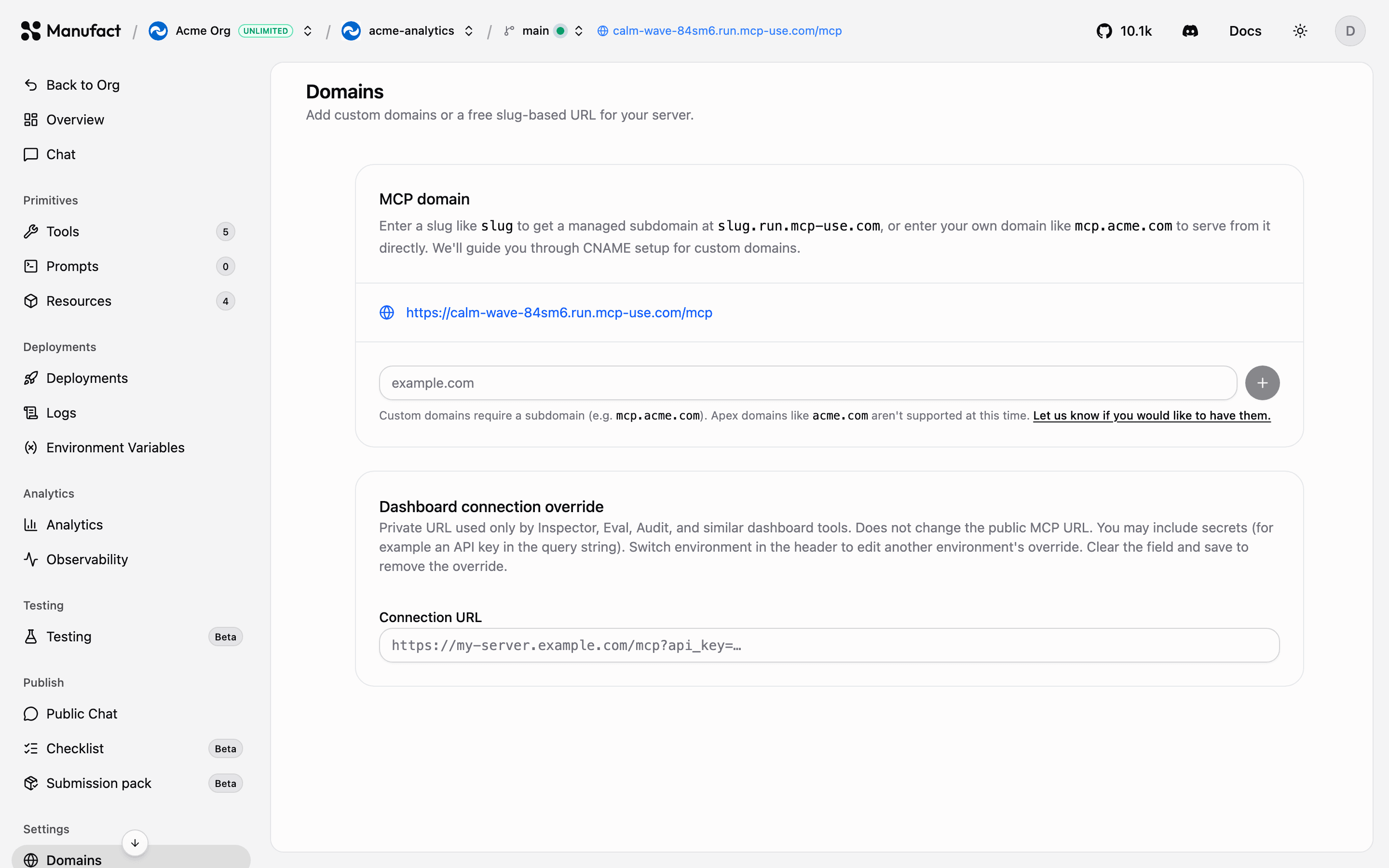
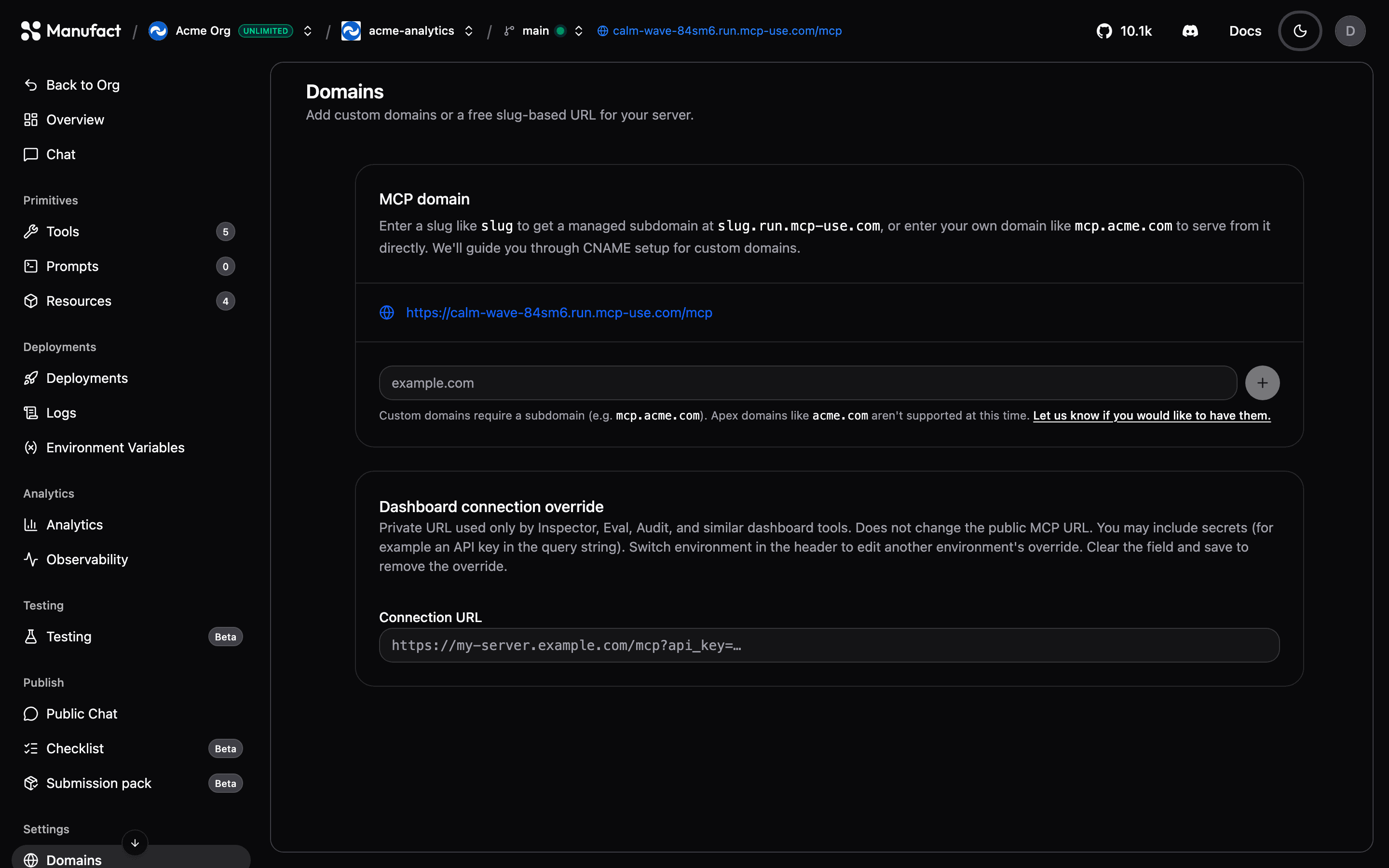
Every Manufact-hosted server gets a free URL based on its slug, and you can add custom domains on top. Manage both on the Domains tab.
Slug-based URL
Your server's default URL looks like:
https://<slug>.run.mcp-use.com/mcpThe slug is generated when the server is created. You can edit it on the Domains tab: the change is staged as Pending deploy and the old slug keeps serving traffic until your next production deployment, when the new slug takes over. Setting the slug back to its current value cancels the pending change.
Custom domains
To serve your MCP server from your own domain:
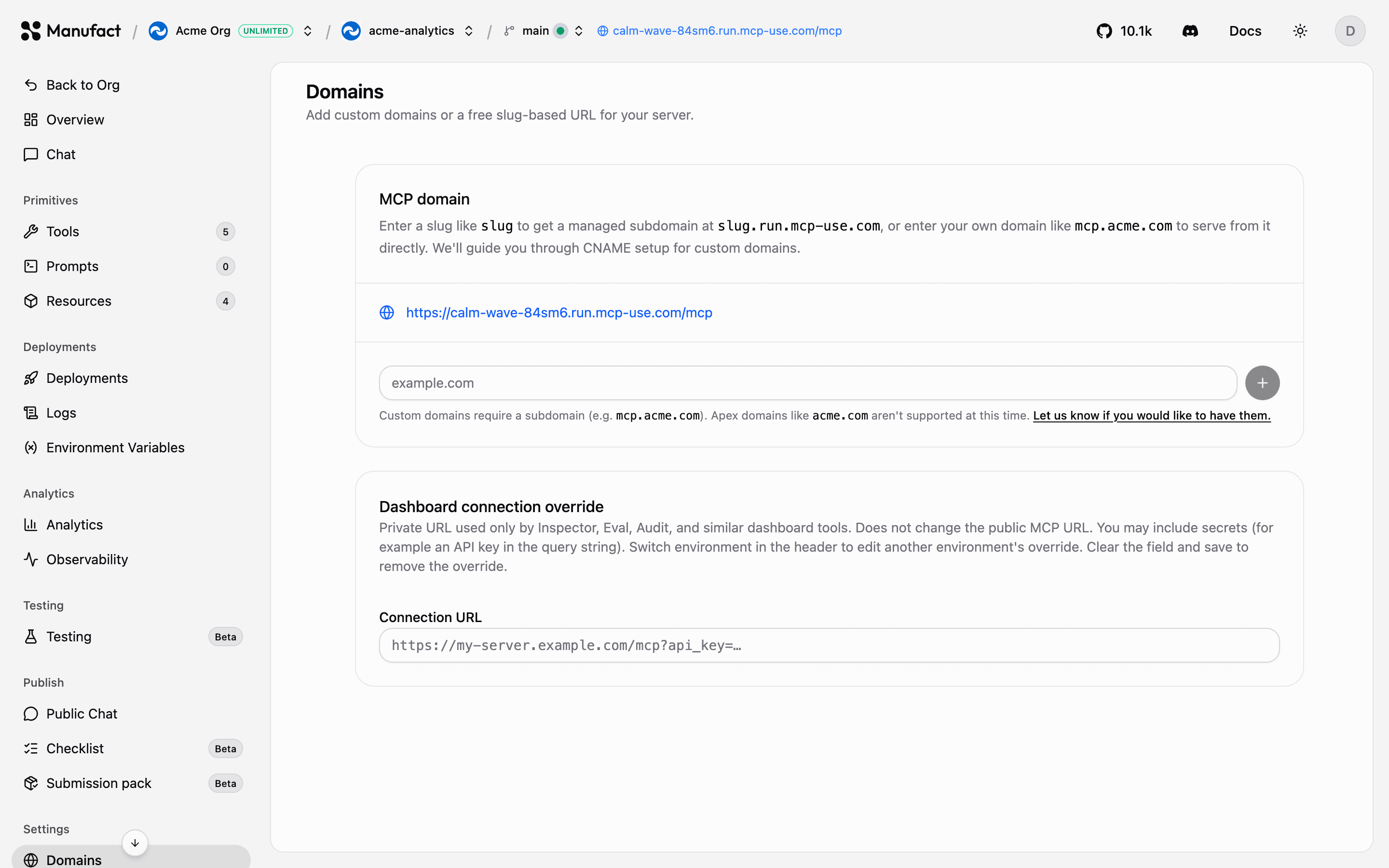
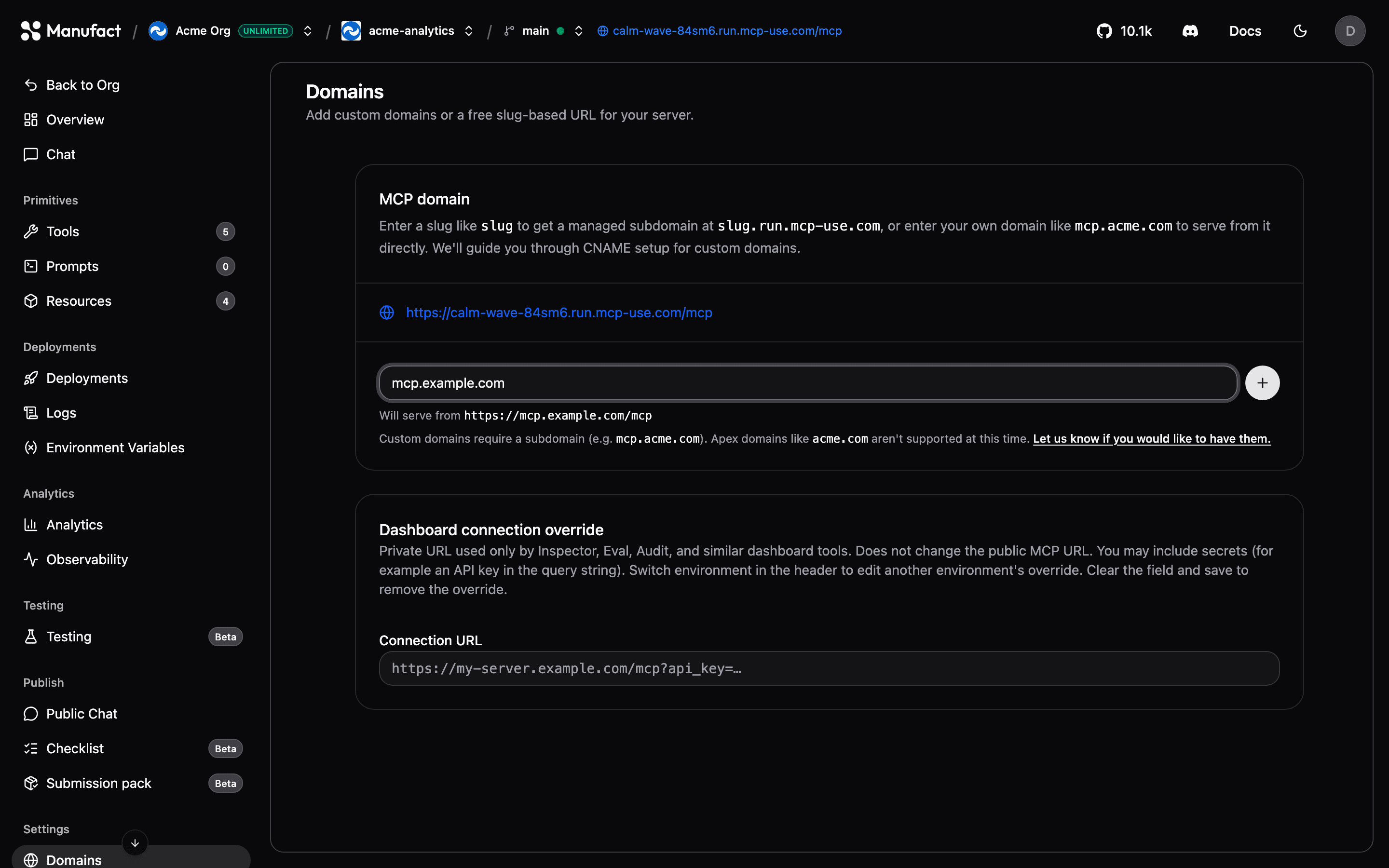
- Click Add domain and enter the domain (for example
mcp.example.com). - Add the CNAME record shown in the dashboard at your DNS provider, pointing to
deploy.mcp-use.com. - Wait for verification, the dashboard re-checks automatically every few seconds, and SSL is provisioned for you once DNS resolves.
CAA records
If verification reports a CAA error, add CAA records on your apex domain
allowing the certificate authorities listed in the dashboard
(letsencrypt.org, pki.goog, digicert.com, ssl.com).
Once verified, the domain shows Pending deploy until you redeploy, the dashboard prompts you. Removing an active domain is also staged until the next production deploy; removing a domain that never verified deletes it immediately.
When the environment selector is on a preview branch, new custom domains are scoped to that branch and route to its preview deployment. If you later set that branch as the production branch, those domains are promoted to production automatically.
Prepare before switching DNS
For a planned launch or migration, add your custom domain as usual, then choose Switch to TXT validation below its CNAME records table. This lets you issue its HTTPS certificate while its traffic DNS still points elsewhere.
- The table switches to TXT records for ownership and certificate validation. The ownership record appears first; two certificate rows show loading placeholders until their values are available. Add every record shown, including multiple TXT values at the same name.
- Wait for both Domain ownership and Certificate to show Ready. You can leave and return to the page; it fetches the current validation records automatically.
- When you are ready to activate the domain, choose Activate domain. A hosted server then needs a redeploy to prepare routing. Certificate preparation alone does not change the server's connection URL.
- Once routing is ready, 3. Connect traffic appears as the final row in the records table. Change the traffic CNAME to the target shown. Manufact checks for the DNS change automatically. Other custom domains remain active.
If certificate validation takes too long, check the latest TXT values and any certificate errors shown in the tab. Validation tokens can expire and change before issuance.
Which URL should I distribute?
All URLs, slug and verified custom domains, route to the same production deployment and are tracked identically in analytics. Distribute a custom domain if you want the URL to survive a potential migration, or the slug URL for zero setup.