

Manufact webhooks and GitHub integration
Connect the Manufact GitHub App to deploy servers from your repositories with push webhooks.
Manufact deploys from GitHub through a GitHub App, managed on the Integrations page of your organization.
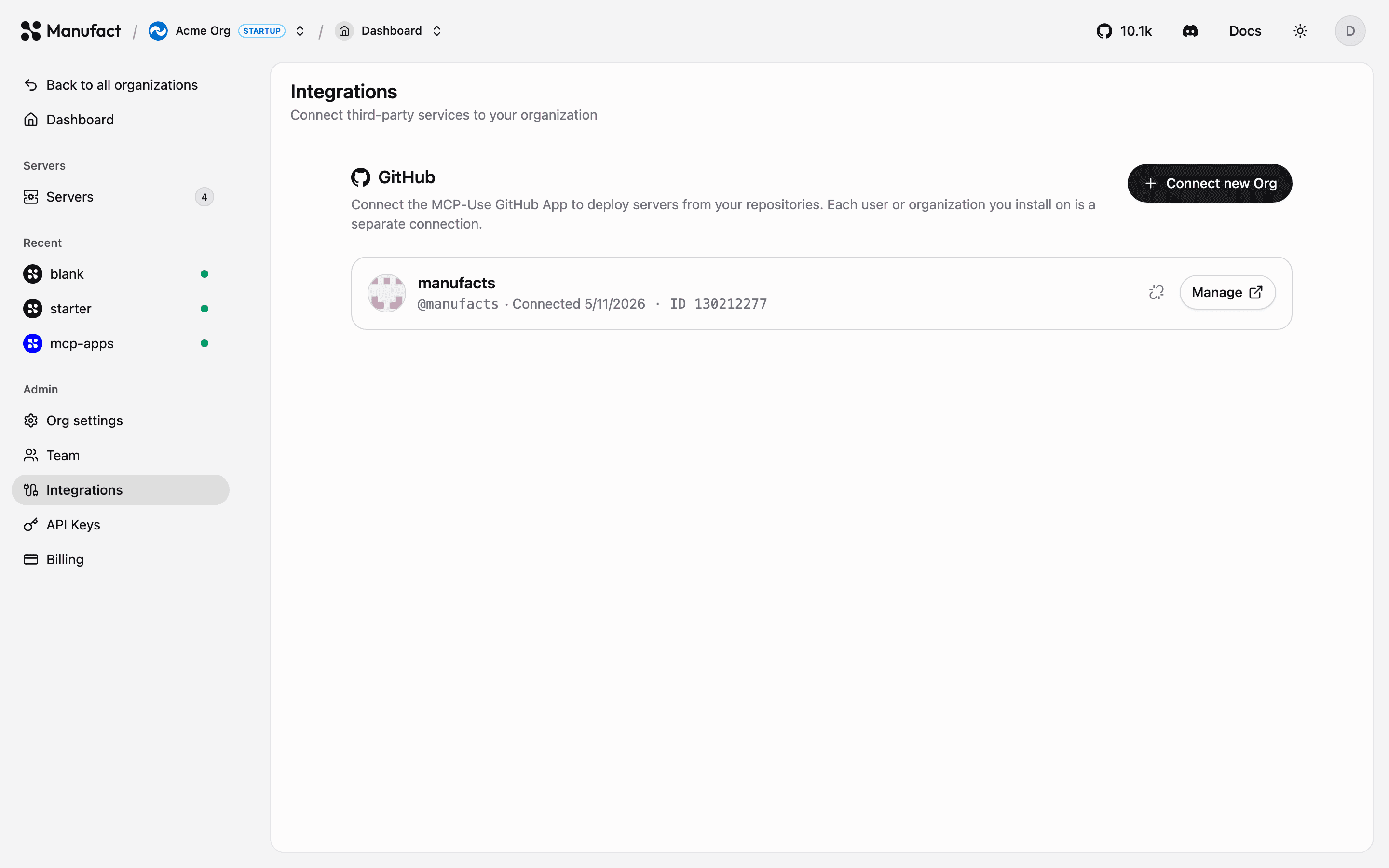
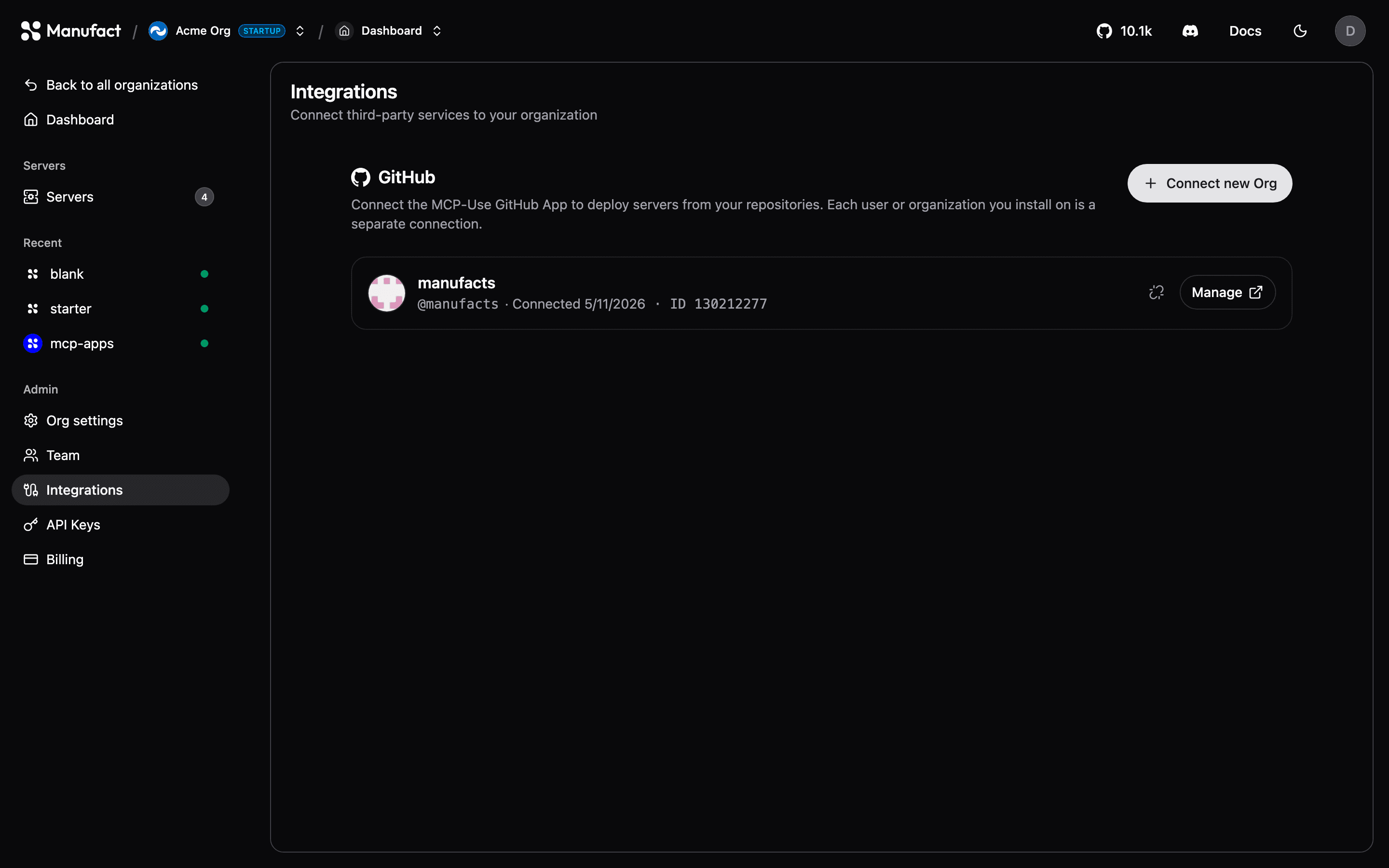
Connecting GitHub
- Go to Integrations and click Connect next to GitHub (or Connect new Org to add another GitHub account or organization).
- GitHub asks which repositories the app may access, grant all repositories or pick specific ones.
- Back in Manufact, the installation appears in the list and its repositories become available in the New Server repo picker.
You can connect multiple GitHub accounts and organizations to a single Manufact organization.
What the app does
- Lists repositories in the server creation flow.
- Receives push webhooks to trigger automatic deployments.
- Reads commit statuses when Wait for CI is enabled.
- Links deployments back to their commits and branches in the dashboard.
GitHub organization repositories
Personal and GitHub organization repository deployments are included on all current plans, including Free. See Billing & plans.
Changing repository access
Repository access is managed on GitHub's side: open the installation from the Integrations page to add or remove repositories. To disconnect an installation entirely, use Disconnect: servers deployed from it keep running, but lose automatic deploys until reconnected.
Repository access health
Manufact checks whether each GitHub App installation can still reach the repositories your servers use. On the Integrations page, each installation shows its current status and lists Linked servers with their repository.
| Status | What it means |
|---|---|
| Disconnected | The GitHub App was removed or suspended. Use Reconnect to restore deployments. |
| Access removed | One or more linked repositories no longer grant the App access. Grant access in GitHub, then click Recheck. |
| Check degraded | Manufact could not verify access to a linked repository. Running servers stay online; click Recheck to try again. |
Deploys and other GitHub-backed actions fail with a clear error when access is missing. After fixing permissions on GitHub, use Recheck on the Integrations page. The Repository section on a server's Settings tab shows the same access status for that server's linked repository.
Disconnecting a server's repository
Per-server disconnect is different from disconnecting the organization GitHub App:
| Action | Where | Effect |
|---|---|---|
| Disconnect repository | Server → Settings → Repository | That server stays online. Automatic and manual deploys pause until you connect a repository again. Domain, env vars, analytics, and deployment history are preserved. |
| Disconnect GitHub App | Integrations | Removes the installation for the organization. Servers keep running, but any server still linked to that installation cannot deploy until the App is reconnected (or the server is reconnected to another installation). |
To point an existing server at a different repository (for example after a monorepo migration), disconnect the current repository, then use Connect repository and choose the new owner/repo, production branch, and optional root directory. That updates the link in place (no new server) and re-enables push-to-deploy; it does not start a deployment — Deploy manually or push when you want to ship.