

Environment variables
Configure per-environment secrets and settings for your MCP server.
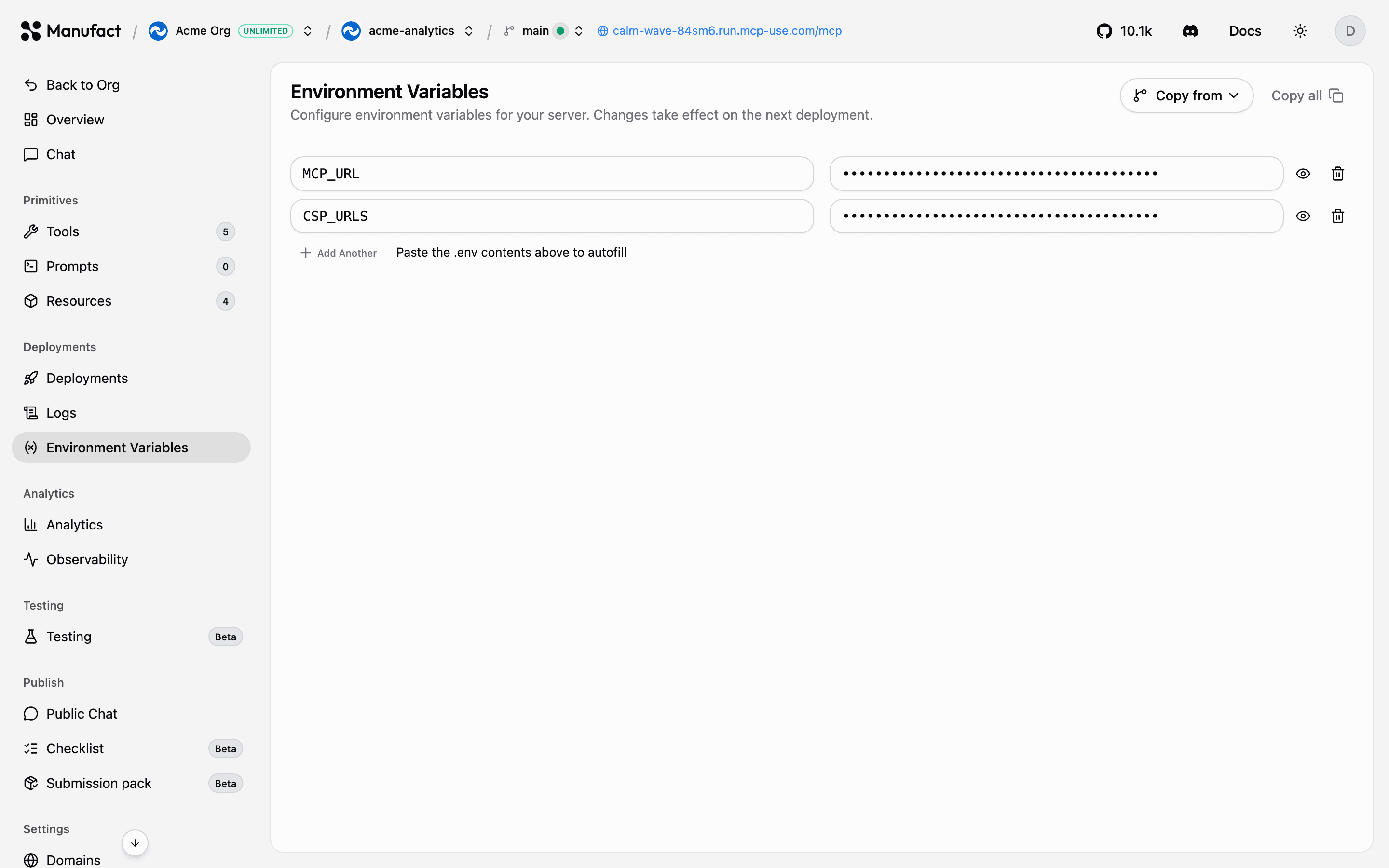
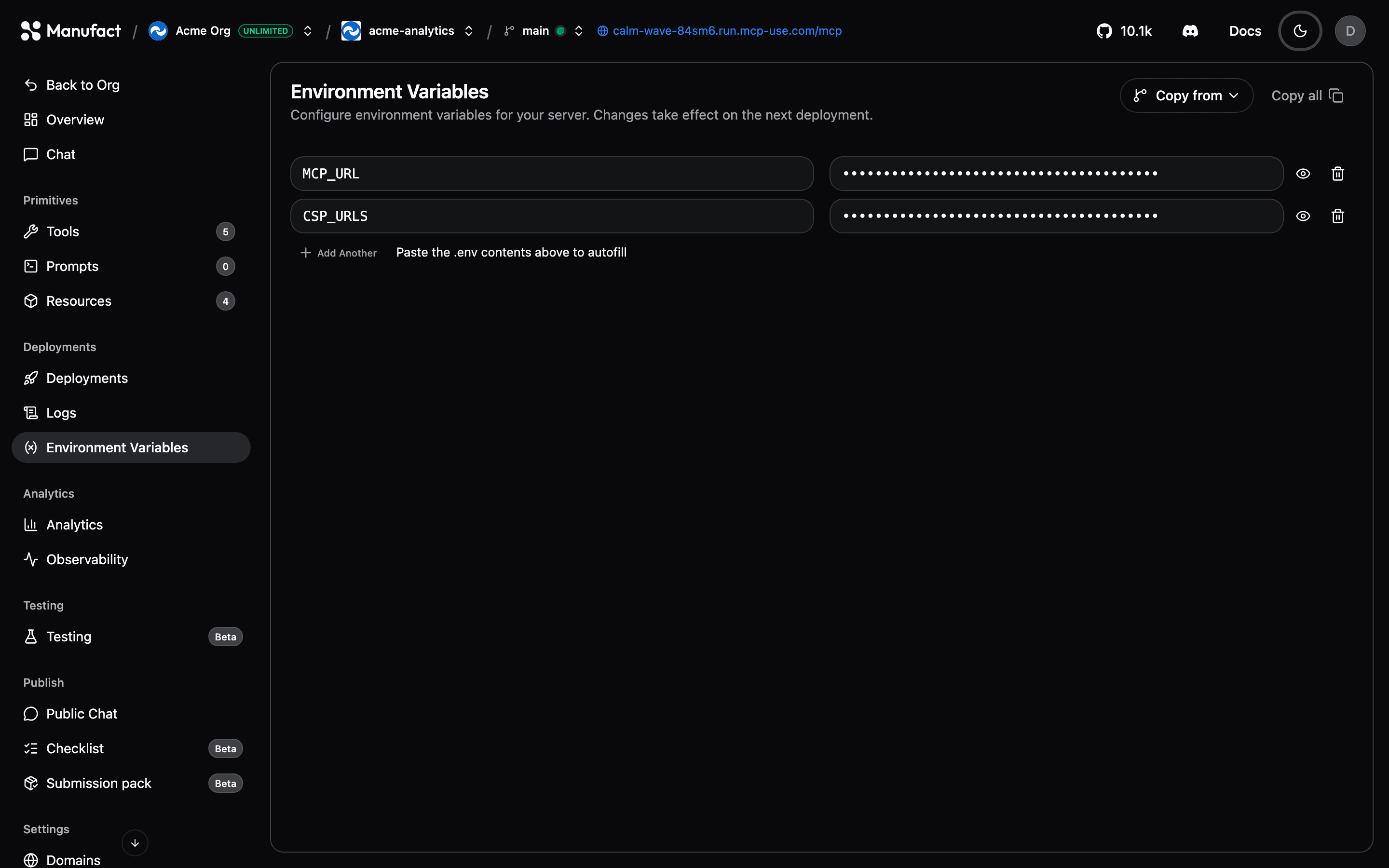
Environment variables let you pass secrets and configuration to your server at runtime, API keys, database URLs, feature flags. Manage them on the Environment Variables tab of your server.
Scoping
Variables are scoped to an environment. Use the environment selector in the server header to edit variables for:
- Production: your production branch deployment.
- Preview: a specific preview branch.
This lets you point preview deployments at staging databases or sandbox API keys while production uses the real thing.
Adding variables
Add keys and values one by one, or paste the contents of a .env file to import many at once. You can also set variables during the initial deploy on the Configure Deployment screen.
Changes apply on the next deployment
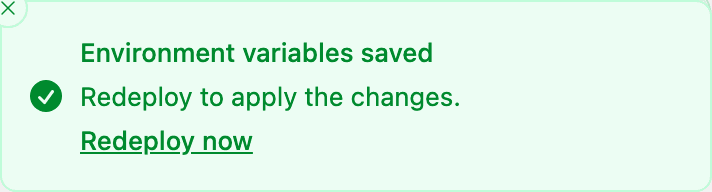
Saving variables does not restart your server. Trigger a redeploy from the Deployments tab for changes to take effect, the dashboard reminds you after saving.
Platform-managed variables
Manufact injects some variables automatically at deploy time, such as MCP_URL (the public URL of the deployment) and CSP_URLS. These appear as prefilled rows so you can see exactly what your server receives; they're only saved as your own variables if you override their values.
Best practices
- Keep secrets out of your repository, set them here instead of committing
.envfiles. - Use separate values per environment so previews can't touch production data.
- After rotating a secret, redeploy so the running deployment picks it up.