

Deployments
Automatic deploys on push, preview environments per branch, and manual deployment management.
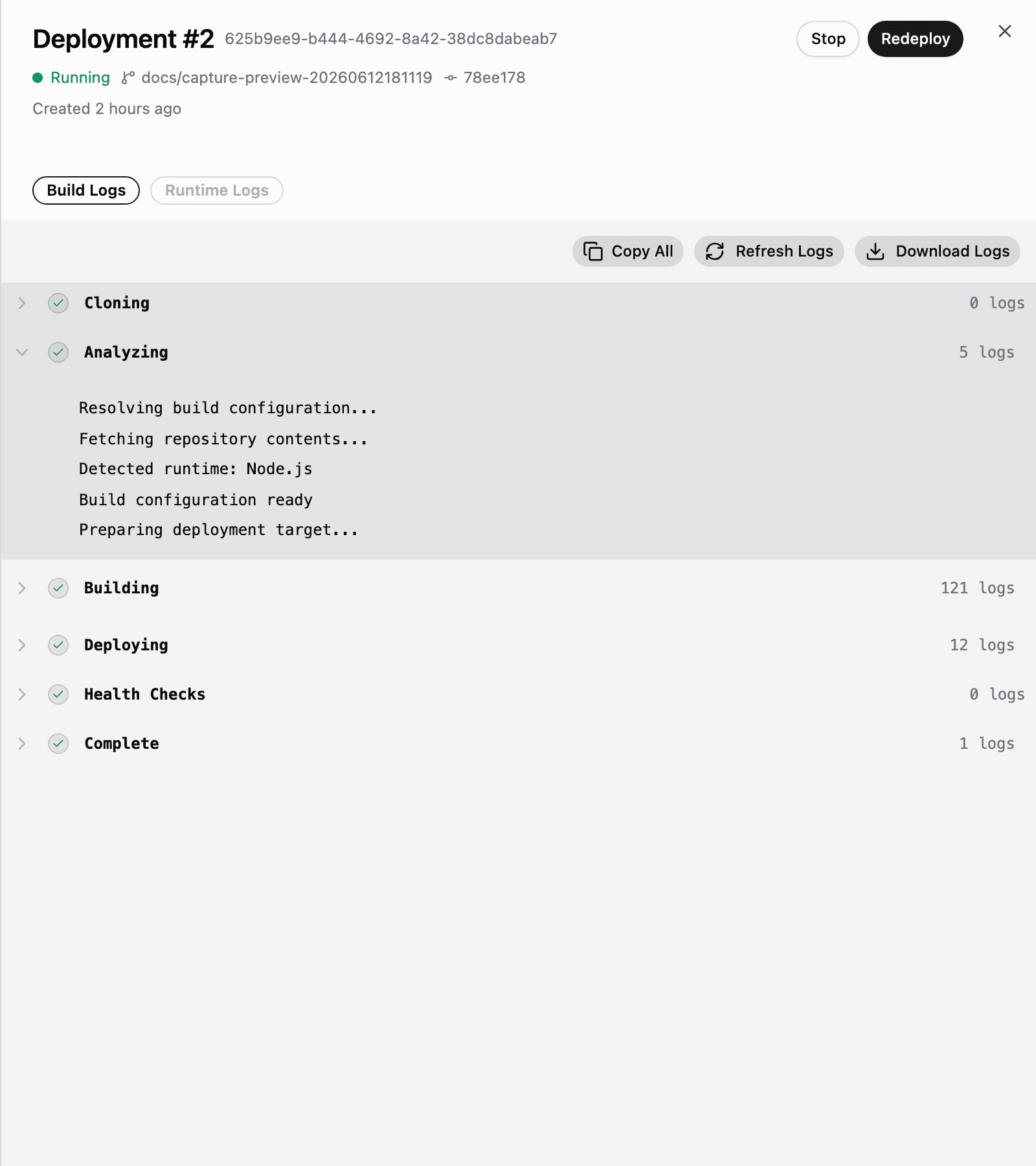
Every Manufact-hosted server is backed by a deployment pipeline. A deployment goes through the steps Cloning → Analyzing → Building → Deploying → Health Checks → Complete, and you can follow each step live from the Deployments tab.
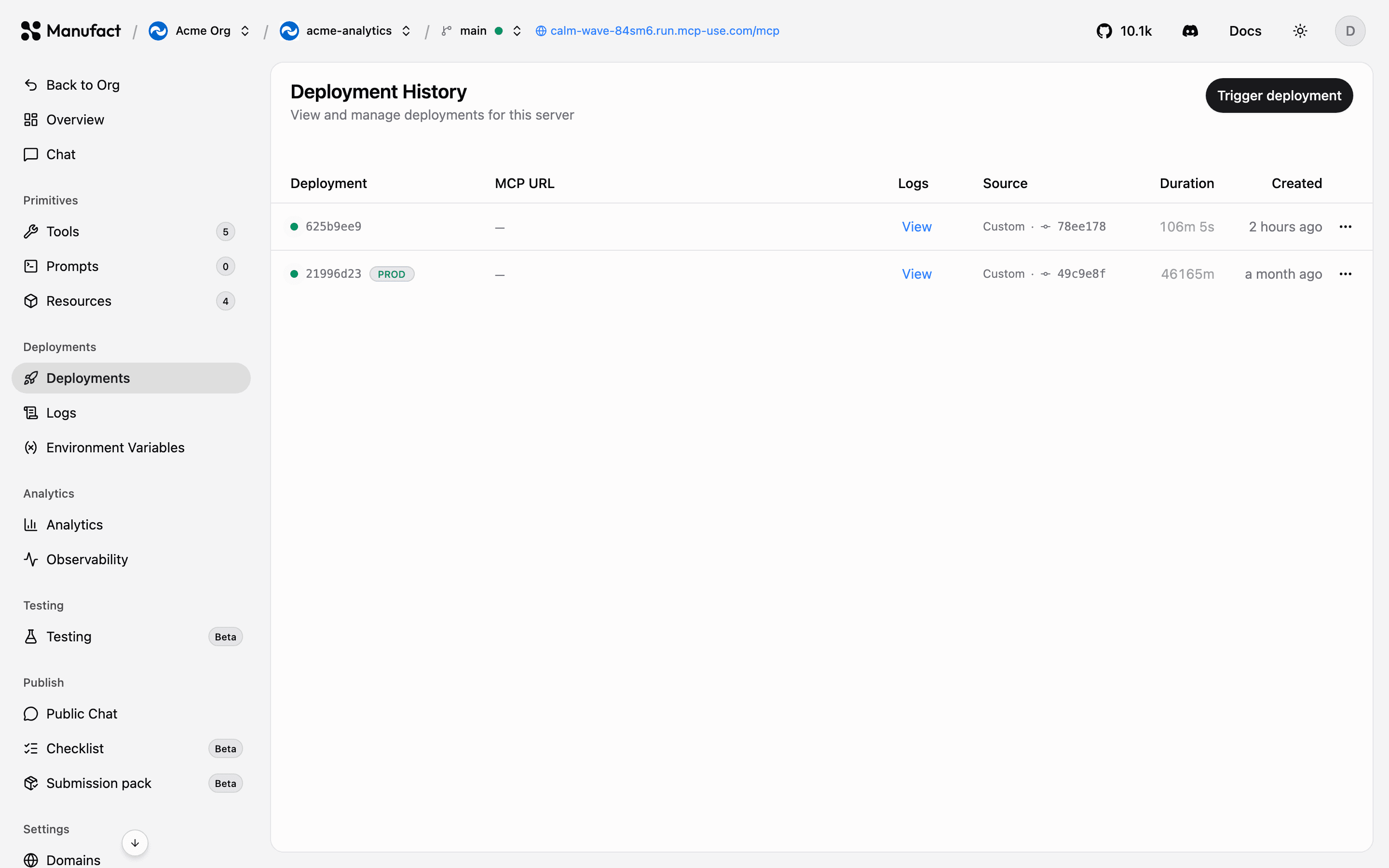
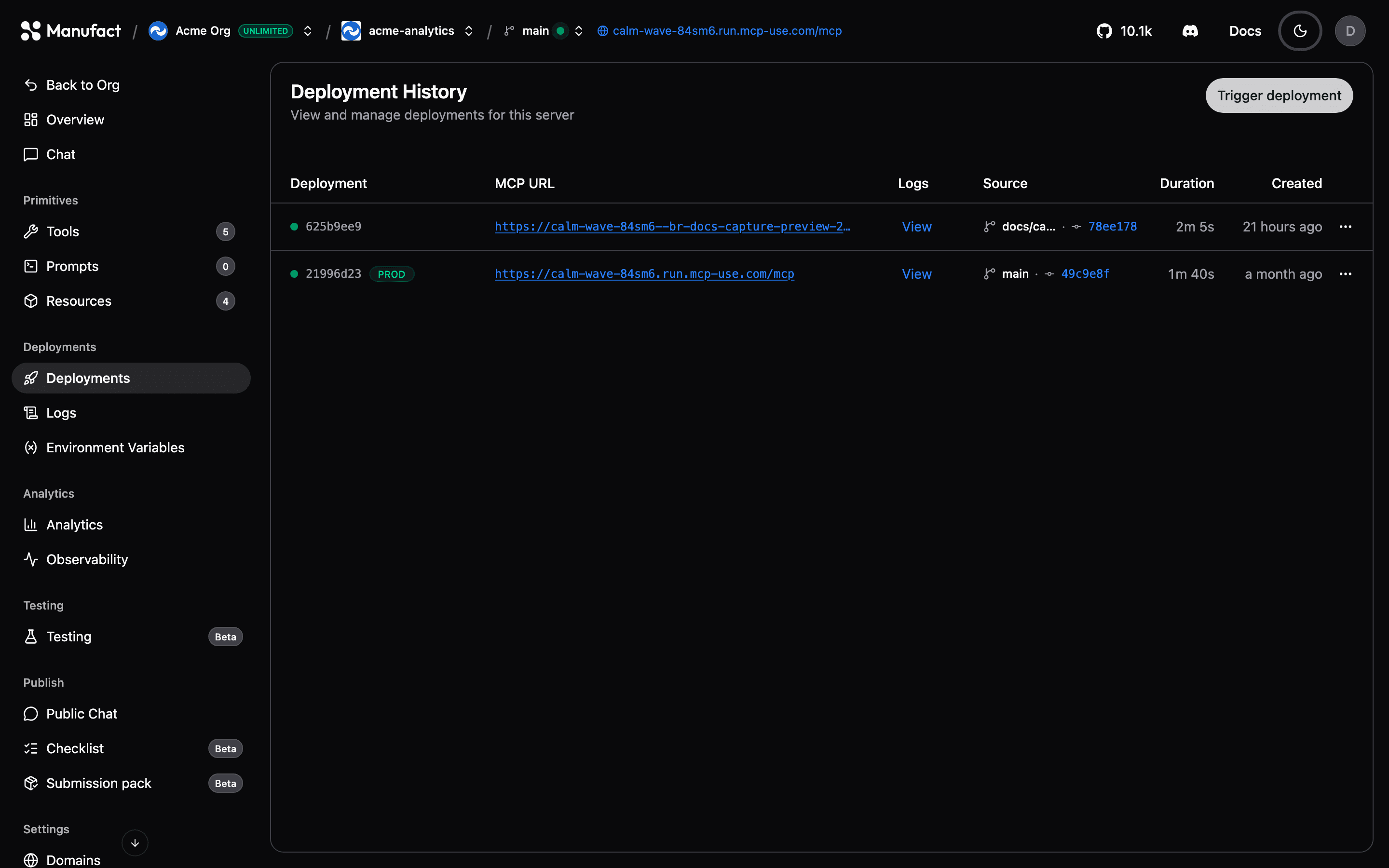
Automatic deployments
Pushing to your production branch triggers a deployment automatically — configure which branch is production in Server settings. You can also tune what else triggers a deploy there:
- Watch paths (globs): only deploy when files under specific paths change (useful in monorepos).
- Branch allow list (globs): control which other branches create deployments.
- Wait for CI: hold the deploy until your GitHub checks pass.
Production and preview environments
- Production is the deployment of your configured production branch. It serves your main gateway URL.
- Preview environments are created per branch. Each gets its own MCP URL of the form
https://<slug>--br-<branch>.run.mcp-use.com/mcp, so you can test changes against real clients before merging.
Use the environment selector in the server header to switch between production and preview branches, the URL chip, logs, and environment variables all follow the selected environment.
Plan limits
Preview deployments are included on all current plans, including Free. See Billing & plans.
Manual deployments
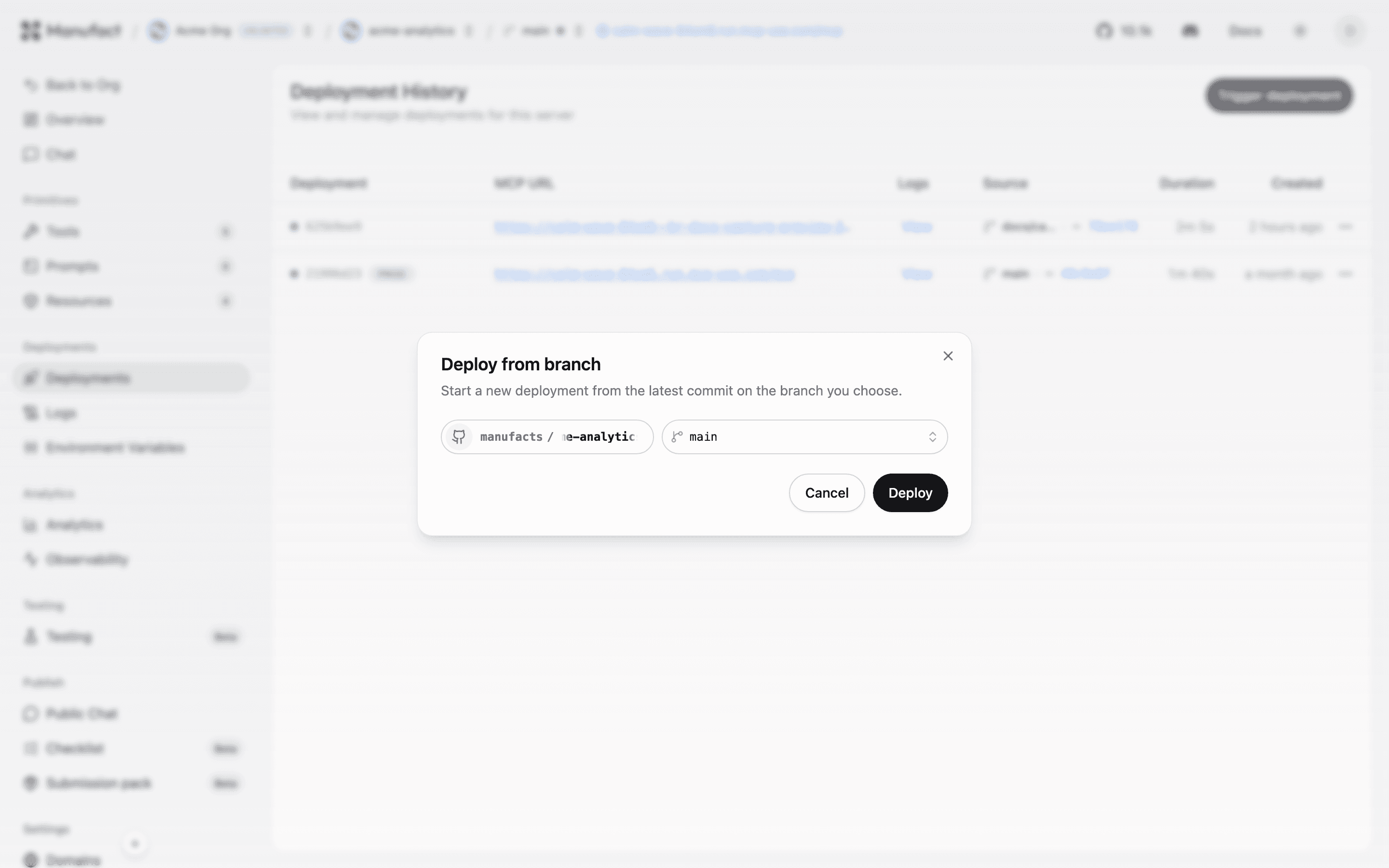
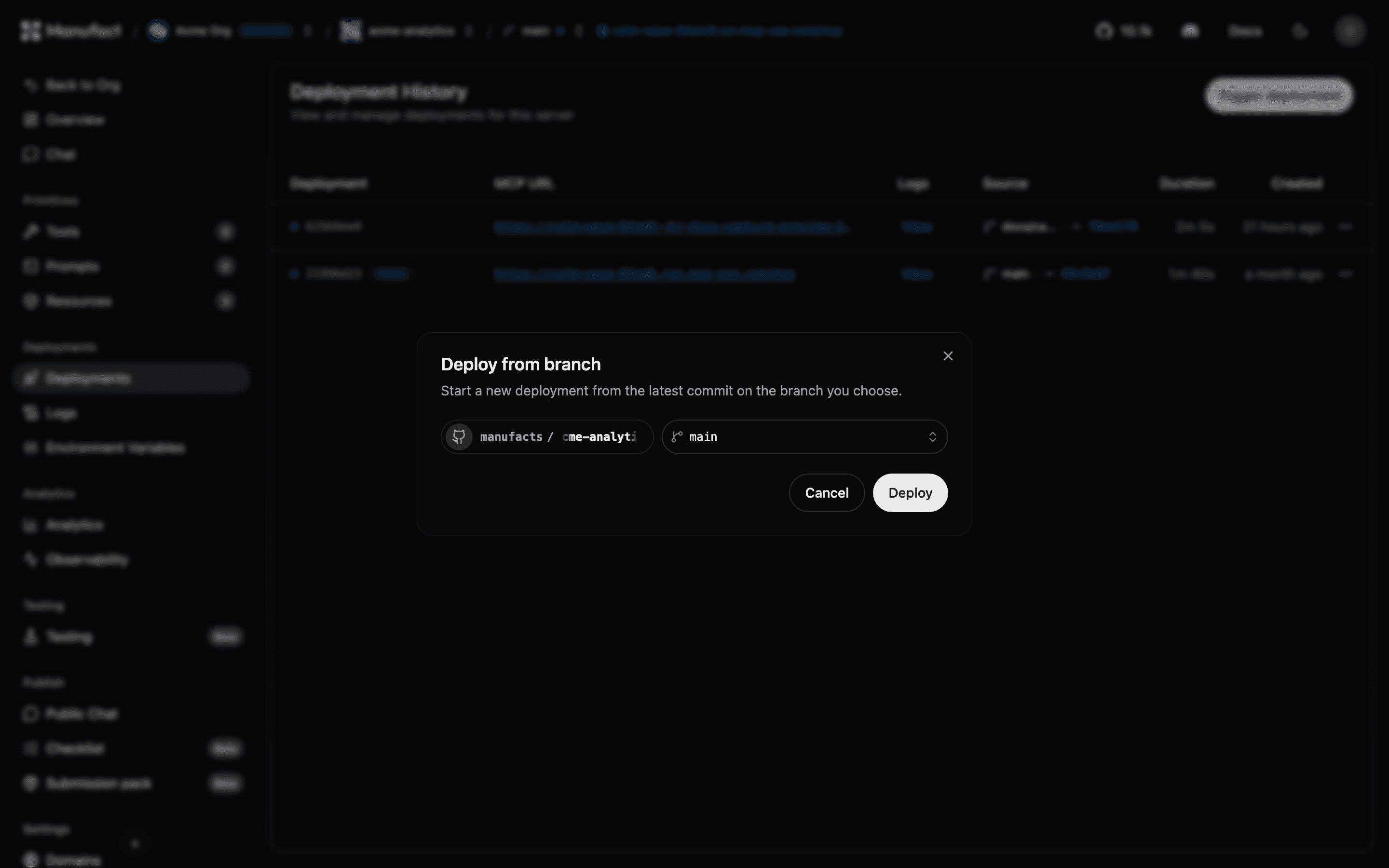
From the Deployments tab you can:
- Trigger deployment: deploy a branch on demand.
- Redeploy: rebuild and ship the same source (after changing environment variables or settings). For a production-branch deployment that isn't currently active, this appears as Promote to production.
- Set as Active: switch traffic to a specific deployment.
- Start / Stop / Delete: manage stopped, failed, or old deployments.
Graceful shutdown
When a new production deployment becomes healthy and replaces the active deployment, Manufact directs new requests to the replacement before asking the previous server process to shut down. Your application is responsible for completing work already in progress.
Signal and timing
The previous process receives SIGINT to begin shutdown. The shutdown window starts when this signal is delivered, rather than when the deployment build starts.
Time relative to SIGINT | What happens |
|---|---|
| 0 seconds | Your application begins graceful shutdown: stop accepting new work and let in-flight requests finish. |
| Up to 300 seconds (5 minutes) | Existing requests and streams can complete while the process remains alive. Exit as soon as work and cleanup finish; you do not need to wait the full window. |
| At the deadline | A process that has not exited can be forcibly terminated with SIGKILL. Unfinished requests and streams are interrupted. |
The 300-second window is a maximum shutdown allowance, not a request-duration limit or a guarantee that every request will finish. Your framework's own shutdown timeout still applies. For example, a two-second application timeout can cancel pending work two seconds after SIGINT, even though the platform allows more time.
Configure your application
- Handle
SIGINT, or use your framework's graceful shutdown support. If your start command launches a child process, ensure the signal reaches the server process. - Stop accepting new work, finish active requests and background work, then close connections and exit.
- Set your application's shutdown timeout to fit within 300 seconds, leaving time for cleanup.
- For long-lived streams, have clients reconnect to the same production URL when the connection closes. A stream cannot remain open indefinitely during a deployment replacement.
For a Python ASGI server using Uvicorn, a custom Start Command can set the application timeout explicitly:
uvicorn app:app --host 0.0.0.0 --port 3000 --timeout-graceful-shutdown 300Replace app:app with your ASGI application's import path and use the port configured for your server. Configure the command in Server settings.
These timings apply to replacing an active production deployment, including Set as Active. Manual Stop and Delete actions do not provide this deployment replacement window.
Deployment history
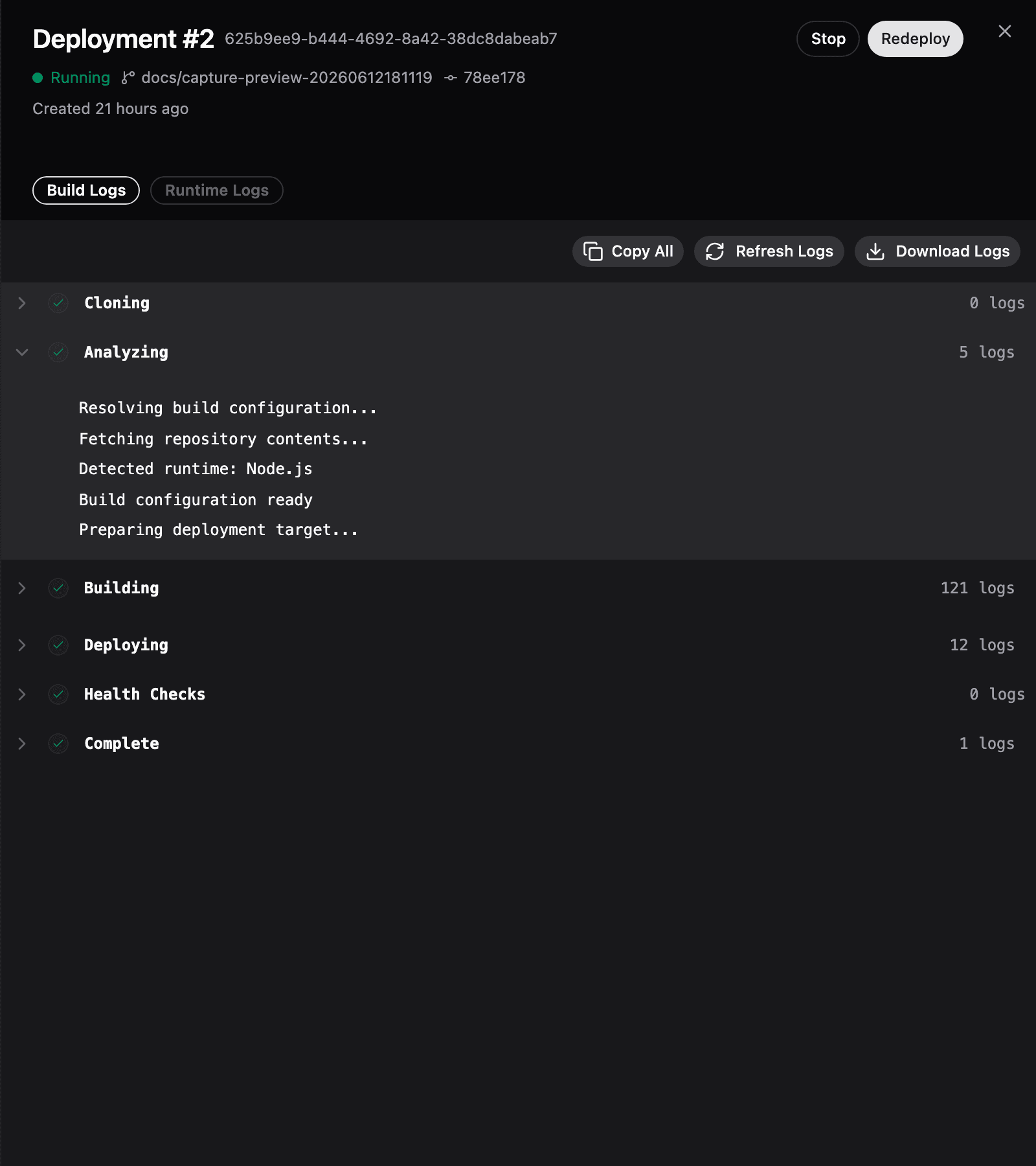
The history table shows every deployment with its MCP URL, source branch and commit, duration, creation time, and the latest completed publish checklist score when one exists. Click a row to open the detail drawer with Build Logs (broken down by pipeline step) and Runtime Logs tabs.
To run the checklist automatically after deployments, configure Checklist automation in Server settings.
Build configuration
The build is controlled by settings configured at creation time and editable later in Server settings:
- Framework preset: mcp-use, mcp-python, FastMCP, and others, or Dockerfile for full control.
- Root directory: where your server lives inside the repository.
- Build command / start command: override the preset defaults.
Troubleshooting failed deployments
Failed deployments surface on the org Dashboard under Needs Attention, and trigger an email if you have Failed deployment emails enabled in account settings (on by default). Open the deployment drawer to read build logs step by step, a failure at Health Checks means the deployed server didn't respond correctly, which usually points to a wrong start command or a missing environment variable.