

Manufact API keys and authentication
Create keys for programmatic access to Manufact Cloud from the CLI, REST API, and integrations.
API keys authenticate programmatic access to your organization, from the REST API, CI pipelines, and scripts. Manage them on the API Keys page.
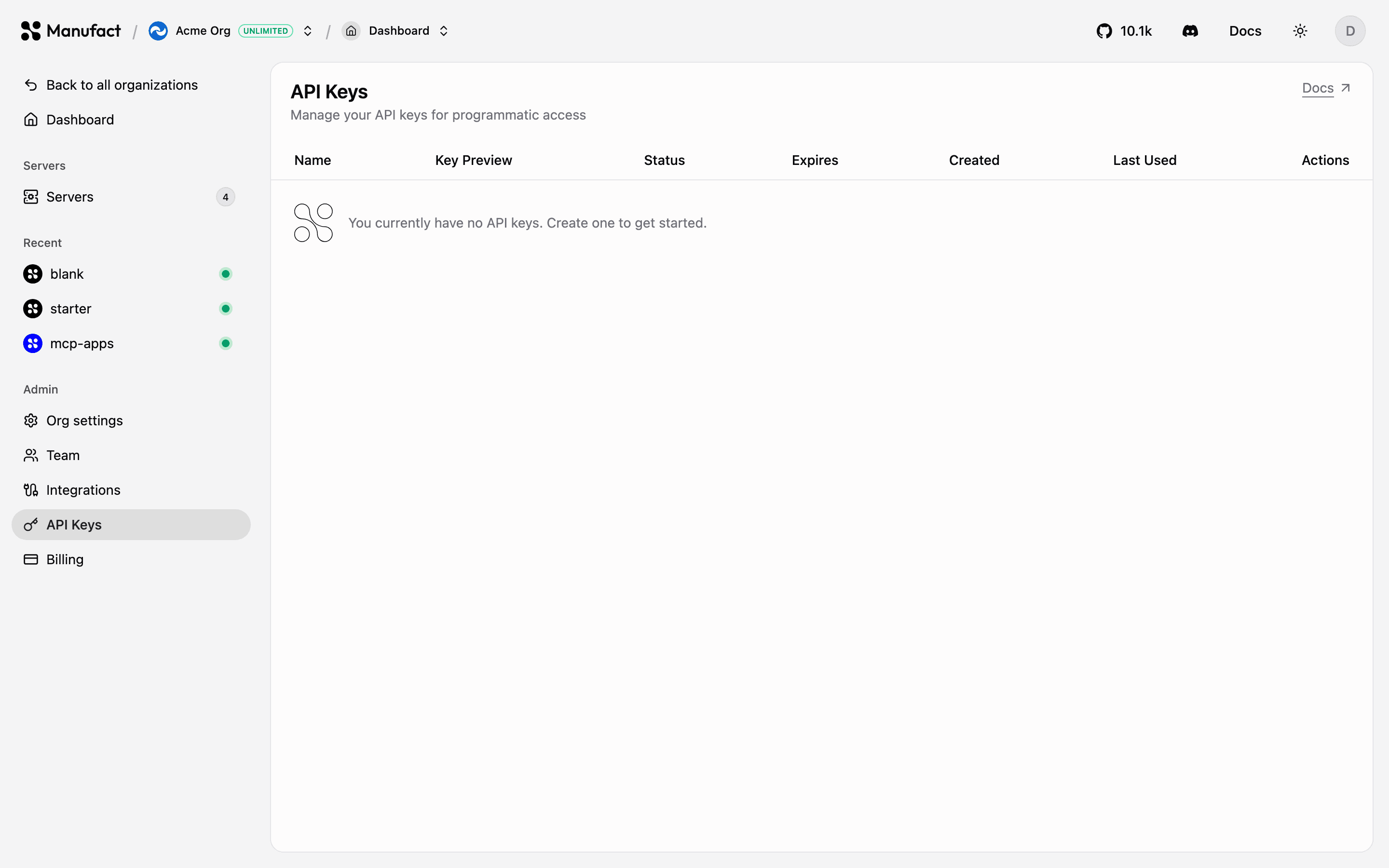
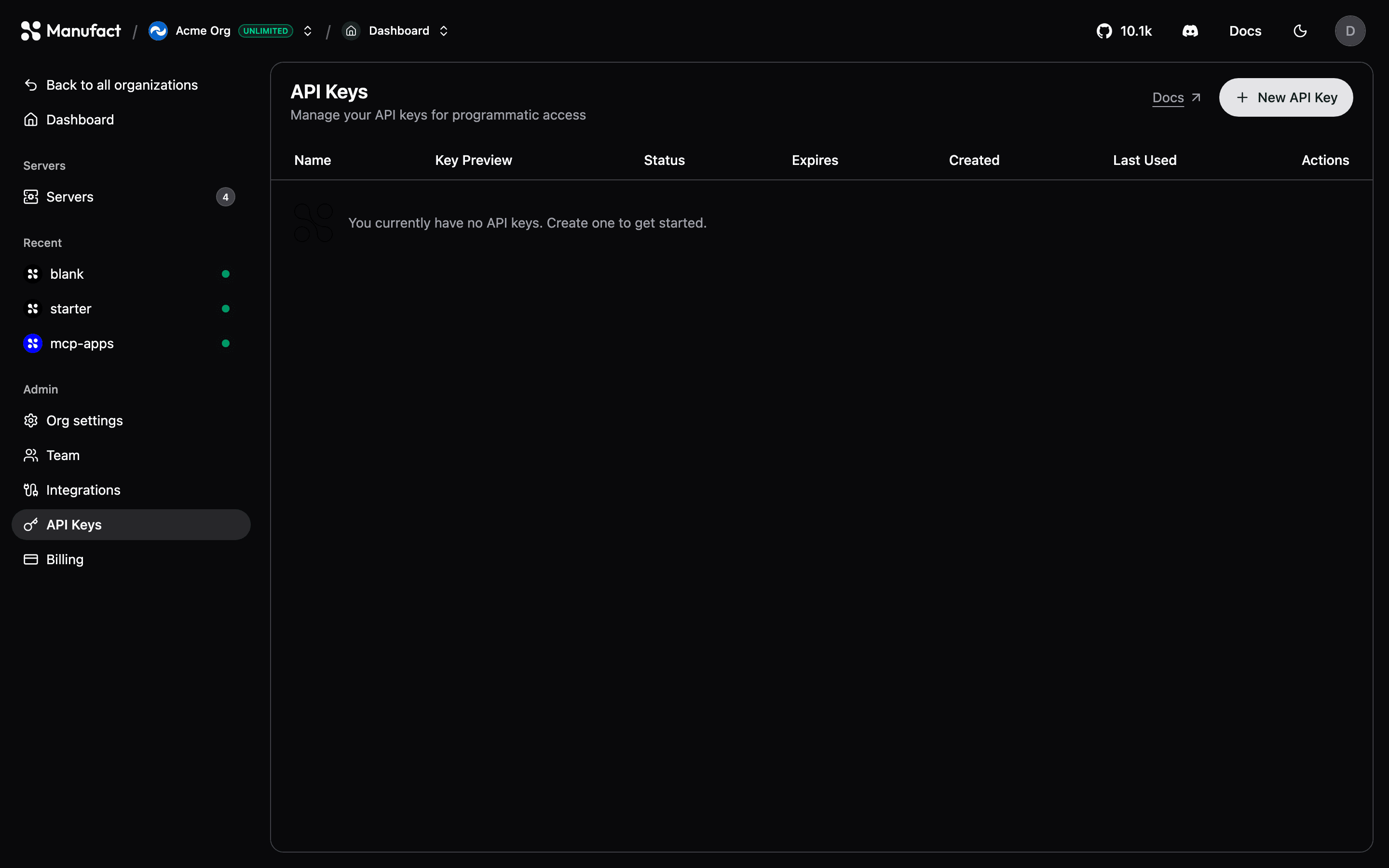
Creating a key
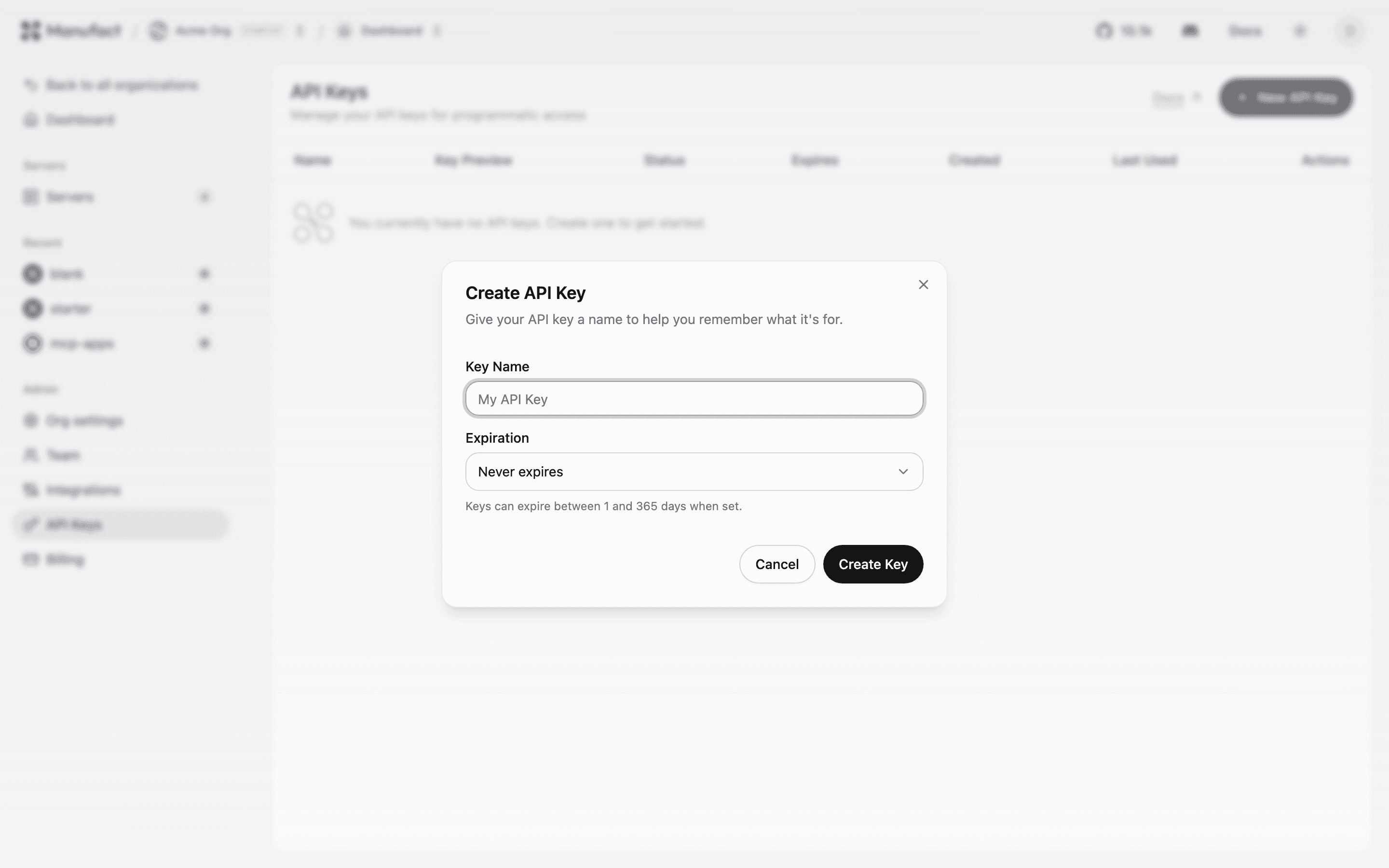

- Go to API Keys and click Create key.
- Give it a descriptive name (for example
ci-deploy). - Pick an expiry, never, 7, 30, 90, or 365 days.
- Copy the key immediately: it starts with
mcp_and is shown only once.
Using a key
Send it as a bearer token (an x-api-key header works too):
curl -H "Authorization: Bearer mcp_..." \
  https://cloud.manufact.com/api/v1/servers
See the Manufact API docs for the full REST API reference.
CLI authentication
For interactive use, the CLI doesn't need an API key, mcp-use login opens a browser flow (or a device-code flow on headless machines) and stores a session. Use API keys for non-interactive environments like CI.
Security
- Scope each key to one purpose and name it accordingly, so revoking is painless.
- Prefer expiring keys; rotate non-expiring keys periodically.
- Treat keys like passwords, keep them in your CI secret store, never in the repository.