

Discoverability
Publish an MCP.json manifest and an MCP Server Card so clients and registries can find your server.
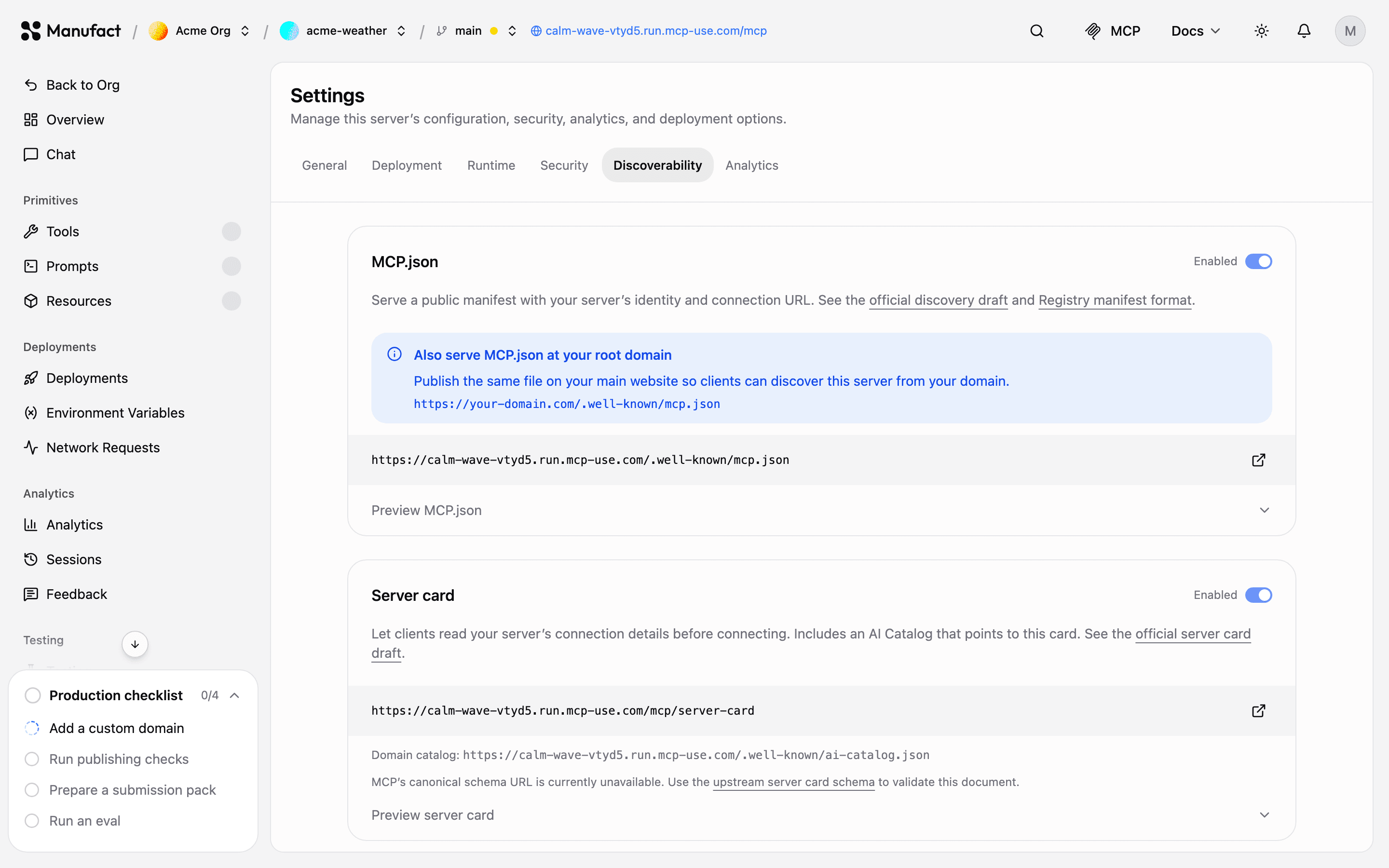
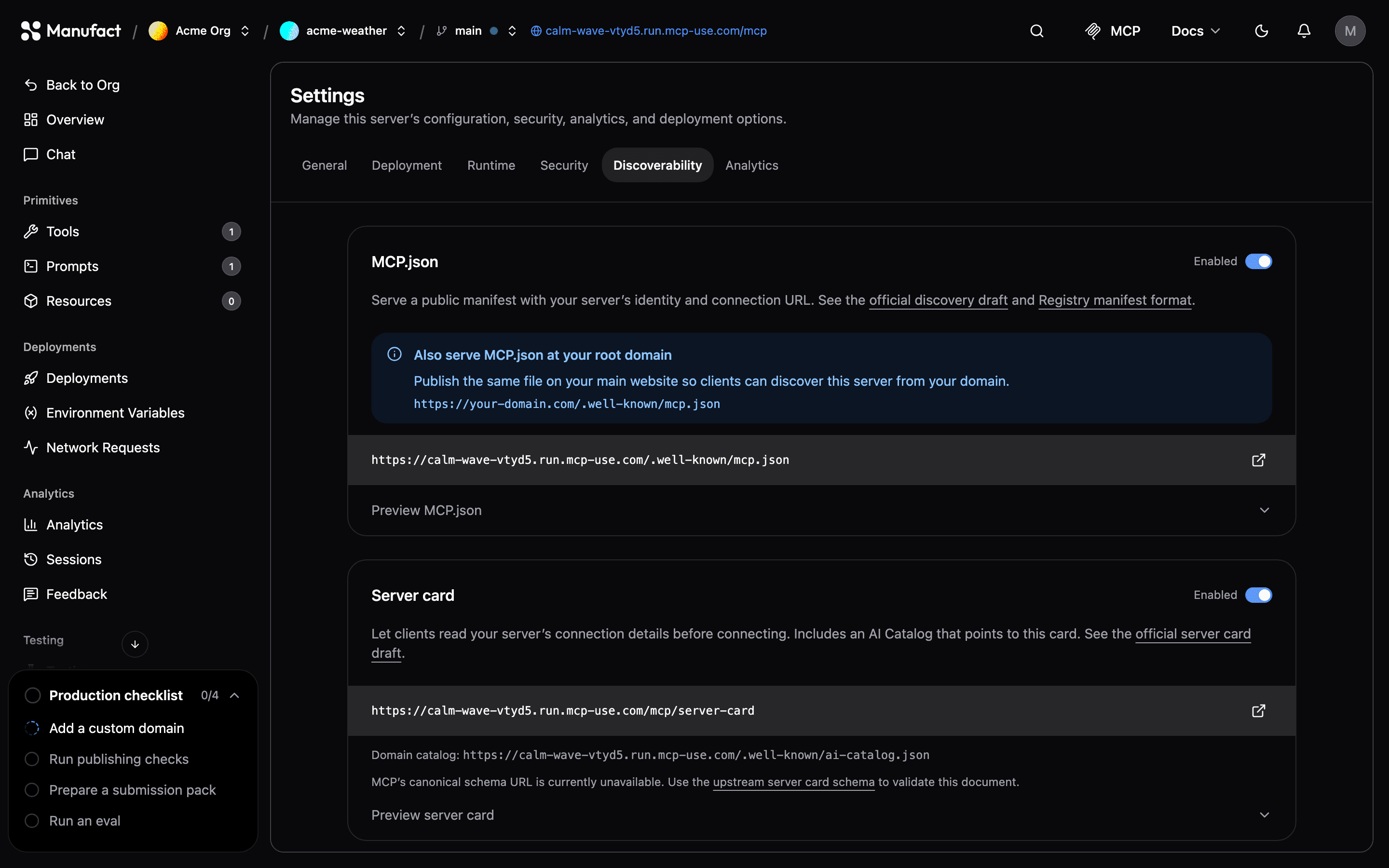
Discoverability publishes standard discovery documents at your server's gateway URL, so MCP clients, registries, and crawlers can learn what your server is and how to connect before they open a session. In the dashboard, open your server and go to Settings → Discoverability.
Discoverability is rolling out gradually and may not be visible on your account yet.
Requirements
The Manufact gateway serves the documents, so your server needs a gateway URL:
- Deployed servers: available after the first deployment.
- Connected servers: turn on the Manufact proxy in Settings → General. See Connect an existing server.
Turn on a document
Each document has its own toggle, and both are off by default:
- MCP.json: a registry-style manifest with your server's identity and connection URL.
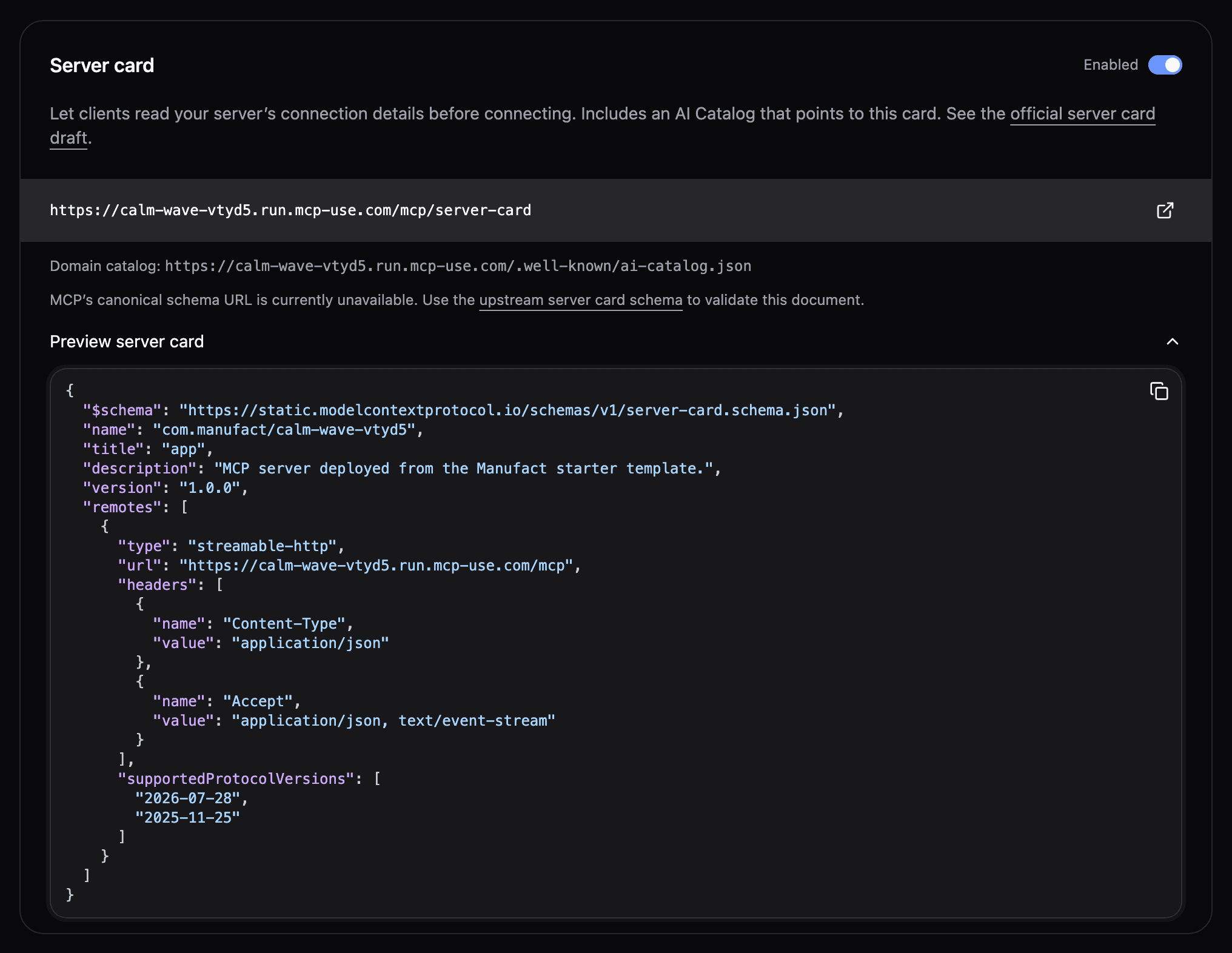
- Server card: an MCP Server Card, plus an AI Catalog that points to it.
Changes apply without a redeploy. When you turn a document on, Manufact first collects your server's metadata, so the preview shows exactly what is published.
Published URLs
| Document | URL |
|---|---|
| MCP.json | https://<slug>.run.mcp-use.com/.well-known/mcp.json and /mcp.json |
| Server card | https://<slug>.run.mcp-use.com/mcp/server-card |
| AI Catalog | https://<slug>.run.mcp-use.com/.well-known/ai-catalog.json |
The same paths work on verified custom domains and preview branch URLs. In generated documents, the connection URL always matches the host the document was requested from.
The documents are public, even when connecting to your server requires authentication, an IP allowlist, or credits. Responses support HEAD, conditional requests with ETag, and cross-origin reads.
When a document is off, Manufact doesn't handle its paths: requests reach your server like any other path, so a server that already serves them keeps working.
What the documents contain
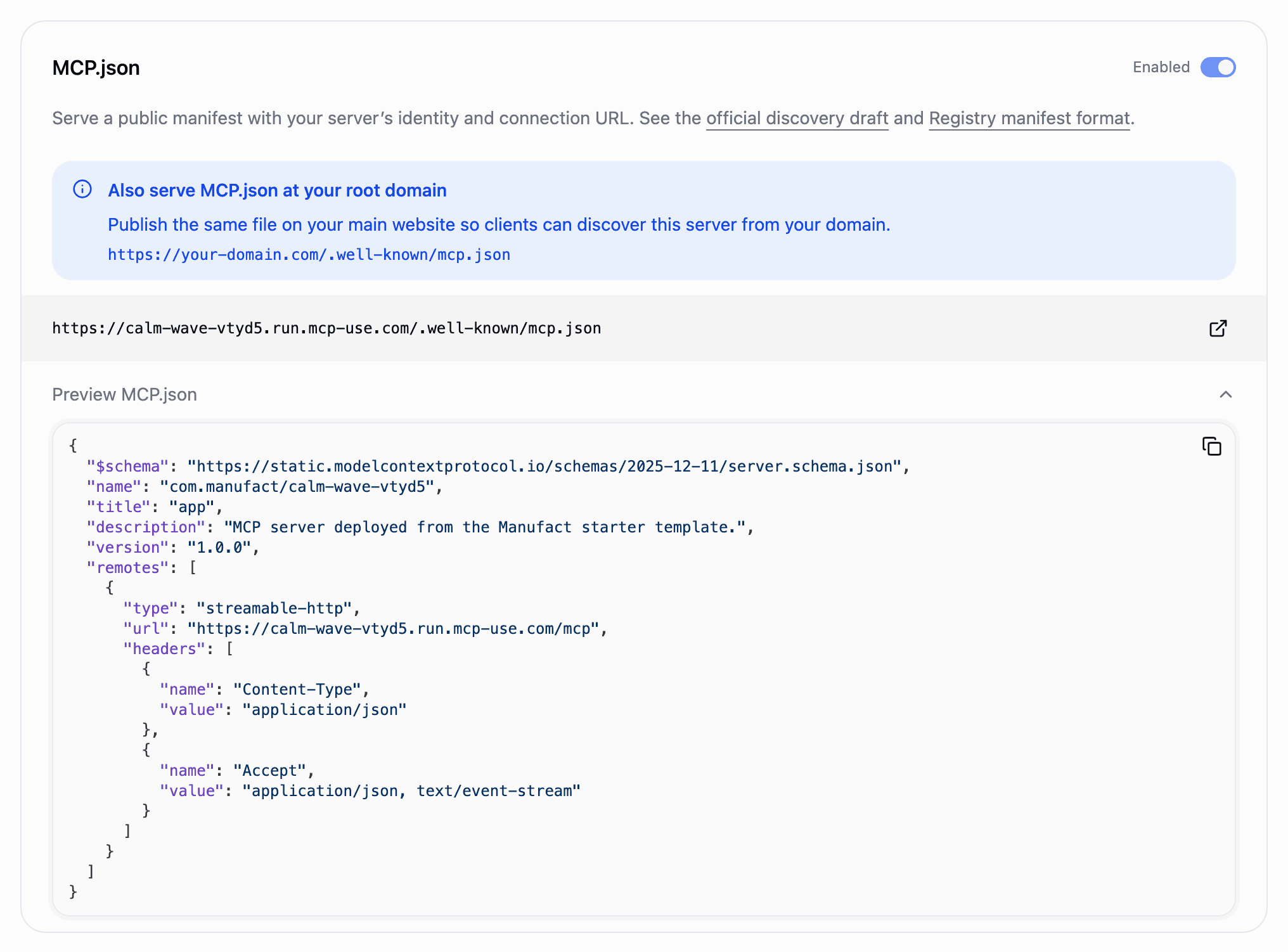
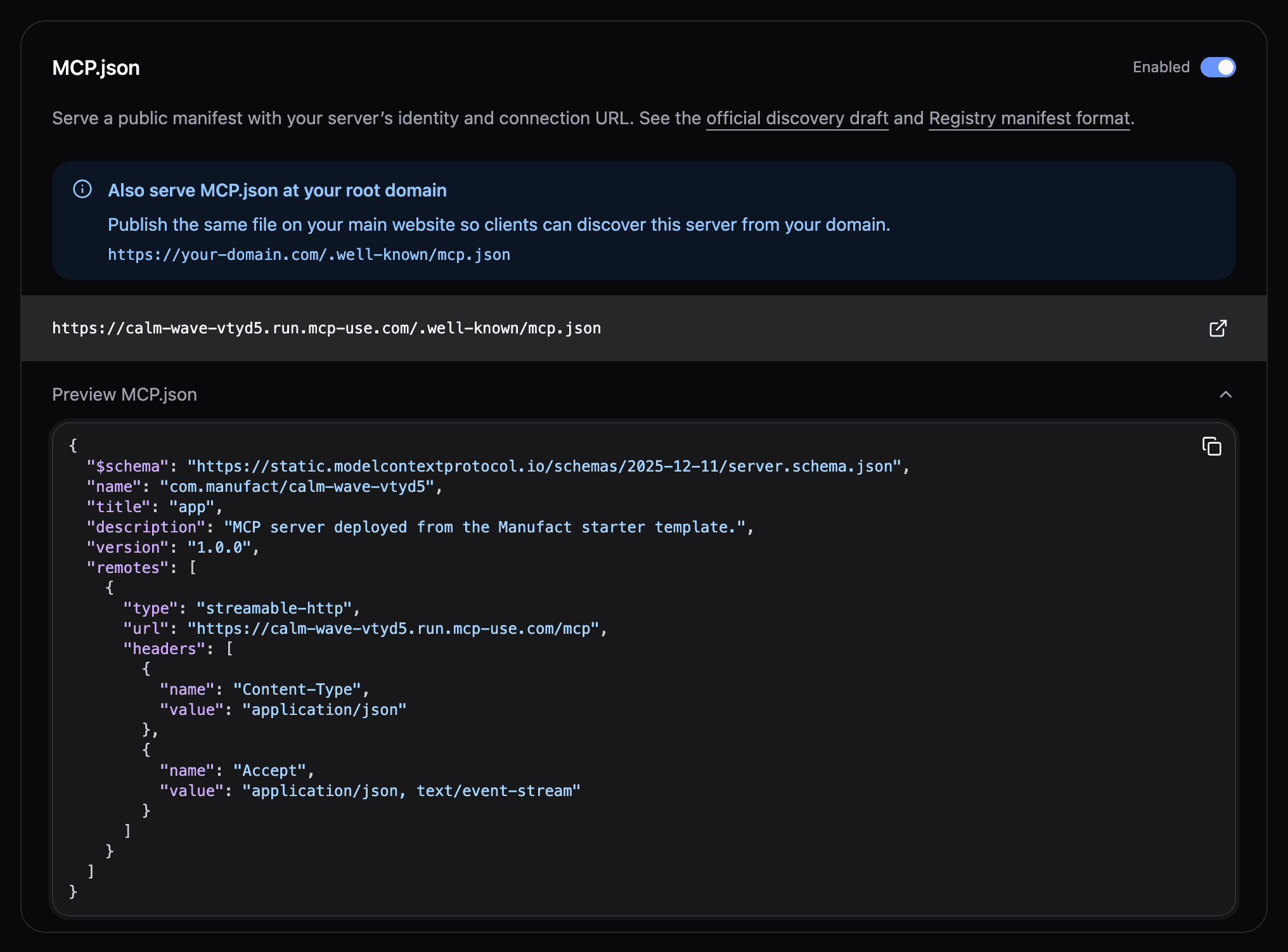
Manufact builds both documents from your server's MCP handshake and your dashboard settings:
| Field | Source |
|---|---|
name | The namespaced name your server reports, such as io.github.acme/weather. Otherwise com.manufact/<slug>, or your custom domain's namespace, such as com.acme/<slug> |
title | The title your server reports, otherwise the server name in the dashboard |
description | The dashboard description, otherwise the one your server reports |
version | The version your server reports, otherwise unversioned |
websiteUrl, icons | What your server reports, plus the icon and documentation URL set in the dashboard |
repository | Deployed servers only: your connected GitHub repository, while GitHub reports it as public |
remotes | Your gateway connection URL |
supportedProtocolVersions | Server card only: the revisions your server lists through server/discover, plus the newest 2025-era revision it negotiates |
Private repositories are never included, and neither are repositories Manufact manages for you when you deploy without connecting your own GitHub. Visibility is checked again on every update.

The AI Catalog lists the server card:
{
  "specVersion": "1.0",
  "entries": [
    {
      "identifier": "urn:air:<slug>.run.mcp-use.com:mcp:<server-id>",
      "type": "application/mcp-server-card+json",
      "url": "https://<slug>.run.mcp-use.com/mcp/server-card"
    }
  ]
}
Public information
Everything in these documents is public, including what your server reports during the MCP handshake. Manufact may connect with the credentials stored for that environment to read it. Review the previews before you turn a document on.
Connected servers with their own manifest
If your server's host, or its root domain, already publishes /.well-known/mcp.json or /mcp.json, Manufact serves that manifest unchanged as your MCP.json instead of generating one. If the manifest can't be reached, the last copy stays published; once it's removed, Manufact generates the document again. The server card is always generated.
When the documents update
Manufact refreshes the documents after each deployment, when you change the server's settings, and when you connect credentials. Public requests read the published copy and never contact your server. If your server can't be reached during a refresh, the last published details stay.
Publish at your root domain
To let clients discover your server from your own website, publish a copy of your MCP.json at https://your-domain.com/.well-known/mcp.json. The settings page shows the suggested URL for your domain.
Validate the documents
- MCP.json: validate against the server.json schema.
- Server card: the canonical
$schemaURL isn't published yet. Validate against the pinned server card schema, which the card'sLinkresponse header also points to.
Reference
- MCP discovery draft: AI Catalog and Server Cards
- SEP-2127: MCP Server Cards
- SEP-1649: HTTP server discovery via .well-known, the earlier proposal
- AI Catalog specification
- server.json format from the MCP Registry
- server.json schema